
Ren'py Abandoned 3DCGExhibitionismHandjobMale ProtagonistOral SexTeasingVaginal SexVisual NovelVoyeurism LinuxMacWindows
Azure Nights
Abandoned v.Ch. 1.1
- Developer
- JG Productions
- Release Date
- 26 July, 2021
- Engine
- Ren'py
- Censorship
- Uncensored
- Size
- 503.9 MB
- Version
- Ch. 1.1
Screenshots
Genres
Game Description
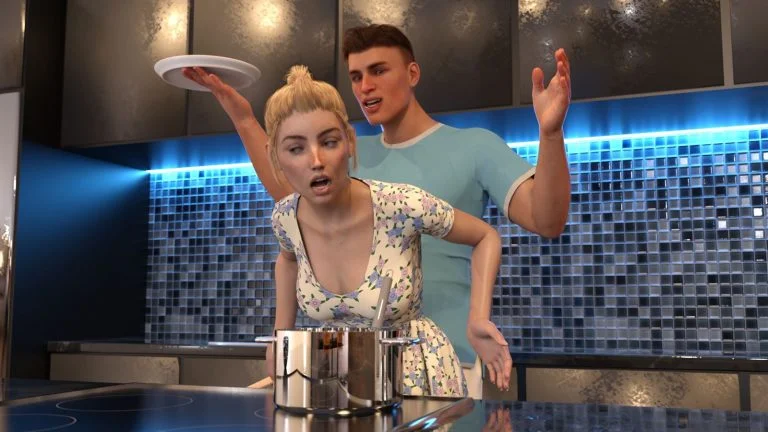
You have just finished high school and have a final summer before college, luckily your best friend invited you to his French summer villa. Two of your friends are surprisingly also there, Zoe who you had a crush on forever, and Ruby. Will you be yourself and seduce the girl or girls in a good way, or will you let corruption take over you and scheme and blackmail your way to their hearts? Things may not be as they seem in the idyllic little town, so you better watch out, and make your choices wisely.
Extract and run.
No patch notes available.
- Dual Core Pentium or equivalent Processor.
- Intel HD 2000 or equivalent Graphics.
- 503.9 MB of free disk space (Recommended to have twice as much free disk space).
Azure Nights - Abandoned - v.Ch. 1.1 Download Links
Azure Nights is a porn game made on Ren'py game engine.
The current available version is v.Ch. 1.1.
The contents of the game are Uncensored. Azure Nights is developed by JG Productions.
Please support the developer if you want continued development.
Download links are gathered from public sources. We do not host or modify contents.
Walkthrough and Guide
Walkthrough Mod: FILEKNOT - ANONZIP
Walkthrough Mod Installation:
PC: Unzip the mod and put the folder named "game" from the mod in your "AzureNights-0.1-pc" folder.
MAC: Unzip the mod -> Right-click your "Azure Nights" app -> Click "Show Package Contents" -> Open the "Contents" then "Resources" folders -> Hold the Option key and drag the folder named "game" from the mod to the "autorun" folder -> Click merge
Walkthrough Mod Features:
This mod adds an in-game walkthrough for the important choices.
Walkthrough Mod Installation:
PC: Unzip the mod and put the folder named "game" from the mod in your "AzureNights-0.1-pc" folder.
MAC: Unzip the mod -> Right-click your "Azure Nights" app -> Click "Show Package Contents" -> Open the "Contents" then "Resources" folders -> Hold the Option key and drag the folder named "game" from the mod to the "autorun" folder -> Click merge
Walkthrough Mod Features:
This mod adds an in-game walkthrough for the important choices.