


Beat Banger
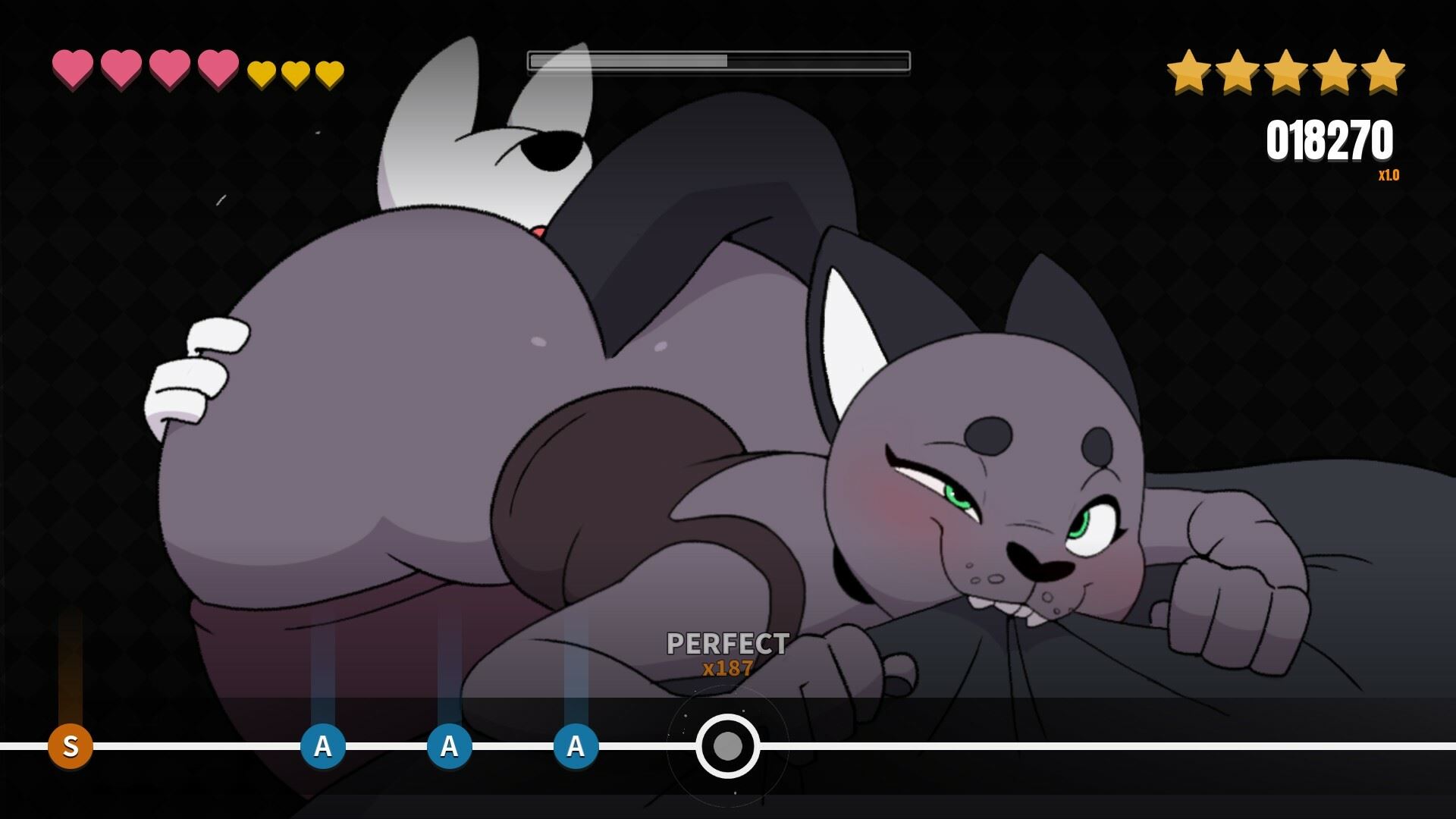
Game Description:
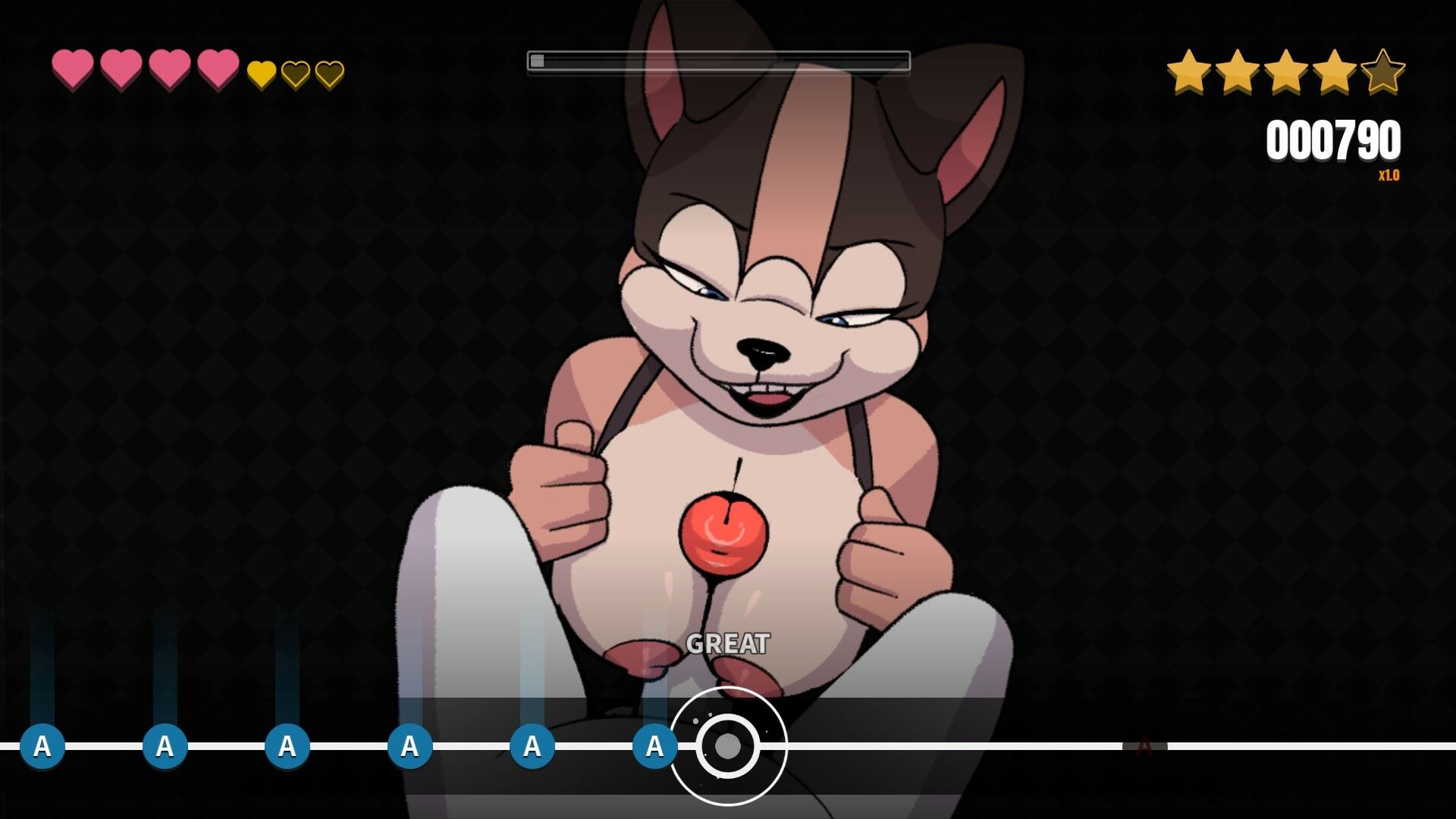
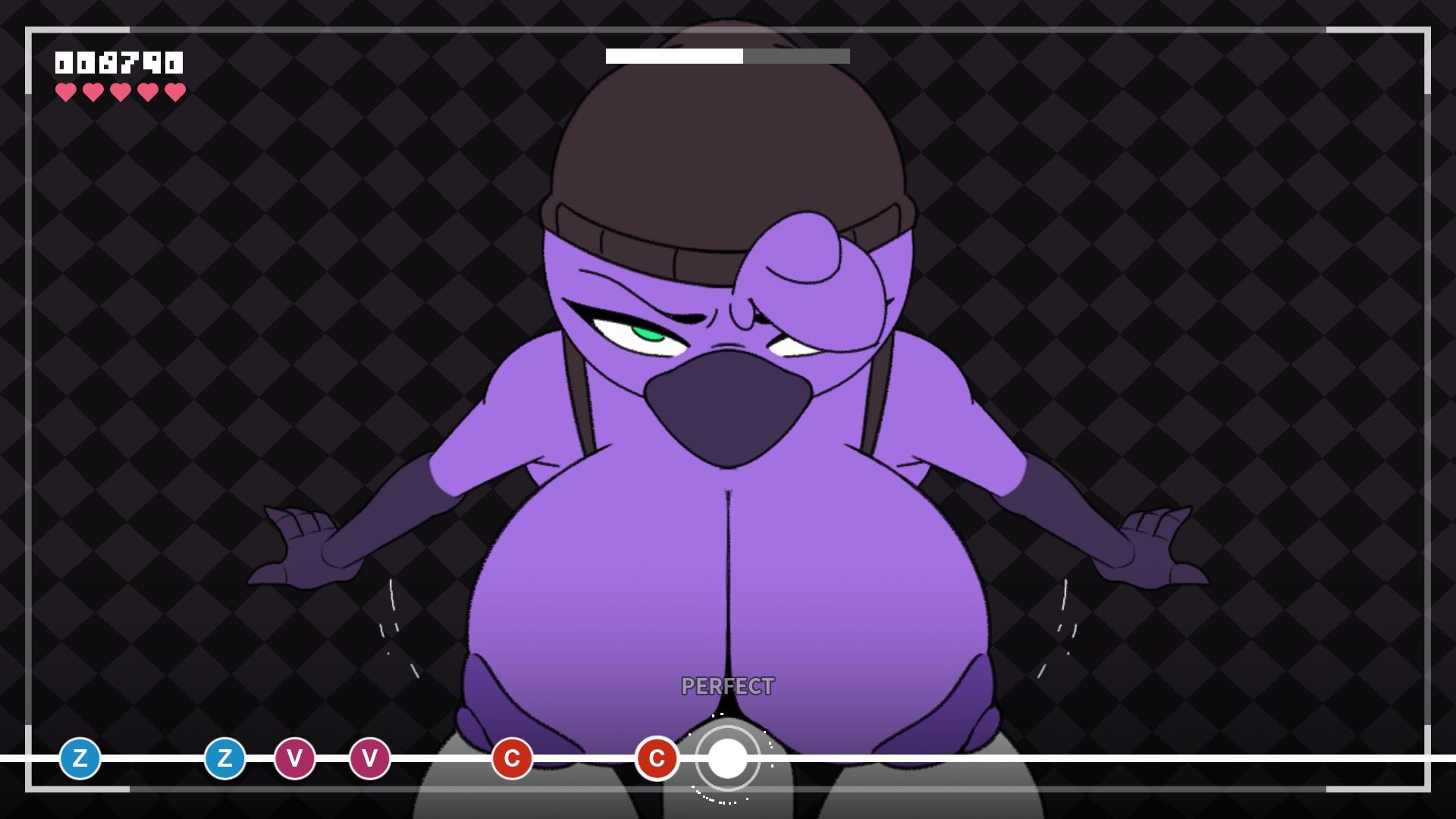
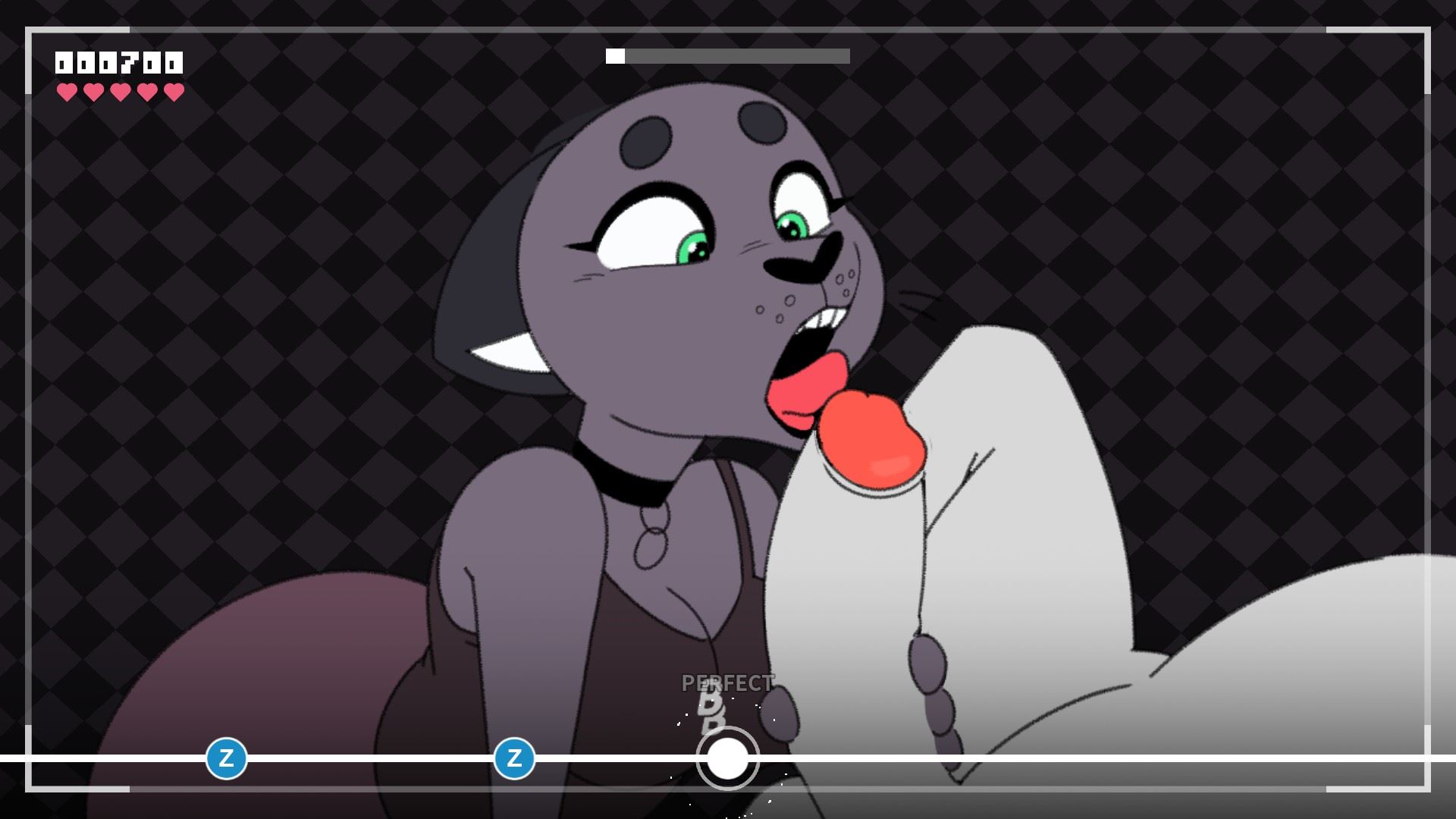
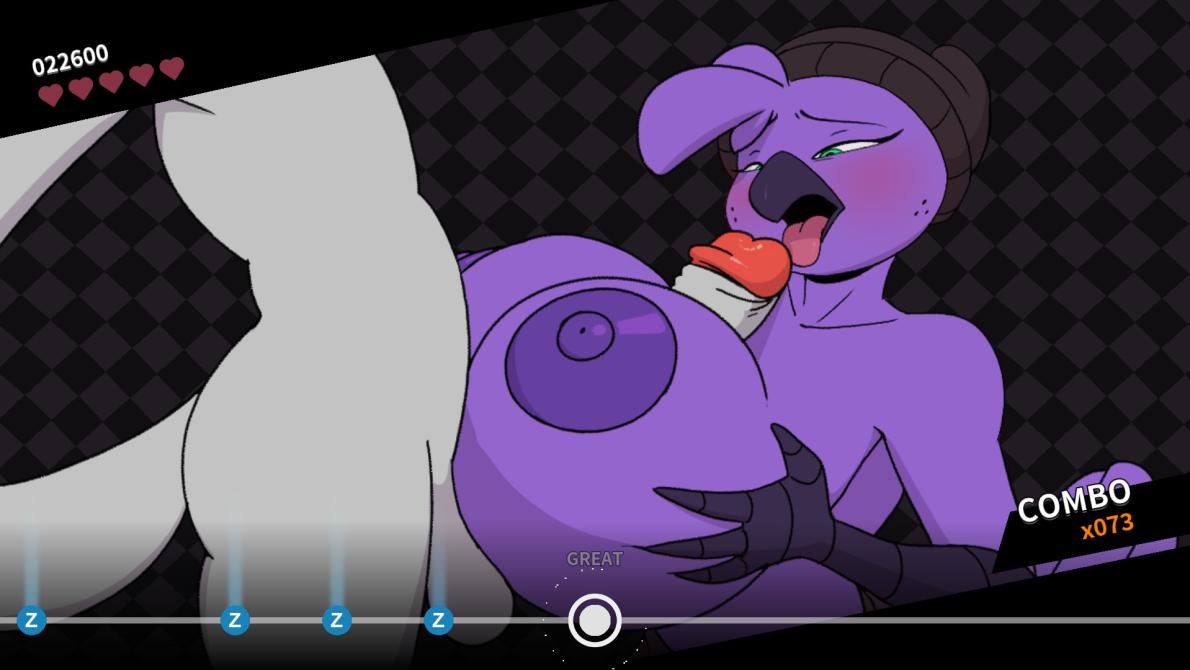
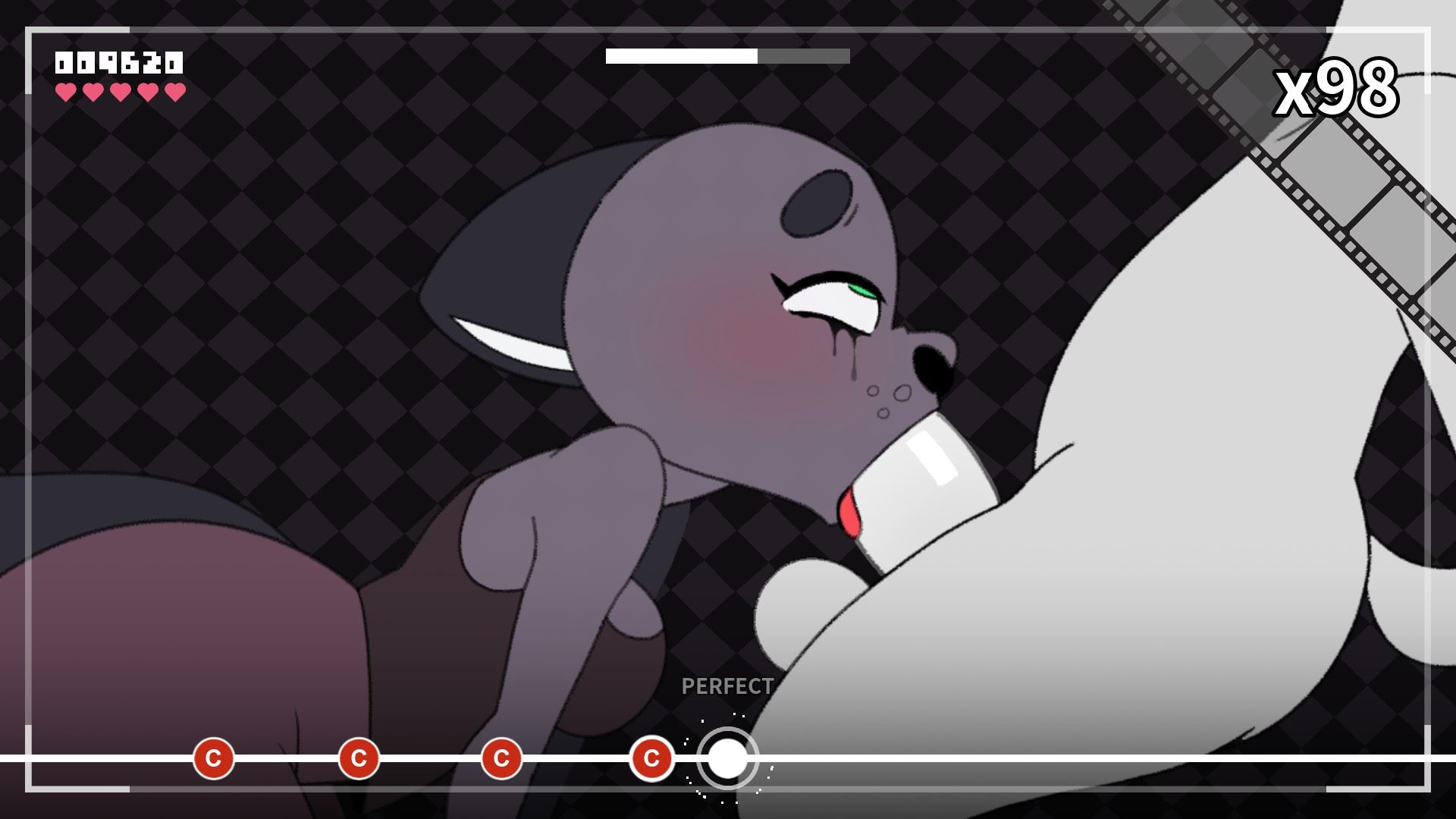
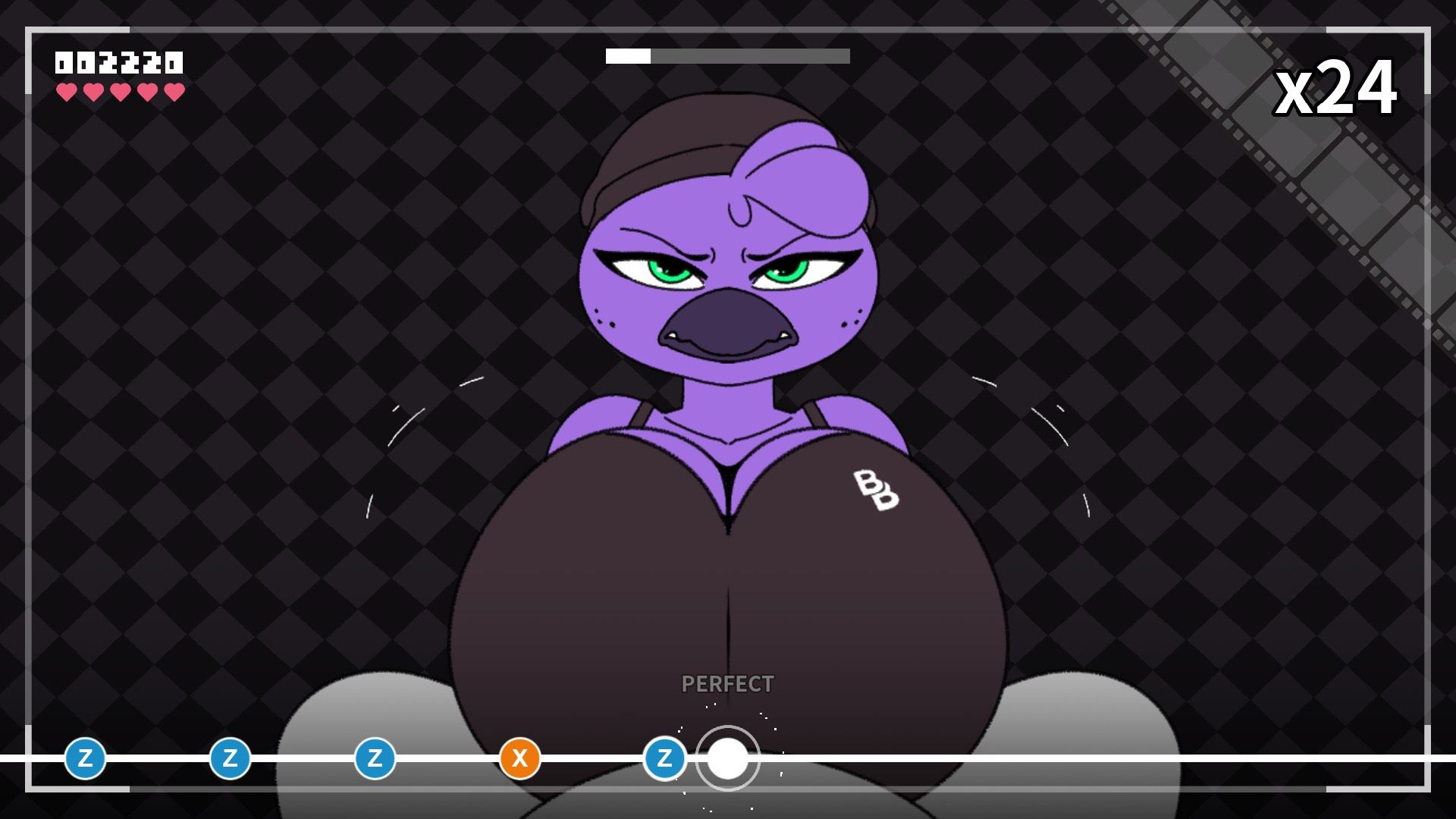
Beat Banger is a simple NSFW rhythm game created using the Godot Engine.
This is BunFan Games’ first ever released project
- Extract and run.
CATHY'S VOLUME 2 LEVEL IS FINALLY HERE.We wanted to try something different this time around when it came to the animation quality. Sure enough, it paid off, but it took much longer than we expected. We were a bit overly ambitious with her level, but we wanted to try adding two cum scenes. And now that we know how long it takes to produce that sort of detail, we will take steps to maintain our quality. But... do it just a little bit faster this time.CollectablesA while ago, we conceptualized a Gachapon machine in Jasmine Shop that lets you collect items using tokens. We scrapped the Gachapon machine idea because it was too convoluted and just gave players collectible items for doing things throughout the game.You can gain some collectables by beating certain levels or by clicking certain things in certain menus.Not all the collectables are available yet, but each one has a short description that ties together a couple of things related to beat bangers lore.Calibration (BETA)Are the music and the notes just not lining up correctly? Well, we've got a solution that's currently in beta. By going into the Escape menu and going into the Gameplay settings, you'll see a button for a calibration menu. There, you can adjust the delay in milliseconds between your audio and video so your notes line up better.Up Next...Up next is Makayla's level. We're taking a lot into account this time to try and get the animations done a whole lot quicker than Cathy's.We appreciate everyone who stuck around for the development of this game. It's been super stressful getting to this point, but we're slowly but surely getting closer to being done.Known Issues
- Sometimes the theater won't load cutscenes properly.
- Some collectibles are currently unachievable. We're working on putting an indicator on those.
- Dual Core Pentium or equivalent Processor.
- Intel HD 2000 or equivalent Graphics.
- 732.1 MB of free disk space (Recommended to have twice as much free disk space than this).
Beat Banger - Ongoing - v.26w14 Links And Mirrors
About The Game: Beat Banger is a porn game made on Others game engine. This game is rated M and meant for adults with explicit contents and strong language. It is advised to read the tags to get an idea about the game. The current available version is v.Beat Banger. THe contents of the game is Uncensored. Beat Banger is developed and distributed by BunFun Games, Please support BunFun Games if want the development of Beat Banger game going or want to see more new games from them in future. The download links are crawled and gathered from various public sites. We do not host/modify or alter the contents. The uploader is responsible for the DMCA.
Beat Banger's latest build v.26w14 is available in Windows, Linux, Mac platforms and currently Ongoing. We last updated this game in May 31, 2026.
Beat Banger's latest build v.26w14 is available in Windows, Linux, Mac platforms and currently Ongoing. We last updated this game in May 31, 2026.
Walkthrough and Guide
Cheats:
In order to use cheats, you need to press "F2" to open up the console and enter one of the following commands:
ping = Returns "Pong!"
hello = Returns "Hey!"
clear = Clears the console window of entries
history = Returns previously entered text in the form of an array (sorted form most recent to least recent)
reload = Reloads scene (Highly recommended not to use during level, currently softlocks game)
handsfree = Automatically activates notes (Also sets "clean_game" to false, resulting in no progress, money, score, etc.)
nofail = missing notes does not take your hearts away (Does NOT effect "clean_game" stat)
hidehud = Toggles all hud element visibility
fail = Forces FAIL event
end = Skips to end of level (If "handsfree" was used, the command will go back to level select, otherwise it goes to successful level end screen and subsequent cutscene)
clearsaveonly = Resets save data (Shop purchases, money, level progress)
clearalldata = Resets all game data (Save Data and Options)
resetsteam = Resets Steam Stats (No noticeable effect currently)
opendata = Opens user data directory (The directory your save file and settings are located in)
logs = Opens beat_banger.log file
givemoney [int] = Adds [int] to your current money amount (e.g. "givemoney 1500" returns "Gave player $1500" and adds $1500 to total money)
setstartingbeat [float] = Used before entering a level, offsets starting beat (and subsequent beats) by [float] seconds
calculatebeat = Honestly, not really sure how to use this command
rewind -[int] = Reloads level at [int] note. Note: "-" is required before [int] otherwise command leads to softlock
setnotespeed [float] = Sets speed at which notes appear from off screen [Default value is 350, I don't really recommend changing this, some values can lead to a softlock
saveload = Saves game, then loads game
freecandy = Unlocks all levels (Must use on level select screen [Unlock state gets cleared after leaving screen, to permanently unlock all levels, complete last level and previous levels will be unlocked])
goto [scene_name] = Jumps to [scene_name]
intro (Jumps to developer splash screen and subsequent "warning" screens)
warning (Jumps to "Warning" screens)
mainmenu (Jumps to "Main Menu" screen)
levelselect (Currently jumps to Act1 level select menu)
mods (Jumps to "Mods" screen)
cutscene (Jumps to selected level's end cutscene)
game (Jumps to last played character level [Very buggy, no real reason to use this, instead use "loader"] )
loader (Jumps to selected level load screen, starting level from the beginning without issue)
gallery (Jumps to "Gallery" screen)
modifiers (Jumps to "Modifiers" screen)
scorescreen (Jumps to selected level's ending score screen)
soundtest (Jumps to "Sound Test" screen)
pointshop (Jumps to "Shop" screen)
extras (Jumps to "Extras" screen)
credits (Jumps to "Credits" screen)
demo (Jumps to "Thank you so much a-for-to playing my game" splash screen)
error (Opens log file in game window)
Cheat:
This game is absolute fucking torture so here's a script to autoplay without all the gay "please complete this level and get 2 stars" nonsense.
It's python, just save it as python, go into the game's directory (where the exe is) as the process folder.
In order to use cheats, you need to press "F2" to open up the console and enter one of the following commands:
ping = Returns "Pong!"
hello = Returns "Hey!"
clear = Clears the console window of entries
history = Returns previously entered text in the form of an array (sorted form most recent to least recent)
reload = Reloads scene (Highly recommended not to use during level, currently softlocks game)
handsfree = Automatically activates notes (Also sets "clean_game" to false, resulting in no progress, money, score, etc.)
nofail = missing notes does not take your hearts away (Does NOT effect "clean_game" stat)
hidehud = Toggles all hud element visibility
fail = Forces FAIL event
end = Skips to end of level (If "handsfree" was used, the command will go back to level select, otherwise it goes to successful level end screen and subsequent cutscene)
clearsaveonly = Resets save data (Shop purchases, money, level progress)
clearalldata = Resets all game data (Save Data and Options)
resetsteam = Resets Steam Stats (No noticeable effect currently)
opendata = Opens user data directory (The directory your save file and settings are located in)
logs = Opens beat_banger.log file
givemoney [int] = Adds [int] to your current money amount (e.g. "givemoney 1500" returns "Gave player $1500" and adds $1500 to total money)
setstartingbeat [float] = Used before entering a level, offsets starting beat (and subsequent beats) by [float] seconds
calculatebeat = Honestly, not really sure how to use this command
rewind -[int] = Reloads level at [int] note. Note: "-" is required before [int] otherwise command leads to softlock
setnotespeed [float] = Sets speed at which notes appear from off screen [Default value is 350, I don't really recommend changing this, some values can lead to a softlock
saveload = Saves game, then loads game
freecandy = Unlocks all levels (Must use on level select screen [Unlock state gets cleared after leaving screen, to permanently unlock all levels, complete last level and previous levels will be unlocked])
goto [scene_name] = Jumps to [scene_name]
intro (Jumps to developer splash screen and subsequent "warning" screens)
warning (Jumps to "Warning" screens)
mainmenu (Jumps to "Main Menu" screen)
levelselect (Currently jumps to Act1 level select menu)
mods (Jumps to "Mods" screen)
cutscene (Jumps to selected level's end cutscene)
game (Jumps to last played character level [Very buggy, no real reason to use this, instead use "loader"] )
loader (Jumps to selected level load screen, starting level from the beginning without issue)
gallery (Jumps to "Gallery" screen)
modifiers (Jumps to "Modifiers" screen)
scorescreen (Jumps to selected level's ending score screen)
soundtest (Jumps to "Sound Test" screen)
pointshop (Jumps to "Shop" screen)
extras (Jumps to "Extras" screen)
credits (Jumps to "Credits" screen)
demo (Jumps to "Thank you so much a-for-to playing my game" splash screen)
error (Opens log file in game window)
Cheat:
This game is absolute fucking torture so here's a script to autoplay without all the gay "please complete this level and get 2 stars" nonsense.
import os

import shutil

import filecmp

import tkinter as tk

from tkinter import filedialog


def create_backup(cfg_file_path, backup_path):

    shutil.copy(cfg_file_path, backup_path)


def validate_files_identical(cfg_file_path, backup_path):

    return filecmp.cmp(cfg_file_path, backup_path)


def undo_modify_cfg_file(cfg_file_path, backup_path):

    try:

        with open(backup_path, 'r') as backup_file:

            backup_content = backup_file.read()


        with open(cfg_file_path, 'w') as cfg_file:

            cfg_file.write(backup_content)


        result = validate_files_identical(cfg_file_path, backup_path)

        if result:

            os.remove(backup_path)

            result_label.config(text="Undo successful! Backup deleted.")

        else:

            result_label.config(text="Undo failed! Files are not identical. Skipping folder.")


    except FileNotFoundError:

        result_label.config(text="Error: Backup file not found.")

    except Exception as e:

        result_label.config(text=f"Error: {str(e)}")


def undo_process_folders():

    parent_directory = entry_directory.get()

    if parent_directory:

        undo_process_folders_helper(parent_directory)

    else:

        result_label.config(text="Please select a valid parent directory.")


def undo_process_folders_helper(parent_directory):

    for root, dirs, files in os.walk(parent_directory):

        if 'notescopy.cfg' in files:

            cfg_file_path = os.path.join(root, 'notes.cfg')

            backup_path = os.path.join(root, 'notescopy.cfg')


            undo_modify_cfg_file(cfg_file_path, backup_path)


    # Resize the window after undoing folders

    resize_window()


def create_backup(cfg_file_path, backup_path):

    shutil.copy(cfg_file_path, backup_path)


def modify_cfg_file(cfg_file_path):

    try:

        backup_path = cfg_file_path.replace('notes.cfg', 'notescopy.cfg')


        if not os.path.exists(backup_path):

            create_backup(cfg_file_path, backup_path)


            with open(cfg_file_path, 'r') as file:

                content = file.read()


            # Modify the content using string replace

            content = content.replace('"input_type": 1,', '"input_type": 0,')

            content = content.replace('"input_type": 2,', '"input_type": 0,')

            content = content.replace('"input_type": 3,', '"input_type": 0,')

            content = content.replace('"note_modifier": 0,', '"note_modifier": 1,')

            content = content.replace('"note_modifier": 2,', '"note_modifier": 1,')

            # Add more replacements if needed for other values of x


            with open(cfg_file_path, 'w') as file:

                file.write(content)


            result_label.config(text="File modified successfully!nBackup created at: {}".format(backup_path))

        else:

            with open(cfg_file_path, 'r') as file:

                content = file.read()


            # Modify the content using string replace

            content = content.replace('"input_type": 1,', '"input_type": 0,')

            content = content.replace('"input_type": 2,', '"input_type": 0,')

            content = content.replace('"input_type": 3,', '"input_type": 0,')

            content = content.replace('"note_modifier": 0,', '"note_modifier": 1,')

            content = content.replace('"note_modifier": 2,', '"note_modifier": 1,')

            # Add more replacements if needed for other values of x


            with open(cfg_file_path, 'w') as file:

                file.write(content)


            result_label.config(text="Skipping folder. File modified at: {}".format(cfg_file_path))


    except FileNotFoundError:

        result_label.config(text="Error: File not found.")

    except Exception as e:

        result_label.config(text=f"Error: {str(e)}")


def process_folders(parent_directory):

    for root, dirs, files in os.walk(parent_directory):

        if 'notes.cfg' in files:

            cfg_file_path = os.path.join(root, 'notes.cfg')

            backup_path = os.path.join(root, 'notescopy.cfg')


            modify_cfg_file(cfg_file_path)


    # Resize the window after processing folders

    resize_window()


def browse_directory():

    directory_path = filedialog.askdirectory(title="Select Parent Directory")

    if directory_path:

        entry_directory.delete(0, tk.END)

        entry_directory.insert(0, directory_path)


def process_folders_and_modify():

    parent_directory = entry_directory.get()

    if parent_directory:

        process_folders(parent_directory)

    else:

        result_label.config(text="Please select a valid parent directory.")


# Function to resize the window

def resize_window():

    root.update_idletasks()

    root.geometry("")


# Create the main window

root = tk.Tk()

root.title("CFG File Modifier")


# Create and place widgets

label_directory = tk.Label(root, text="Parent Directory:")

label_directory.grid(row=0, column=0, pady=10)


entry_directory = tk.Entry(root, width=40)

entry_directory.grid(row=0, column=1, pady=10)


button_browse_directory = tk.Button(root, text="Browse", command=browse_directory)

button_browse_directory.grid(row=0, column=2, pady=10)


button_process_folders = tk.Button(root, text="Process Folders", command=process_folders_and_modify)

button_process_folders.grid(row=1, column=1, pady=10)


button_undo = tk.Button(root, text="Undo", command=undo_process_folders)

button_undo.grid(row=2, column=1, pady=10)


result_label = tk.Label(root, text="")

result_label.grid(row=3, column=1, pady=10)


# Call the resize_window function to set the initial size

resize_window()


# Run the main loop

root.mainloop()
It's python, just save it as python, go into the game's directory (where the exe is) as the process folder.