Ren'py Finished 3DCGAhegaoAnal SexAnimatedBDSMBig AssBig TitsCreampieExhibitionismFemale DominationFootjobGayGropingGroup SexHandjobHaremInterracialLesbianMILFMale DominationMale ProtagonistMasturbationMobile GameMultiple EndingsMultiple penetrationNetorareOral SexParodyPregnancyPuzzleRapeRomanceSandboxSchool SettingSex ToysTeasingTitfuckTrapVaginal SexVirginVoyeurism AndroidLinuxMacWindows
Screenshots
Genres
3DCG Ahegao Anal Sex Animated BDSM Big Ass Big Tits Creampie Exhibitionism Female Domination Footjob Gay Groping Group Sex Handjob Harem Interracial Lesbian MILF Male Domination Male Protagonist Masturbation Mobile Game Multiple Endings Multiple penetration Netorare Oral Sex Parody Pregnancy Puzzle Rape Romance Sandbox School Setting Sex Toys Teasing Titfuck Trap Vaginal Sex Virgin Voyeurism
Game Description
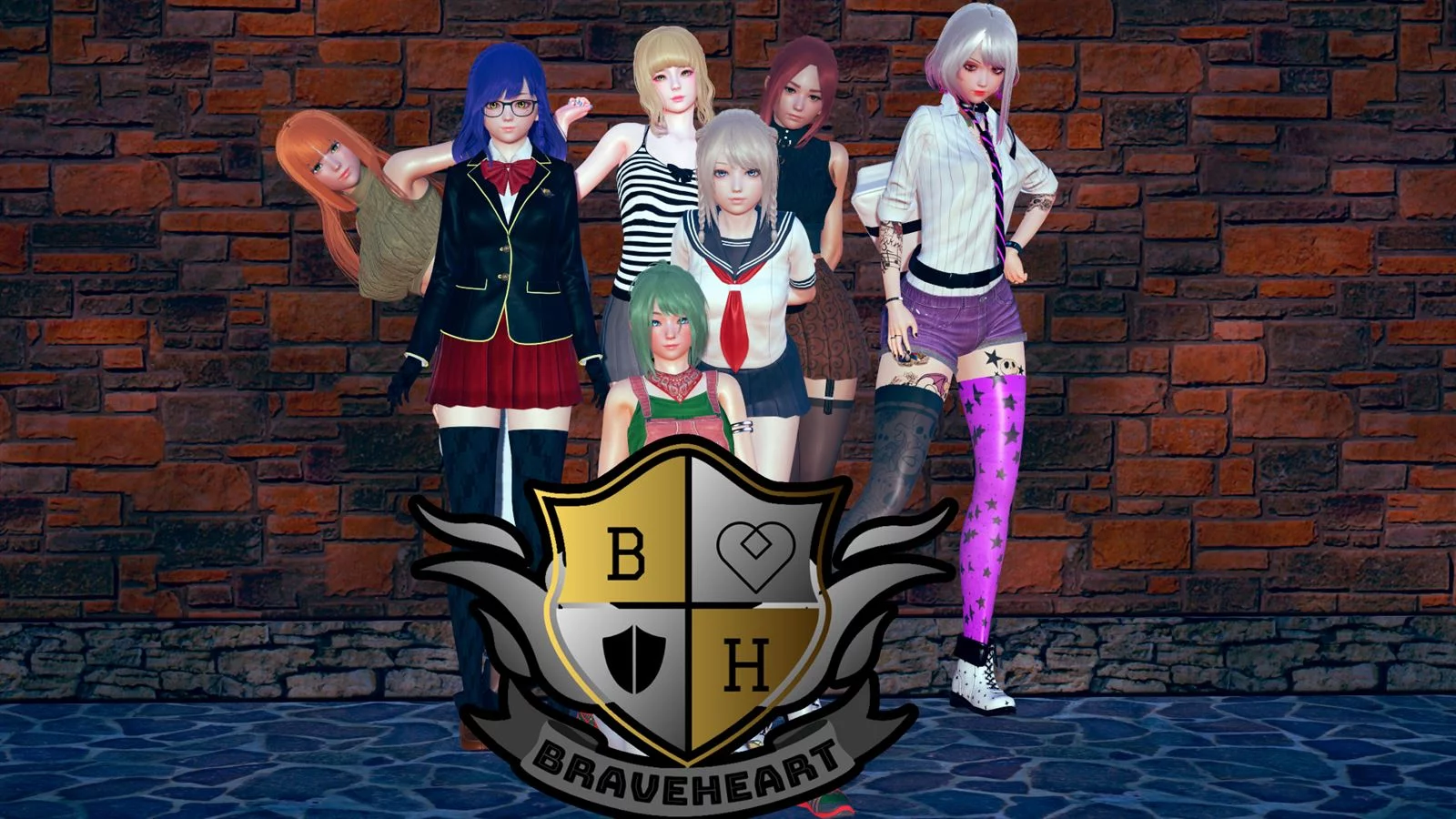
You're a college student enrolling in the prestigious International Braveheart Academy. You're able to pick your starting stats that suit your character the most!
There's also the ability to pick the year you'll be starting, causing you to have different classmates and different homeroom teachers!
Although you can meet every girl in the game even from other classes, the ones from your class will always appear more.
Its core gameplay will be you, the main player interacting with characters to get to know them better.
ALL FORMS OF PUZZLES THIS GAME HAS CAN BE TURNED OFF IN THE OPTIONS.
THEY ARE ALL OPTIONAL.
Extract and run.
No patch notes available.
- Dual Core Pentium or equivalent Processor.
- Intel HD 2000 or equivalent Graphics.
- 6.61 GB of free disk space (Recommended to have twice as much free disk space).
Braveheart Academy - Finished - v.2.1 Download Links
Braveheart Academy is a porn game made on Ren'py game engine.
The current available version is v.2.1.
The contents of the game are Uncensored. Braveheart Academy is developed by Chrys.
Please support the developer if you want continued development.
Download links are gathered from public sources. We do not host or modify contents.
Walkthrough and Guide
Walkthrough Mod: FILEKNOT - ANONZIP
Walkthrough Mod Installation:
PC: Unzip the mod and put the folder named "game" from the mod in your "BraveheartAcademy-2.1-pc" folder.
MAC: Unzip the mod -> Right-click your "Braveheart Academy" app -> Click "Show Package Contents" -> Open the "Contents" then "Resources" folders -> Hold the Option key and drag the folder named "game" from the mod to the "autorun" folder -> Click merge
Walkthrough Mod Features:
The walkthrough highlights the best choices in dialogues.
Gallery Unlocker Mod: FILEKNOT - ANONZIP
Gallery Unlocker Mod Features:
Unlocked All Gallery
Added option of Blair Walker Male and Female in Gallery
Walkthrough Mod Installation:
PC: Unzip the mod and put the folder named "game" from the mod in your "BraveheartAcademy-2.1-pc" folder.
MAC: Unzip the mod -> Right-click your "Braveheart Academy" app -> Click "Show Package Contents" -> Open the "Contents" then "Resources" folders -> Hold the Option key and drag the folder named "game" from the mod to the "autorun" folder -> Click merge
Walkthrough Mod Features:
The walkthrough highlights the best choices in dialogues.
Gallery Unlocker Mod: FILEKNOT - ANONZIP
Gallery Unlocker Mod Features:
Unlocked All Gallery
Added option of Blair Walker Male and Female in Gallery