Ren'Py Ongoing 3DCGAnal SexBig AssBig TitsBlackmailDrugsExhibitionismFemale DominationFootjobFuta/Trans ProtagonistFuta/transGropingGroup SexHandjobIncestInterracialLesbianMILFMasturbationMultiple penetrationNetorareOral SexTeasingTwinsVaginal SexVirginVisual NovelVoyeurism LinuxMacWindows
Eruption Imminent
Ongoing v.0.7.1
- Developer
- MorriganRae
- Release Date
- 04 June, 2026
- Engine
- Ren'Py
- Censorship
- Uncensored
- Size
- 4.27 GB
- Version
- 0.7.1
Genres
Game Description
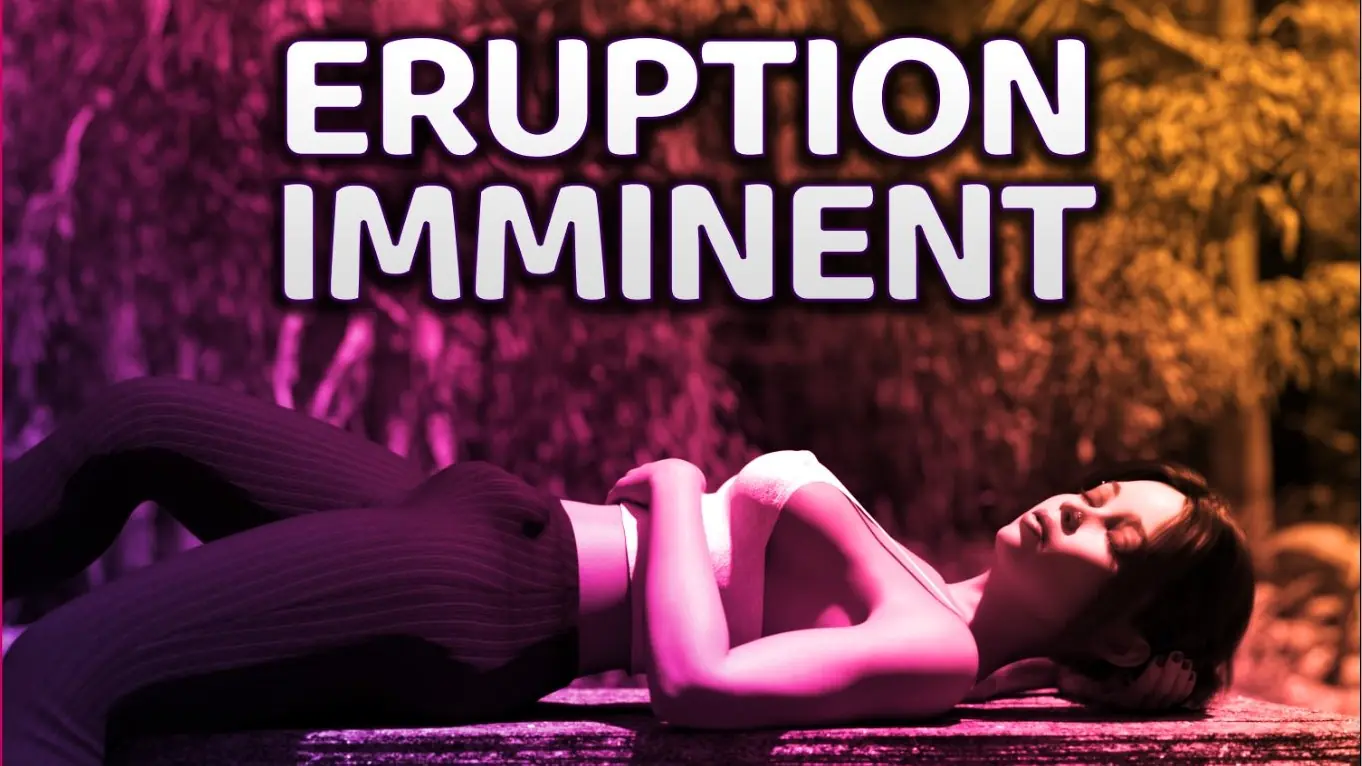
Eruption Imminent is presented as an interactive narrative where you play the role of Ashe, a 20-year old futanari. The focus of the project is set on lesbian and futanari content.
The story circles around Ashe and her struggles with past trauma, her insecurities, secrets and her ever-growing sexual urges. Follow her and get to know friends, lovers and enemies, fall into tricky situations and predicaments, come out on top (or bottom), grow as a person and save the world. (Well... maybe not that last part).
Extract and run.
No patch notes available.
- Dual Core Pentium or equivalent Processor.
- Intel HD 2000 or equivalent Graphics.
- 4.27 GB of free disk space (Recommended to have twice as much free disk space).
Eruption Imminent - Ongoing - v.0.7.1 Download Links
Eruption Imminent is a porn game made on Ren'Py game engine.
The current available version is v.0.7.1.
The contents of the game are Uncensored. Eruption Imminent is developed by MorriganRae.
Please support the developer if you want continued development.
Download links are gathered from public sources. We do not host or modify contents.
Walkthrough and Guide
Walkthrough Episode 06: FILEKNOT
Gallery Mod: FILEKNOT
Gallery Mod Installation:
1. Unzip file
2. Copy contents to /game folder in the game install directory
Gallery Mod Features:
Toggle between gallery view types - Page or Scroll - by clicking on the ellipses button bottom of screen.
The chosen view type will be remembered for next game launch.
Filter gallery by multiple tags.
There is also an optional Unlock/Relock Unseen button. Due to Renpy limitation viewing a scene unlocked through the button will unlock it permanently.
During replay, right-click and choose "End Replay" to stop replay and return to gallery.
When viewing images can toggle between actual size or fit to screen if applicable. If actual size is larger than screen, image can be scrolled around.
Keyboard Navigation:
G - From main menu, opens gallery
V - Change Page/Scroll View
Left/Right Arrow - In Page View, Prev/Next Page
Ctrl + Left/Right Arrow - In Page View, First/Last Page
#1-9: In Page View, Jump to 1st through 9th Page respectively
#0: In Page View, Jump to Last Page
Up/Down Arrow - In Scroll View, Scroll Up/Down the List
PgUp/PgDn - In Scroll View, Scroll Up/Down by 1 screen at a time
Home/End - In Scroll View, Jump to Top/Bottom of List
F - Open Filter screen
U - Unlock/Relock button
X - Exit filter screen, rename screen, image viewer or replay if applicable
Z - In image viewer - toggle actual size or fit to screen
H - In image viewer - hide buttons for UI free viewing
C - In Filter screen - Clear all filters
NOTE:
The mod does not change any game files
Jukebox Mod: FILEKNOT
Jukebox Mod Installation:
1. Unzip file
2. Copy contents to /game folder in the game install directory
Jukebox Mod Features:
Toggle between gallery view types - Page or Scroll - by clicking on the ellipses button bottom of screen.
The chosen view type will be remembered for next game launch.
Filter gallery by multiple tags.
There is also an optional Unlock/Relock Unseen button. Due to Renpy limitation viewing a scene unlocked through the button will unlock it permanently.
During replay, right-click and choose "End Replay" to stop replay and return to gallery.
When viewing images can toggle between actual size or fit to screen if applicable. If actual size is larger than screen, image can be scrolled around.
Multi Mod: FILEKNOT
Multi Mod Installation:
PC: Drag and drop the folder "game" from the mod into your Eruption Imminent folder then overwrite if prompted
MAC: Unzip the mod -> Right click Eruption Imminent-> Click "Show Package Contents" -> Open the "Contents/Resources/autorun" folder -> Hold the Option key and drag the folder named "game" from the mod into the "autorun" folder -> Click merge
Multi Mod Features:
Gallery Mod: FILEKNOT
Gallery Mod Installation:
1. Unzip file
2. Copy contents to /game folder in the game install directory
Gallery Mod Features:
Toggle between gallery view types - Page or Scroll - by clicking on the ellipses button bottom of screen.
The chosen view type will be remembered for next game launch.
Filter gallery by multiple tags.
There is also an optional Unlock/Relock Unseen button. Due to Renpy limitation viewing a scene unlocked through the button will unlock it permanently.
During replay, right-click and choose "End Replay" to stop replay and return to gallery.
When viewing images can toggle between actual size or fit to screen if applicable. If actual size is larger than screen, image can be scrolled around.
Keyboard Navigation:
G - From main menu, opens gallery
V - Change Page/Scroll View
Left/Right Arrow - In Page View, Prev/Next Page
Ctrl + Left/Right Arrow - In Page View, First/Last Page
#1-9: In Page View, Jump to 1st through 9th Page respectively
#0: In Page View, Jump to Last Page
Up/Down Arrow - In Scroll View, Scroll Up/Down the List
PgUp/PgDn - In Scroll View, Scroll Up/Down by 1 screen at a time
Home/End - In Scroll View, Jump to Top/Bottom of List
F - Open Filter screen
U - Unlock/Relock button
X - Exit filter screen, rename screen, image viewer or replay if applicable
Z - In image viewer - toggle actual size or fit to screen
H - In image viewer - hide buttons for UI free viewing
C - In Filter screen - Clear all filters
NOTE:
The mod does not change any game files
Jukebox Mod: FILEKNOT
Jukebox Mod Installation:
1. Unzip file
2. Copy contents to /game folder in the game install directory
Jukebox Mod Features:
Toggle between gallery view types - Page or Scroll - by clicking on the ellipses button bottom of screen.
The chosen view type will be remembered for next game launch.
Filter gallery by multiple tags.
There is also an optional Unlock/Relock Unseen button. Due to Renpy limitation viewing a scene unlocked through the button will unlock it permanently.
During replay, right-click and choose "End Replay" to stop replay and return to gallery.
When viewing images can toggle between actual size or fit to screen if applicable. If actual size is larger than screen, image can be scrolled around.
Multi Mod: FILEKNOT
Multi Mod Installation:
PC: Drag and drop the folder "game" from the mod into your Eruption Imminent folder then overwrite if prompted
MAC: Unzip the mod -> Right click Eruption Imminent-> Click "Show Package Contents" -> Open the "Contents/Resources/autorun" folder -> Hold the Option key and drag the folder named "game" from the mod into the "autorun" folder -> Click merge
Multi Mod Features:
- Shows points gained in dialogue options (Can be toggled on/off) this does not overwrite the choice hints that the game already has
- Added a scene gallery to the main menu with unlocker and character filter
- After choosing your path a "CHEAT" button will be shown in the top right to change your path