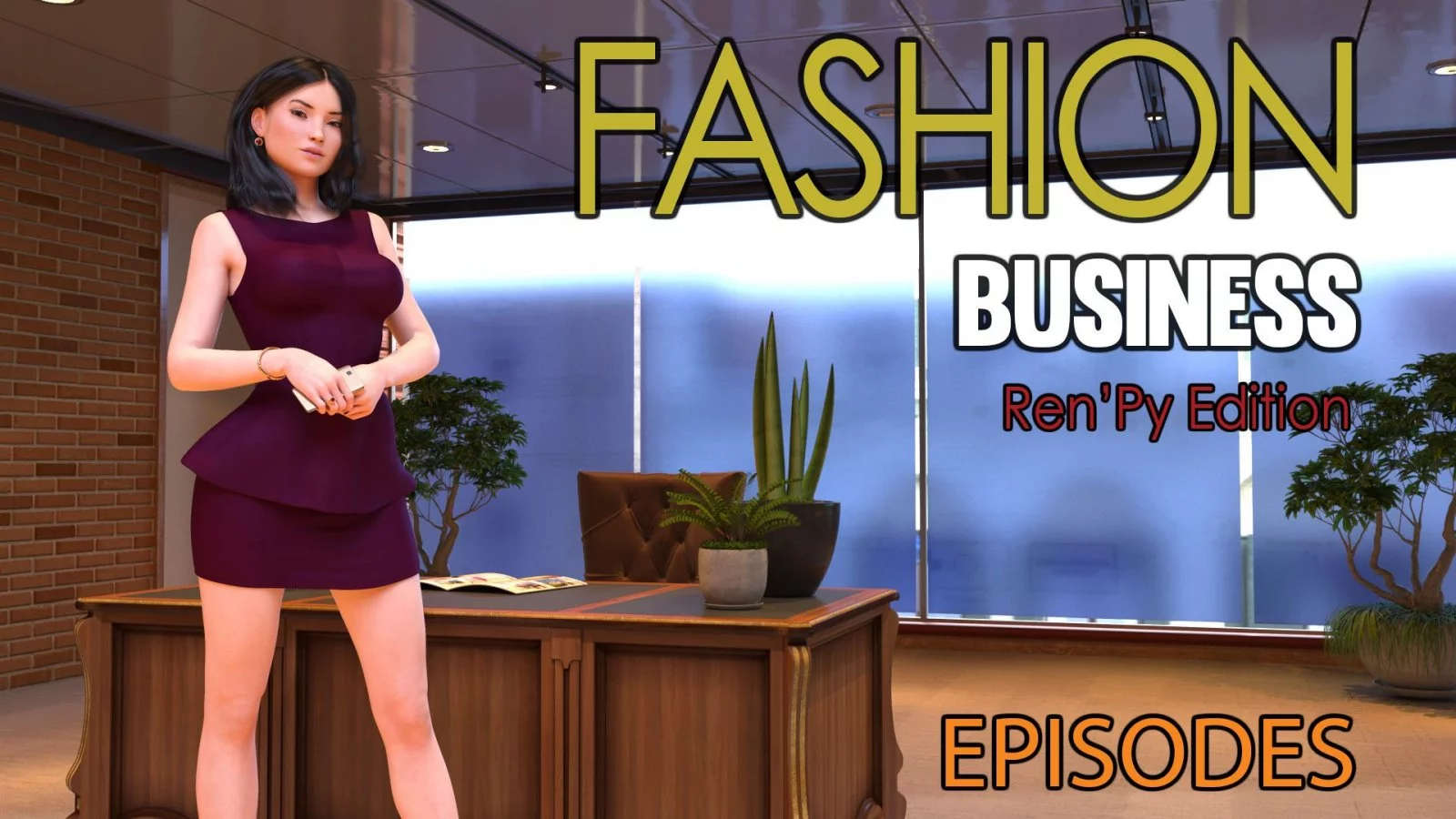
Fashion Business
Ongoing v.Ep.5 v2.01 Extra
- Developer
- DecentMonkey
- Release Date
- 30 October, 2025
- Engine
- Ren'Py
- Censorship
- Uncensored
- Size
- 4.14 GB
- Version
- Ep.5 v2.01 Extra
Genres
Game Description
This Game is about Monica. Monica is a "Rich B*tch". Monica is the Boss. Most of all Monica adores authority and to control people and she manages with everything not in a sensitive or delicate way. If Monica was your Boss, you would be likely fired. For certain, everybody has ever met their own Monica! Take part in her luxurious life. Monica is sure that her existence is going to be always the same! What do you think? If suddenly you appear as witness of her falling down lower and lower in the social standing?
Extract to desired location.
Fashion Business.exe to start playing.
Fashion Business.exe to start playing.
No patch notes available.
- Dual Core Pentium or equivalent Processor.
- Intel HD 2000 or equivalent Graphics.
- 4.14 GB of free disk space (Recommended to have twice as much free disk space).
Fashion Business - Ongoing - v.Ep.5 v2.01 Extra Download Links
FileknotTransfazeFileknotTransfazeFileknotTransfazeFileknotTransfazeFileknotTransfazeFileknotTransfazeFileknotTransfazeFileknotTransfazeFileknotTransfazeFileknotTransfazeFileknotTransfazeFileknotTransfazeFileknotTransfazeFileknotTransfazeFileknotTransfazeFileknotTransfazeFileknotTransfazeFileknotTransfazeAkiraboxBuzzheavierDatanodesTerminalVikingfileBuzzheavierGofileMegaPixeldrainUploadhavenUploadnowGofileMegaMixdropPixeldrainUploadhavenGofileMegaMixdropPixeldrainUploadhavenGofileMegaMixdropPixeldrainUploadhavenGofileMegaMixdropPixeldrainUploadhavenGofileMegaMixdropPixeldrainUploadhavenGofileMegaPixeldrainUploadhavenUploadnowCyberfileMegaPixeldrainMixdropPixeldrainUploadhavenMegaMixdropPixeldrainUploadhavenMegaMixdropPixeldrainUploadhavenMegaMixdropPixeldrainUploadhavenMegaMixdropPixeldrainUploadhavenTerminalPixeldrainUploadhavenGofilePixeldrainMegaUploadhavenMegaGofileDropmefilesGofileMegaMixdropPixeldrainWdho
FileknotTransfazeFileknotTransfazeFileknotTransfazeFileknotTransfazeFileknotTransfazeFileknotTransfazeFileknotTransfazeFileknotTransfazeFileknotTransfazeFileknotTransfazeFileknotTransfazeFileknotTransfazeAkiraboxBuzzheavierDatanodesTerminalVikingfileGofileMegaPixeldrainUploadnowMegaMixdropPixeldrainUploadhavenGofileMegaPixeldrainUploadhavenCyberfileMegaPixeldrainMegaMixdropPixeldrainUploadhavenMixdropPixeldrainUploadhavenMixdropPixeldrainUploadhavenMixdropPixeldrainUploadhavenMixdropPixeldrainUploadhavenMegaPixeldrainUploadhavenTerminalMegaPixeldrainUploadhaven
FileknotTransfazeFileknotTransfazeFileknotTransfazeFileknotTransfazeFileknotTransfazeFileknotTransfazeFileknotTransfazeFileknotTransfazeFileknotTransfazeFileknotTransfazeFileknotTransfazeFileknotTransfazeFileknotTransfazeFileknotTransfazeFileknotTransfazeFileknotTransfazeFileknotTransfazeFileknotTransfazeAkiraboxBuzzheavierDatanodesTerminalVikingfileBuzzheavierGofileMegaPixeldrainUploadhavenUploadnowGofileMegaMixdropPixeldrainUploadhavenGofileMegaMixdropPixeldrainUploadhavenGofileMegaMixdropPixeldrainUploadhavenGofileMegaMixdropPixeldrainUploadhavenGofileMegaMixdropPixeldrainUploadhavenGofileMegaPixeldrainUploadhavenUploadnowCyberfileMegaPixeldrainMixdropPixeldrainUploadhavenMegaMixdropPixeldrainUploadhavenMegaMixdropPixeldrainUploadhavenMegaMixdropPixeldrainUploadhavenMegaMixdropPixeldrainUploadhavenTerminalPixeldrainUploadhavenGofilePixeldrainMegaUploadhavenMegaGofileDropmefilesGofileMegaMixdropPixeldrainWdho
Fashion Business is a porn game made on Ren'Py game engine.
The current available version is v.Ep.5 v2.01 Extra.
The contents of the game are Uncensored. Fashion Business is developed by DecentMonkey.
Please support the developer if you want continued development.
Download links are gathered from public sources. We do not host or modify contents.
Walkthrough and Guide
Activate Extras: FILEKNOT - ANONZIP
About Activate Extras:
"Activated" patch for ep4 v10 extra. Unpack to the game folder (where the exe is), overwriting any existing files.
Offsets for fb_unextra:
Ep3 v16: "316:30477"
Ep4 v11: "411:61987"
Ep5 v2: "502:46432"
Below are some alternatives.
(*) If you want to just play and don't care about viewing images in an image viewer, put the corresponding z_activation_*.rpy file to the subfolder "game" inside the game folder. z_activation_316.rpy is for ep3 v16, z_activation_411.rpy is for ep4 v11, z_activation_502.rpy is for ep5 v2.
(*) If you want to decode images, use fb_unextra. It requires Java (oracle.com) and a functioning brain on the user side.
Run it without arguments to see usage help.
In short, you use it like this:
For Windows users, there are "fb_unextra.drop.*.bat" scripts for convenience - just drag and drop the game folder on it and it should decode the images for you, backing up the original files as "*.(z117extra).jpg".
(*) z_fb_unextra.rpy is a Python version of fb_unextra.java. Put it in the subfolder "game" inside the game folder. Usage help is in the comment block at the top of the file.
Activate Extras 2: FILEKNOT - ANONZIP
Episode 4 Gallery Unlocker: FILEKNOT - ANONZIP
About Episode 4 Gallery Unlocker:
in
FashionBusiness-EP2-v16-Extra-pc\game\Quests
and the other 3 episodes
find the file Achievements.rpy
open it with a text editor like notepad or notepad++
in the last line change false to True
this is much easier than installing those gallery mods you can find here
and gallery are ingame in left upper corner and looks like a diploma
this is for eps1,1 and shall be extracted in the game folder
and only for vers 1,1
use extract here
not extract to
Quests.rar
there are changes from eps4 v5
it shall looks like this
def check_achievement(str):
if str in achievements_labels:
achLabel = achievements_labels[str]
if (achLabel in persistent.achievements) == False:
persistent.achievements[achLabel] = True
# renpy.save_persistent()
print "Achievement reached!"
return True
return False
def get_achievement(achLabel):
if (achLabel in persistent.achievements and persistent.achievements[achLabel] == True) or debugMode == True:
return True
if debugMode == True:
return True
return False
def check_shake_achievement(video_filename):
shake_img = re.search(r'shake\_(\d+)', video_filename)
if shake_img != None:
check_achievement("img_" + shake_img.group(1))
return <-----
change red to true and insert true at arrow
and the arrow are just a pointer to where you shall ad true
Episode 3 Gallery Mod: FILEKNOT - ANONZIP
Episode 3 Gallery Mod Installation: Extract the file in the folder Fashion_Business\game.
Episode 2 Guide
Episode 2 Walkthrough: FILEKNOT - ANONZIP
Episode 2 Visual Mod: FILEKNOT - ANONZIP
Episode 1 Visual Mod: FILEKNOT - ANONZIP
Episode 1 Walkthrough: FILEKNOT - ANONZIP
Visual Mod Installation: Copy all files over the original files.
Visual Mod Features: Visual Enhancement
About Activate Extras:
"Activated" patch for ep4 v10 extra. Unpack to the game folder (where the exe is), overwriting any existing files.
Offsets for fb_unextra:
Ep3 v16: "316:30477"
Ep4 v11: "411:61987"
Ep5 v2: "502:46432"
Below are some alternatives.
(*) If you want to just play and don't care about viewing images in an image viewer, put the corresponding z_activation_*.rpy file to the subfolder "game" inside the game folder. z_activation_316.rpy is for ep3 v16, z_activation_411.rpy is for ep4 v11, z_activation_502.rpy is for ep5 v2.
(*) If you want to decode images, use fb_unextra. It requires Java (oracle.com) and a functioning brain on the user side.
Run it without arguments to see usage help.
In short, you use it like this:
java fb_unextra -if INFOLDER -of OUTFOLDER -o OFFSET
INFOLDER is the game folder.
OUTFOLDER is the folder to put the decoded images to.
OFFSET depends on the game version. For ep3 v16 it's "316:30477". For ep4 v11 it's "411:61987".
For Windows users, there are "fb_unextra.drop.*.bat" scripts for convenience - just drag and drop the game folder on it and it should decode the images for you, backing up the original files as "*.(z117extra).jpg".
(*) z_fb_unextra.rpy is a Python version of fb_unextra.java. Put it in the subfolder "game" inside the game folder. Usage help is in the comment block at the top of the file.
Activate Extras 2: FILEKNOT - ANONZIP
Episode 4 Gallery Unlocker: FILEKNOT - ANONZIP
About Episode 4 Gallery Unlocker:
in
FashionBusiness-EP2-v16-Extra-pc\game\Quests
and the other 3 episodes
find the file Achievements.rpy
open it with a text editor like notepad or notepad++
in the last line change false to True
this is much easier than installing those gallery mods you can find here
and gallery are ingame in left upper corner and looks like a diploma
this is for eps1,1 and shall be extracted in the game folder
and only for vers 1,1
use extract here
not extract to
Quests.rar
there are changes from eps4 v5
it shall looks like this
def check_achievement(str):
if str in achievements_labels:
achLabel = achievements_labels[str]
if (achLabel in persistent.achievements) == False:
persistent.achievements[achLabel] = True
# renpy.save_persistent()
print "Achievement reached!"
return True
return False
def get_achievement(achLabel):
if (achLabel in persistent.achievements and persistent.achievements[achLabel] == True) or debugMode == True:
return True
if debugMode == True:
return True
return False
def check_shake_achievement(video_filename):
shake_img = re.search(r'shake\_(\d+)', video_filename)
if shake_img != None:
check_achievement("img_" + shake_img.group(1))
return <-----
change red to true and insert true at arrow
and the arrow are just a pointer to where you shall ad true
Episode 3 Gallery Mod: FILEKNOT - ANONZIP
Episode 3 Gallery Mod Installation: Extract the file in the folder Fashion_Business\game.
Episode 2 Guide
Episode 2 Walkthrough: FILEKNOT - ANONZIP
Episode 2 Visual Mod: FILEKNOT - ANONZIP
Episode 1 Visual Mod: FILEKNOT - ANONZIP
Episode 1 Walkthrough: FILEKNOT - ANONZIP
Visual Mod Installation: Copy all files over the original files.
Visual Mod Features: Visual Enhancement