Konoha Milfs
Ongoing v.0.7
- Developer
- Kimkun0162
- Release Date
- 18 October, 2025
- Engine
- Ren'Py
- Censorship
- Uncensored
- Size
- 1.34 GB
- Version
- 0.7
Screenshots

Genres
Game Description
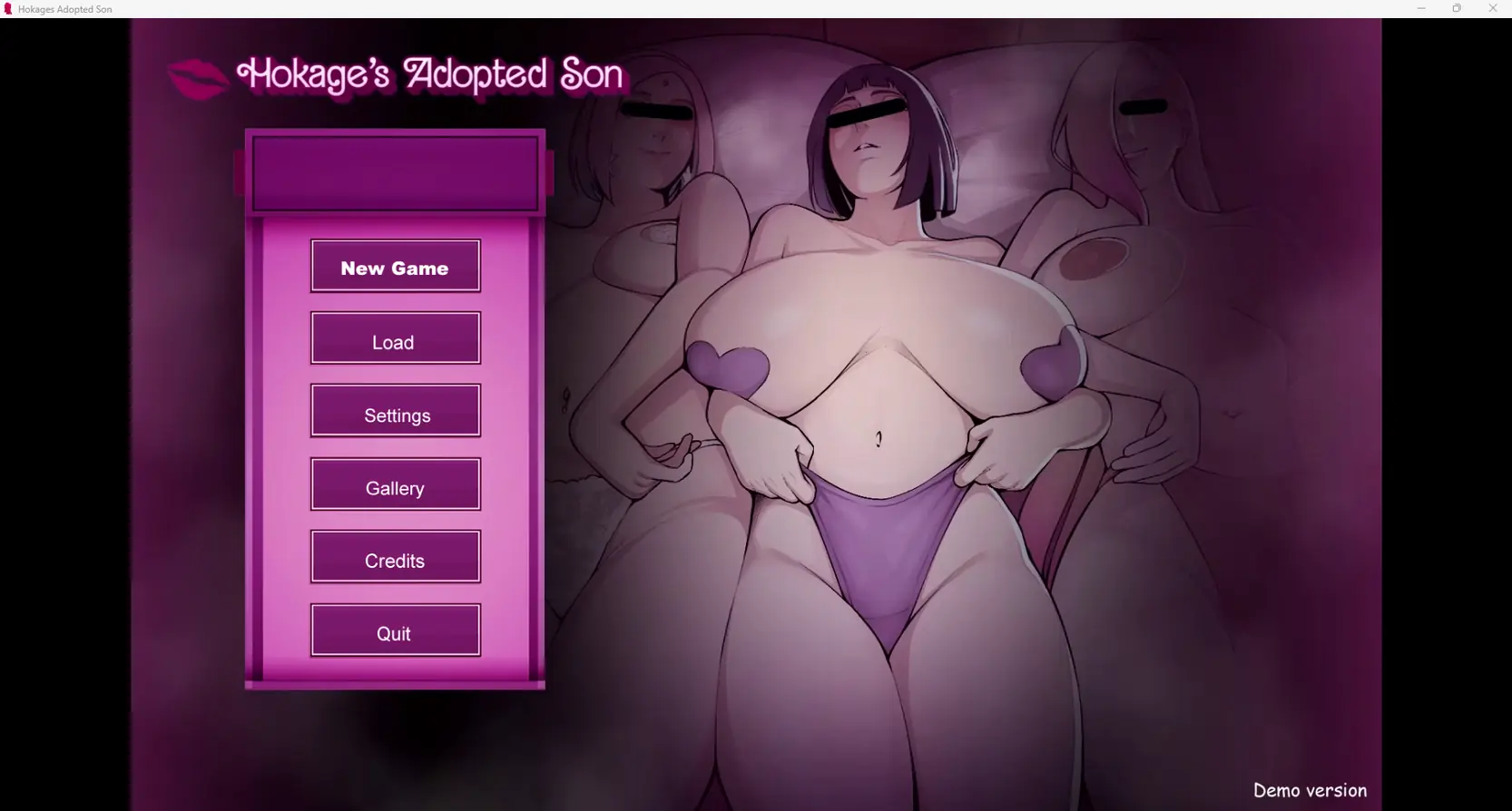
The game's setting takes place after the 4th great ninja war. The story tells about the daily life of an orphan boy, who was fortunate to be adopted by the Hokage from childhood.
Extract and run.
No patch notes available.
- Dual Core Pentium or equivalent Processor.
- Intel HD 2000 or equivalent Graphics.
- 1.34 GB of free disk space (Recommended to have twice as much free disk space).
Konoha Milfs - Ongoing - v.0.7 Download Links
Konoha Milfs is a porn game made on Ren'Py game engine.
The current available version is v.0.7.
The contents of the game are Uncensored. Konoha Milfs is developed by Kimkun0162.
Please support the developer if you want continued development.
Download links are gathered from public sources. We do not host or modify contents.
Walkthrough and Guide
Gallery Unlocker: FILEKNOT - ANONZIP
Save File: FILEKNOT - ANONZIP
Activate Patreon:
Method 1: Replace files in the patreon_auth folder - all versions
FILEKNOT
ANONZIP
Just download the file from the link and replace the one inside the patreon_auth folder.
Method 2: Replace files in the game folder
screens.rar V0.6(Last version): FILEKNOT - ANONZIP
screens.rar V0.5: FILEKNOT - ANONZIP
screens.rpy V0.4: FILEKNOT - ANONZIP
Drop this file into the game folder — it forces the account to become active Patreon, no matter what shows up.
Delete or rename the screens.rpyc file by adding a - at the end (e.g., screens.rpyc-).
There's no need to delete the Patreon folder—it will most likely continue to work even if the game gets updated.
If the file content opened as a page, you can download it by using “Save Page As”.
Make sure to select "All Files" as the file type when saving, otherwise it will be saved as a Text(.txt) file, which is incorrect.
The file extension must be .rpy, and the file name should be exactly screens.rpy.
Additional note: I personally haven't encountered it, but it's been reported that this method may cause a GUI error.
Method 3: Delete patreon_auth folder
If you delete the Patreon folder, the game becomes temporarily playable—but it carries potential errors and could cause issues at any point.
Save File: FILEKNOT - ANONZIP
Activate Patreon:
Method 1: Replace files in the patreon_auth folder - all versions
FILEKNOT
ANONZIP
Just download the file from the link and replace the one inside the patreon_auth folder.
Method 2: Replace files in the game folder
screens.rar V0.6(Last version): FILEKNOT - ANONZIP
screens.rar V0.5: FILEKNOT - ANONZIP
screens.rpy V0.4: FILEKNOT - ANONZIP
Drop this file into the game folder — it forces the account to become active Patreon, no matter what shows up.
Delete or rename the screens.rpyc file by adding a - at the end (e.g., screens.rpyc-).
There's no need to delete the Patreon folder—it will most likely continue to work even if the game gets updated.
If the file content opened as a page, you can download it by using “Save Page As”.
Make sure to select "All Files" as the file type when saving, otherwise it will be saved as a Text(.txt) file, which is incorrect.
The file extension must be .rpy, and the file name should be exactly screens.rpy.
Additional note: I personally haven't encountered it, but it's been reported that this method may cause a GUI error.
Method 3: Delete patreon_auth folder
If you delete the Patreon folder, the game becomes temporarily playable—but it carries potential errors and could cause issues at any point.