Unreal Engine Finished 3D Game3DCGAdventureAnal SexAnimatedBig AssBig TitsCheatingDating SimExhibitionismGropingHandjobHaremIncestLactationLesbianMILFMale ProtagonistMasturbationOral SexPregnancyRapeRomanceSandboxSci-FiSleep SexTeasingTentaclesTitfuckTransformationVaginal SexVirginVoyeurism Windows
Last Hope
Finished v.1.0196
- Developer
- Poolside Games
- Release Date
- 31 August, 2024
- Engine
- Unreal Engine
- Censorship
- Uncensored
- Size
- 2.06 GB
- Version
- 1.0196
Screenshots

Genres
3D Game 3DCG Adventure Anal Sex Animated Big Ass Big Tits Cheating Dating Sim Exhibitionism Groping Handjob Harem Incest Lactation Lesbian MILF Male Protagonist Masturbation Oral Sex Pregnancy Rape Romance Sandbox Sci-Fi Sleep Sex Teasing Tentacles Titfuck Transformation Vaginal Sex Virgin Voyeurism
Game Description
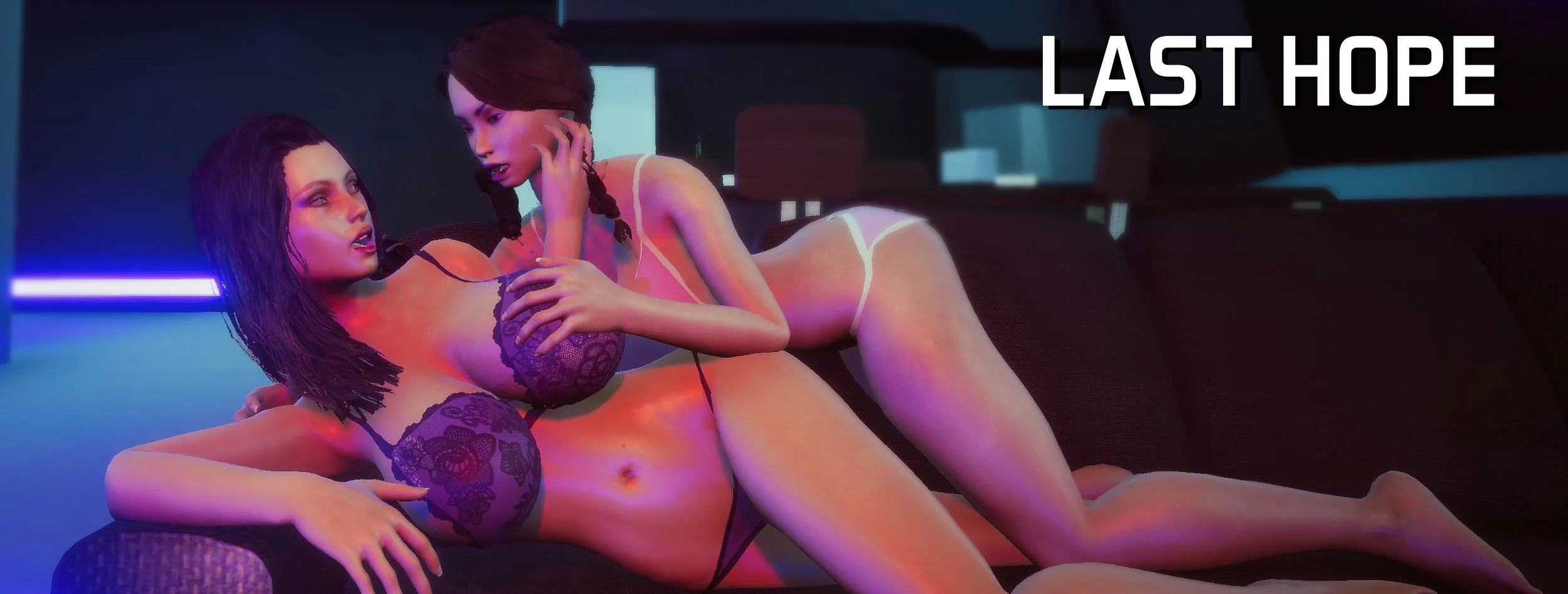
An erotic adventure through space with three very busty women as you try to save the day while enjoying the many pleasures of their company.
You are the newest crew member aboard the Star Pursuit on its mission to find and terraform planets suitable for life. To your surprise you are the only male on the ship with the other crew members being three beautiful women with very large breasts. Things don't quite go to plan as the G.A.I.A malfunctions and leaves you all stranded out in the abyss of space. Luckily for you there is a way to repair the ship that only you are uniquely equipped to deal with. Will you take on this task alone or will you build up your relationships with the girls around you enough to help you reach your goal together, it's up to you.
Extract and run.
Patch Instructions:
Place the NaughtyPatch.sav inside
C:\Users\\AppData\Local\LastHope\Saved\SaveGames
Patch Instructions:
Place the NaughtyPatch.sav inside
C:\Users\\AppData\Local\LastHope\Saved\SaveGames
No patch notes available.
- Dual Core Pentium or equivalent Processor.
- Intel HD 2000 or equivalent Graphics.
- 2.06 GB of free disk space (Recommended to have twice as much free disk space).
Last Hope - Finished - v.1.0196 Download Links
Last Hope is a porn game made on Unreal Engine game engine.
The current available version is v.1.0196.
The contents of the game are Uncensored. Last Hope is developed by Poolside Games.
Please support the developer if you want continued development.
Download links are gathered from public sources. We do not host or modify contents.
Walkthrough and Guide
Nude Mod: FILEKNOT - ANONZIP
Reshade:
Reshade Preset: FILEKNOT - ANONZIP
1) you need to download the main reshade plugin, that can be found here reshade and download the reshade preset, i'm sure you already have the preset.
2)unpack the reshade preset that you downloaded off this site
3) run the reshade_setup_6.3.1.exe
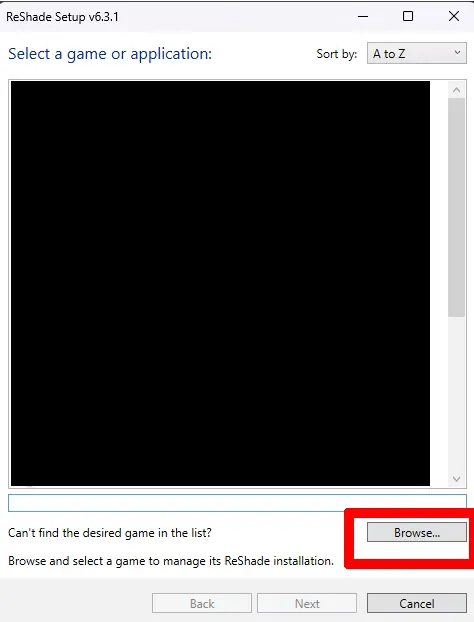
5) last hope will not show up on the list, so click on browse at the bottom and navigate to the lasthope.exe, double click on it and hit next
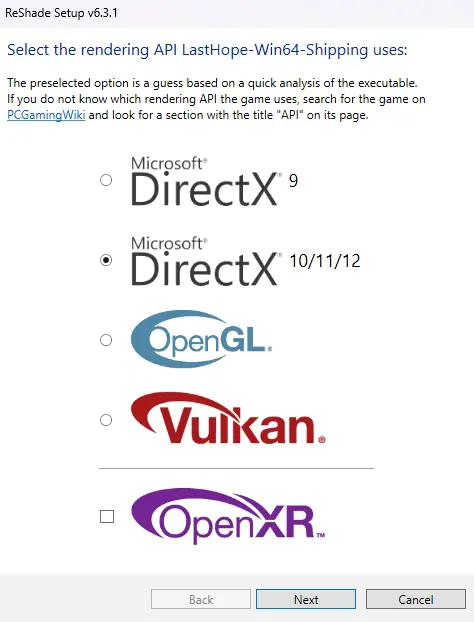
6) make sure directx 10/11/12 is check up and hit next
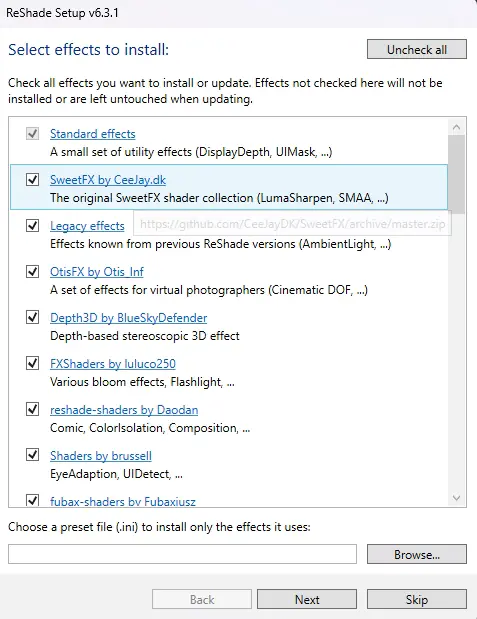
7) at the top right corner, click on uncheck all, then click on check all, at the bottom, click on browse and pick the reshadepreset.ini file that you downloaded and unpacked, then hit next
8) once it's finish, hit finish
9) start the game, at the top left, you will see the reshade stuff

10) hit the home key on your keyboard to bring up the reshade menu
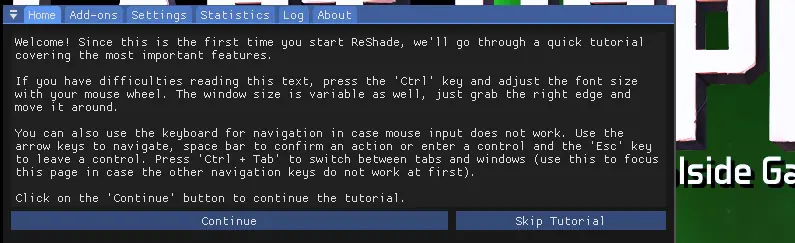
11) you can hit continue or skip tutorial
12) click on the settings tab and add a effect toggle key and effect reload key
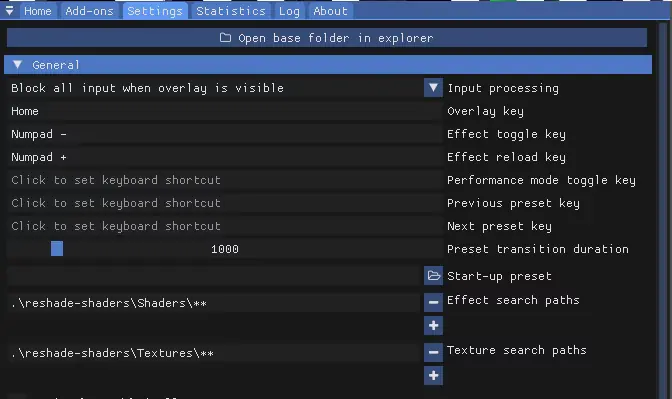
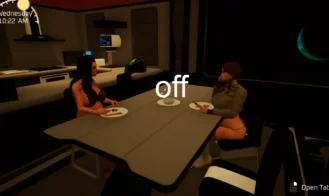
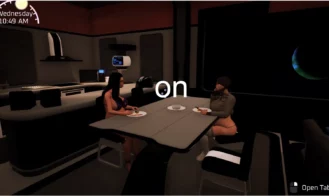
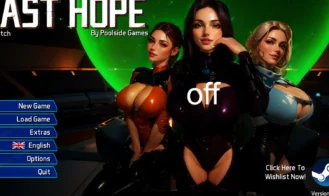
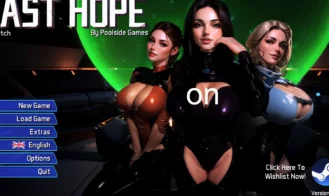
13) once you are done setting up the effect keys, click on the home tab of the reshade menu, then hit the home key on your keyboard to close the reshade menu, if done right, you will be be able to turn the reshade effect on and off
(if you hit the home key while you are on the settings tab, after you change the effect keys, it will change it to the home key, and you will have to change it back, it's always best to click on the home tab after you made changes)
Reshade:
Reshade Preset: FILEKNOT - ANONZIP
1) you need to download the main reshade plugin, that can be found here reshade and download the reshade preset, i'm sure you already have the preset.
2)unpack the reshade preset that you downloaded off this site
3) run the reshade_setup_6.3.1.exe
5) last hope will not show up on the list, so click on browse at the bottom and navigate to the lasthope.exe, double click on it and hit next
6) make sure directx 10/11/12 is check up and hit next
7) at the top right corner, click on uncheck all, then click on check all, at the bottom, click on browse and pick the reshadepreset.ini file that you downloaded and unpacked, then hit next
8) once it's finish, hit finish
9) start the game, at the top left, you will see the reshade stuff
10) hit the home key on your keyboard to bring up the reshade menu
11) you can hit continue or skip tutorial
12) click on the settings tab and add a effect toggle key and effect reload key
13) once you are done setting up the effect keys, click on the home tab of the reshade menu, then hit the home key on your keyboard to close the reshade menu, if done right, you will be be able to turn the reshade effect on and off
(if you hit the home key while you are on the settings tab, after you change the effect keys, it will change it to the home key, and you will have to change it back, it's always best to click on the home tab after you made changes)