Unreal Engine Onhold 3DCGAnal SexAnimatedBig TitsCreampieDating SimExhibitionismGropingHandjobHumorIncestMILFMale ProtagonistManagementMasturbationMobile GameOral SexPovPregnancyRPGRomanceSandboxTitfuckVaginal SexVirginVoiced AndroidLinuxMacWindows
Lust’n’Farm
Onhold v.3.1.2
- Developer
- Bewolftreize
- Release Date
- 4 July, 2025
- Engine
- Unreal Engine
- Censorship
- Uncensored
- Size
- 4.01 GB
- Version
- 3.1.2
Genres
Game Description
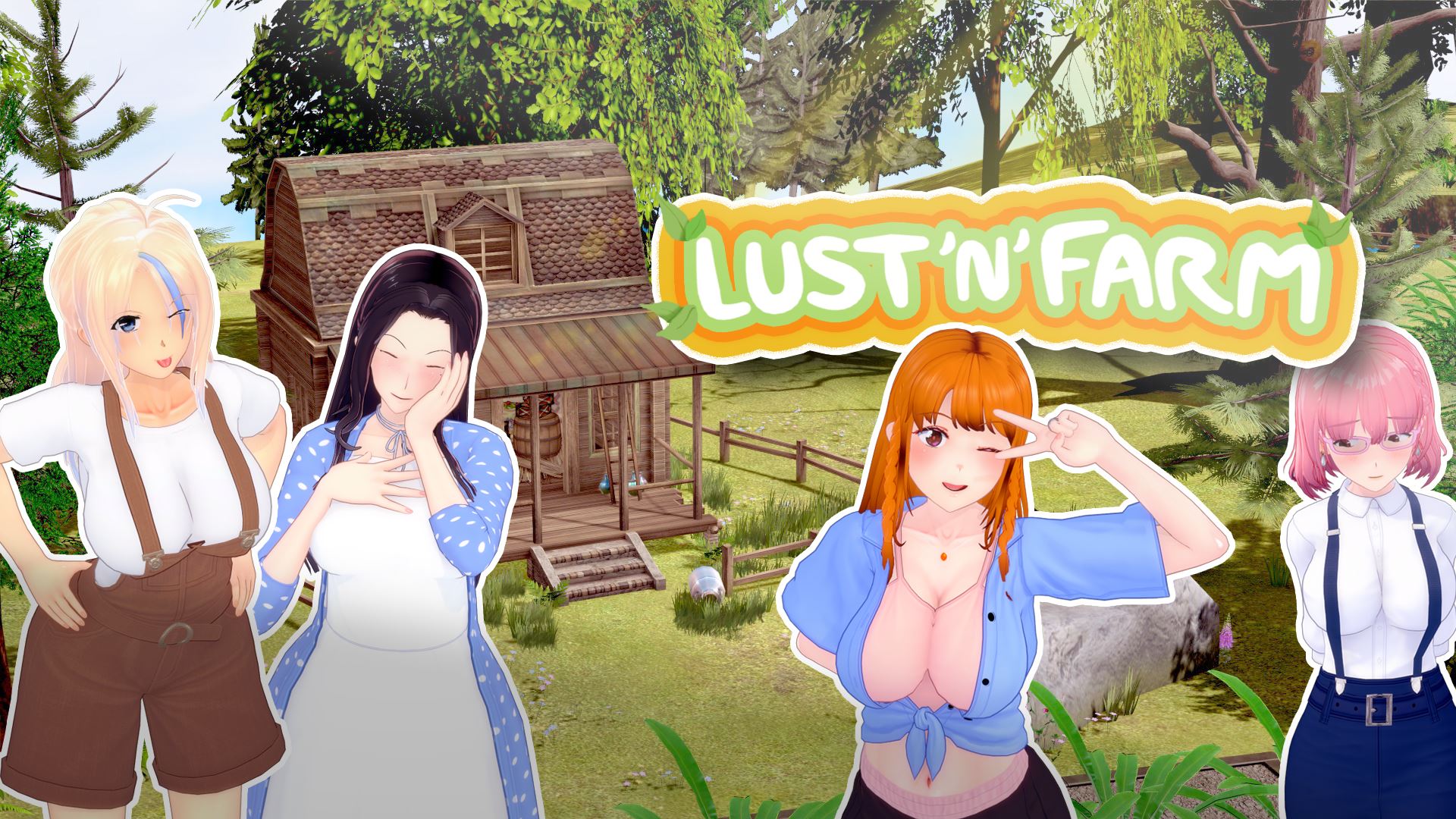
You step into the shoes of a young man who just got rejected from an art school. He could have taken a darker path (yeah we all know that), but fate decides to throw him a curveball—a farm! He has neither the desire nor the profile for farming, but he's... "persuaded" to give it a shot.
Lust'N'Farm takes place in an alternate world, inspired by our own but filled with its own delightful peculiarities. Like the vegebubbles—quite powerful aphrodisiac vegetables. Join our protagonist as he dives into the world of farming, cultivating these unusual plants and discovering the secrets they hold.
Stay tuned for updates and get ready to embark on a tantalizing journey through Lust'N'Farm!
Note: Mac version may not work.
Unzip the file and simply launch the game.
Save files will appear directly in the game folder (not somewhere on your PC). For future updates, unzip the new game directly into the old one and replace the files (saves should generally be compatible... feel free to create backups).
Save files will appear directly in the game folder (not somewhere on your PC). For future updates, unzip the new game directly into the old one and replace the files (saves should generally be compatible... feel free to create backups).
No patch notes available.
- Dual Core Pentium or equivalent Processor.
- Intel HD 2000 or equivalent Graphics.
- 4.01 GB of free disk space (Recommended to have twice as much free disk space).
Lust’n’Farm - Onhold - v.3.1.2 Download Links
Lust’n’Farm is a porn game made on Unreal Engine game engine.
The current available version is v.3.1.2.
The contents of the game are Uncensored. Lust’n’Farm is developed by Bewolftreize.
Please support the developer if you want continued development.
Download links are gathered from public sources. We do not host or modify contents.
Walkthrough and Guide
Saves Information:
To continue your save, you’ll need to download the "bridge" version, which lets you save your old game under the new system. To do this:
-Download the bridge version
-Launch the game
-Load your game (old save)
-Save this game (you’ll see the new interface)
-Close the game
-Launch the new version
-That’s it! And whether it works or not, all feedback is welcome!
saves prior to 1.05
If you wish to keep your saves from versions prior to 1.05, it's important to create a new folder to unzip the game in version 1.05, then copy the saves (which are located in the same folder as Game.exe in previous versions and have the names "SaveGame_X.vndata" and "SaveGame_X_Header.nvdata," as well as the settings.vndata file) and paste them into the new directory (the same one containing Game.exe, it doesn't change). Please note: if you have saved games in the 5th tab, these saves will be overwritten by autosaves! To keep them, you must rename these files (which are named "SaveGame_32" to "SaveGame_39") with a number lower than 32 !
Please note that if you import saves from before version 1.05, the save images may appear glitched in
the load menu, but they still work! You can simply overwrite them to restore their normal size.
To continue your save, you’ll need to download the "bridge" version, which lets you save your old game under the new system. To do this:
-Download the bridge version
-Launch the game
-Load your game (old save)
-Save this game (you’ll see the new interface)
-Close the game
-Launch the new version
-That’s it! And whether it works or not, all feedback is welcome!
saves prior to 1.05
If you wish to keep your saves from versions prior to 1.05, it's important to create a new folder to unzip the game in version 1.05, then copy the saves (which are located in the same folder as Game.exe in previous versions and have the names "SaveGame_X.vndata" and "SaveGame_X_Header.nvdata," as well as the settings.vndata file) and paste them into the new directory (the same one containing Game.exe, it doesn't change). Please note: if you have saved games in the 5th tab, these saves will be overwritten by autosaves! To keep them, you must rename these files (which are named "SaveGame_32" to "SaveGame_39") with a number lower than 32 !
Please note that if you import saves from before version 1.05, the save images may appear glitched in
the load menu, but they still work! You can simply overwrite them to restore their normal size.