Ren'py Ongoing 3DCGCreampieFantasyFuta/transHaremIncestInterracialLoliMale ProtagonistMobile GameMonster GirlOral SexPregnancyRomanceSchool SettingShotaSleep SexVaginal SexVirginVisual Novel AndroidLinuxMacWindows
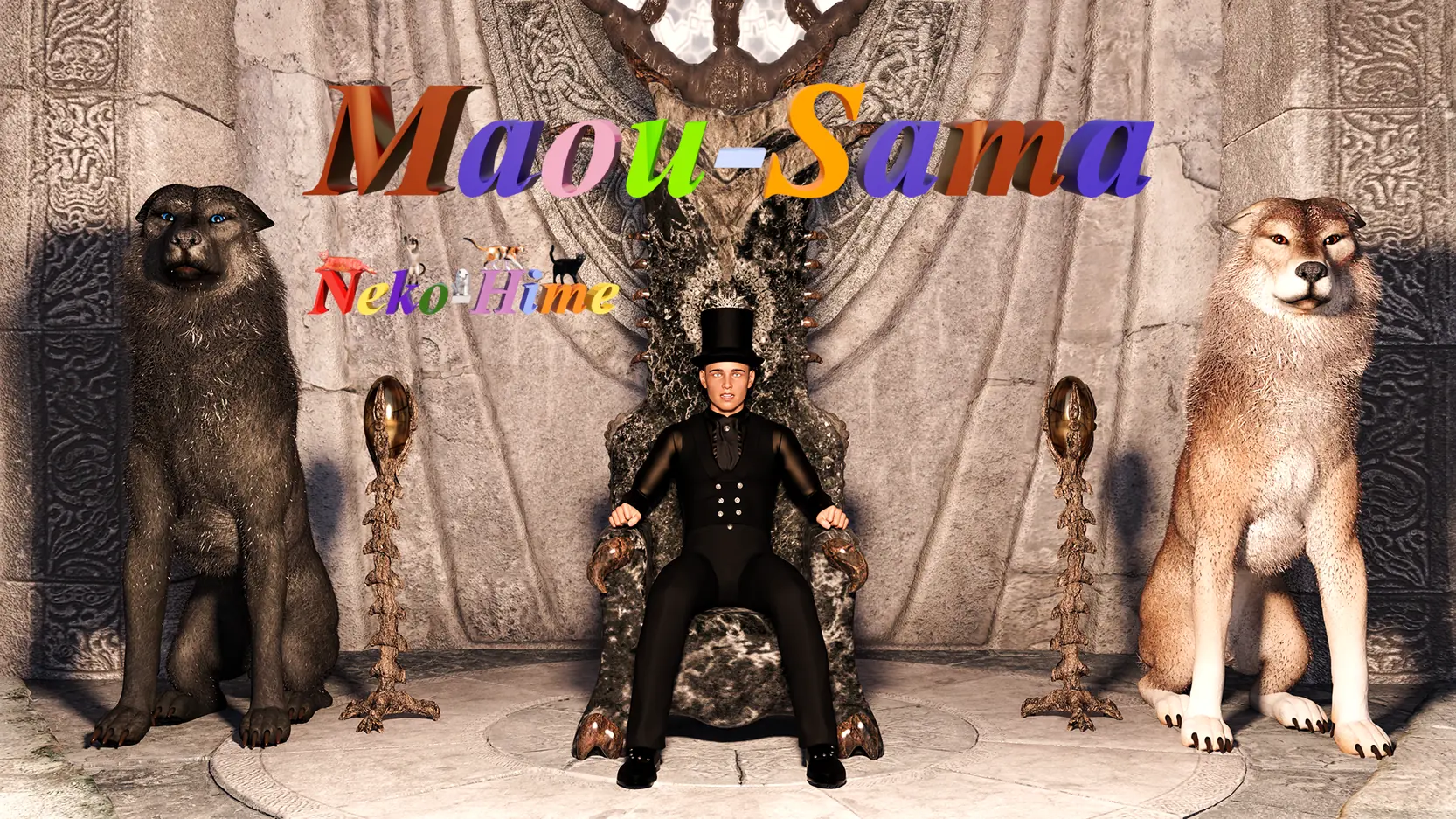
Maou-Sama
Ongoing v.Week 4 v0.4
- Developer
- Neko Fairys
- Release Date
- 18 November, 2024
- Engine
- Ren'py
- Censorship
- Censored
- Size
- 3.01 GB
- Version
- Week 4 v0.4
Screenshots
Genres
Game Description
This is the story of a young man who actually wanted a very typical life - live his life,
along with his father, stepmother, half-sister and step-ante.
But one day, the young MC learns of several problems that plague his father and stepmother,
there begins the cycle that no one can stop.
Extract and run.
Extract the Patch in the maou-sama/game folder
Extract the Patch in the maou-sama/game folder
No patch notes available.
- Dual Core Pentium or equivalent Processor.
- Intel HD 2000 or equivalent Graphics.
- 3.01 GB of free disk space (Recommended to have twice as much free disk space).
Maou-Sama - Ongoing - v.Week 4 v0.4 Download Links
FileknotTransfazeFileknotTransfazeFileknotTransfazeFileknotTransfazeFileknotTransfazeFileknotTransfazeFileknotTransfazeFileknotTransfazeGofileMegaMixdropPixeldrainWdhoGofileMegaMixdropPixeldrainUploadhavenMegaPixeldrainWorkuploadGofileMegaMixdropPixeldrainUploadhavenMegaMegaMixdropPixeldrainUploadhavenWorkuploadMegaMixdrop
FileknotTransfazeFileknotTransfazeFileknotTransfazeFileknotTransfazeFileknotTransfazeFileknotTransfazeFileknotTransfazeFileknotTransfazeGofileMegaMixdropPixeldrainWdhoGofileMegaMixdropPixeldrainUploadhavenMegaPixeldrainWorkuploadGofileMegaMixdropPixeldrainUploadhavenMegaMegaMixdropPixeldrainUploadhavenWorkuploadMegaMixdrop
Maou-Sama is a porn game made on Ren'py game engine.
The current available version is v.Week 4 v0.4.
The contents of the game are Censored. Maou-Sama is developed by Neko Fairys.
Please support the developer if you want continued development.
Download links are gathered from public sources. We do not host or modify contents.
Walkthrough and Guide
You need a Week 2 Savegame to play Week 3!
How do you Import your Savegame to Week 2:
Step 1: Play Week 1
Step 2: At the End of D7 a script will start and ask you to save your Progress
Step 3: Name your Save and hit Enter
Step 4: Start Week 2
Step 5: Hit the Import Button and Chose the Name from your Week 1 SaveIf you run the Censored version of Week 2 Day 10, consider installing this patch for a label bug: FILEKNOT - ANONZIP
Bugfix for the missing labels Installation when playing the censored game: Either place the attached file in the
this should solve your problem.
How do you Import your Savegame to Week 2:
Step 1: Play Week 1
Step 2: At the End of D7 a script will start and ask you to save your Progress
Step 3: Name your Save and hit Enter
Step 4: Start Week 2
Step 5: Hit the Import Button and Chose the Name from your Week 1 SaveIf you run the Censored version of Week 2 Day 10, consider installing this patch for a label bug: FILEKNOT - ANONZIP
Bugfix for the missing labels Installation when playing the censored game: Either place the attached file in the
game folder or if you've extracted the rpa files, simply delete patch_init.rpy + patch_init.rpyc.
this should solve your problem.