Others Ongoing 2DCGAnimatedBig AssBig TitsCheatingDrugsIncestMILFMale DominationMobile GameMonster GirlMultiple protagonistOral SexParodyPoint & ClickPregnancyShotaSleep SexTeasingTitfuckVaginal Sex AndroidIOSLinuxMacWindows
Screenshots
Genres
Game Description
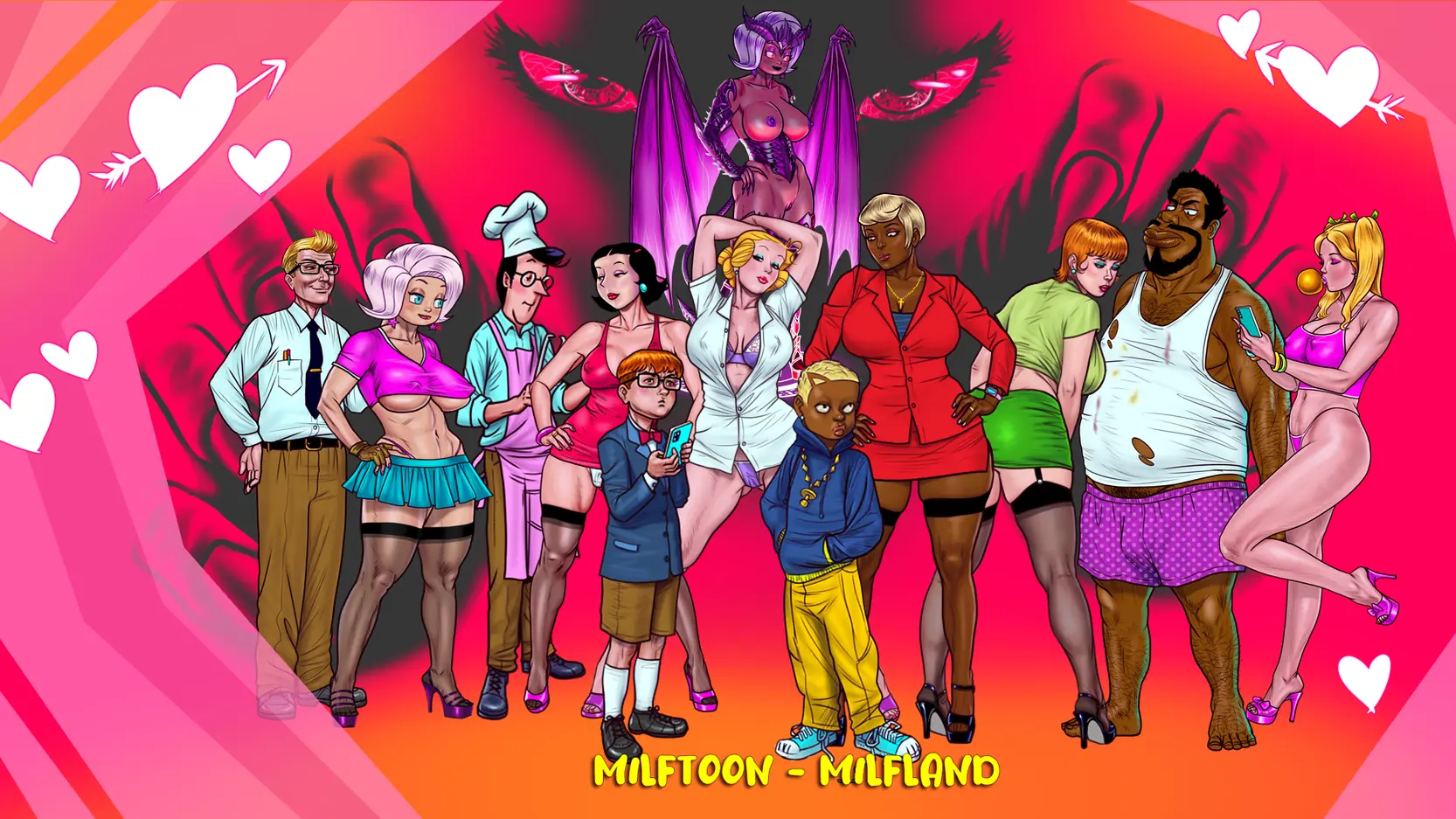
Take the role of 4 characters and with the guidance of an evil sexual entity engage in sexual situations with the ones you hold dear -or not-
Revenge, pity, lust, power, money, love and what-if's guide these heroes and heroines into the world of MilfLand!
Multiple characters, multiple situations , each with their own plot and all of them combined under the power
of the sexual entity!
Saves are stored at another location so you dont lose your progress
It is STRONGLY adviced that you delete previous version (not overwrite)
otherwise you could end up with bugs.
Extract and Run.
No patch notes available.
- Dual Core Pentium or equivalent Processor.
- Intel HD 2000 or equivalent Graphics.
- 1.02 GB of free disk space (Recommended to have twice as much free disk space).
Milftoon - MilfLand - Ongoing - v.0.12A Download Links
Milftoon - MilfLand is a porn game made on Others game engine.
The current available version is v.0.12A.
The contents of the game are Uncensored. Milftoon - MilfLand is developed by Milftoon.
Please support the developer if you want continued development.
Download links are gathered from public sources. We do not host or modify contents.
Walkthrough and Guide
Save: FILEKNOT - ANONZIP
Save Installation:
Saves are stored here : C:\Users\YOUR PC NAME\AppData\Local\Milftoon\Milftoon MilfLand\Savegames
Controls:
Mouse to control arrow
Right Click to Open Menu
Volume control by keyboard 1-2-3-4
Text Speed Control by Q-W-E-R
N Button toggles the dialog box
T Button for STATIC TEXT
Alt+Enter FullScreen/Window
and where it says YOUR PC NAME , you have to click on your PC username.
Make sure that you can see hidden files/folders otherwise you won't be able to see the folders
Make sure you make a backup of your save file since this one might overwrite your previous.
You won't see a screenshot in the Save/Load Menu when you do this! but the save will still work just fine.
Save Installation:
Saves are stored here : C:\Users\YOUR PC NAME\AppData\Local\Milftoon\Milftoon MilfLand\Savegames
Controls:
Mouse to control arrow
Right Click to Open Menu
Volume control by keyboard 1-2-3-4
Text Speed Control by Q-W-E-R
N Button toggles the dialog box
T Button for STATIC TEXT
Alt+Enter FullScreen/Window
and where it says YOUR PC NAME , you have to click on your PC username.
Make sure that you can see hidden files/folders otherwise you won't be able to see the folders
Make sure you make a backup of your save file since this one might overwrite your previous.
You won't see a screenshot in the Save/Load Menu when you do this! but the save will still work just fine.