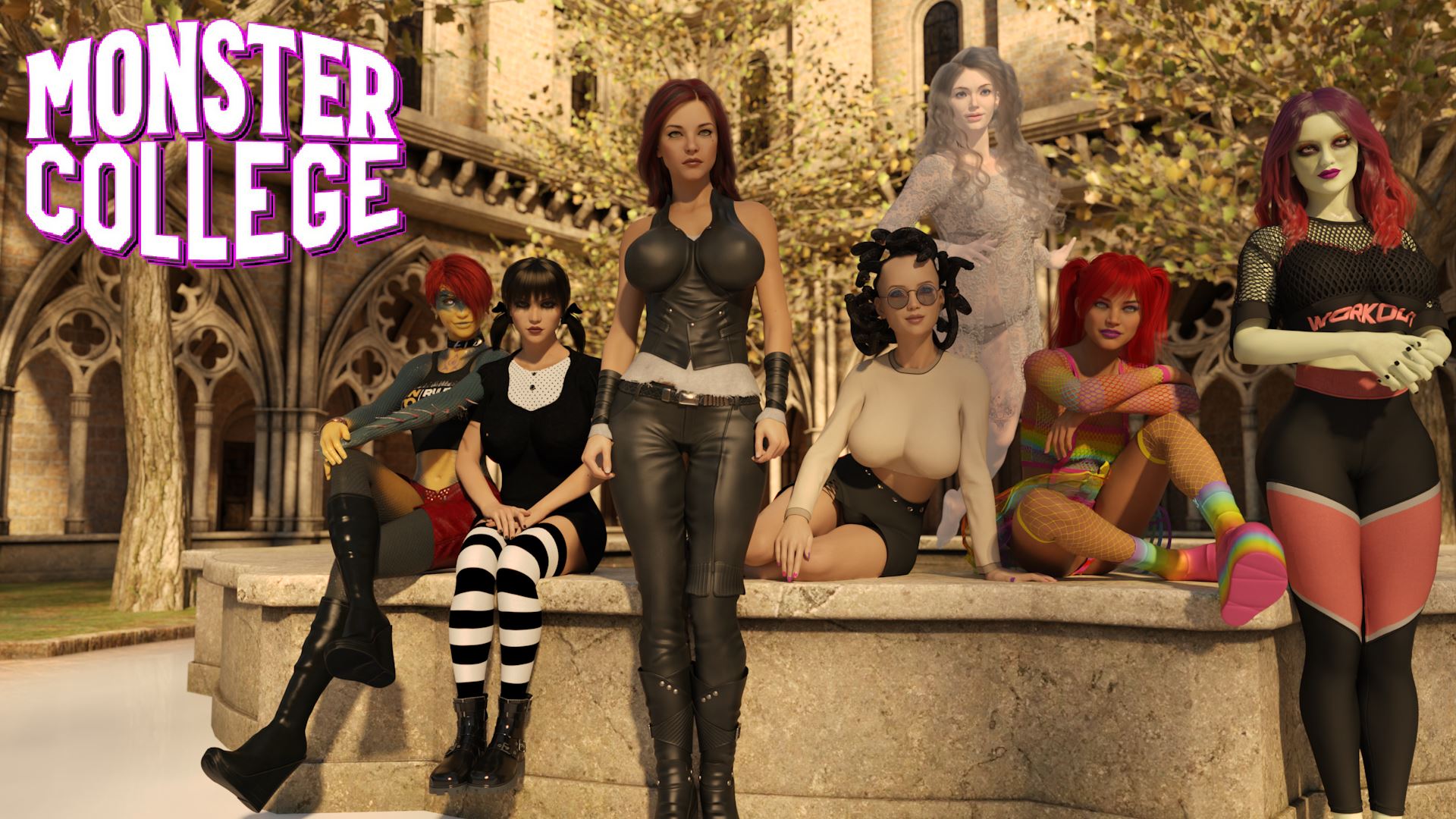
Monster College
Finished v.1.7.0
- Developer
- Monster Eye Games
- Release Date
- 23 May, 2025
- Engine
- Ren'Py
- Censorship
- Uncensored
- Size
- 5.79 GB
- Version
- 1.7.0
Screenshots

Genres
3DCG Ahegao Anal Sex Animated Big Ass Big Tits Cheating Creampie Dating Sim Exhibitionism Groping Group Sex Handjob Humor Interracial Male Protagonist MILF Monster Monster Girl Multiple Endings Oral Sex Romance School Setting Spanking Stripping Teasing Titfuck Vaginal Sex Virgin Visual Novel Voyeurism
Game Description
Monster College is an adult visual novel based on multiple choices.
The protagonist of this story discovers that he is a werewolf.
Despite already attending a good university, he feels compelled to change it to enrol at Silverleaf University.
In his new life, he will meet beautiful women, each with their own fascinating peculiarities: demons, vampires, zombies, werewolves, gorgons...
Extract and run.
No patch notes available.
- Dual Core Pentium or equivalent Processor.
- Intel HD 2000 or equivalent Graphics.
- 5.79 GB of free disk space (Recommended to have twice as much free disk space).
Monster College - Finished - v.1.7.0 Download Links
Monster College is a porn game made on Ren'Py game engine.
The current available version is v.1.7.0.
The contents of the game are Uncensored. Monster College is developed by Monster Eye Games.
Please support the developer if you want continued development.
Download links are gathered from public sources. We do not host or modify contents.
Walkthrough and Guide
Multi Mod: FILEKNOT - ANONZIP
Walkthrough Mod Installation:
PC: Extract to main game folder (where the executable is located), overwrite existing files when asked.
Mac: Unzip to a temporary folder, right-click your "MonsterCollege" app, click "Show Package Contents", go to the "Contents" folder, then the "Resources" folder. Hold the Option key, and drag the folder named "game" from where you extracted the mod to the "autorun" folder inside the app package. Finally, click Merge to complete the install.
Walkthrough Mod Features:
Walkthrough Mod Installation:
PC: Extract to main game folder (where the executable is located), overwrite existing files when asked.
Mac: Unzip to a temporary folder, right-click your "MonsterCollege" app, click "Show Package Contents", go to the "Contents" folder, then the "Resources" folder. Hold the Option key, and drag the folder named "game" from where you extracted the mod to the "autorun" folder inside the app package. Finally, click Merge to complete the install.
Walkthrough Mod Features:
- Walkthrough, highlighting important choices (and their immediate effect)
- Added some choices for both scenes
- Cheat function for relationship strengths and switching on/off abilities
- Gallery unlocker