Ren'py Finished 3DCGAnal SexBig TitsCheatingGayGropingMILFMale ProtagonistMultiple protagonistOral SexRomanceVaginal Sex AndroidLinuxMacWindows
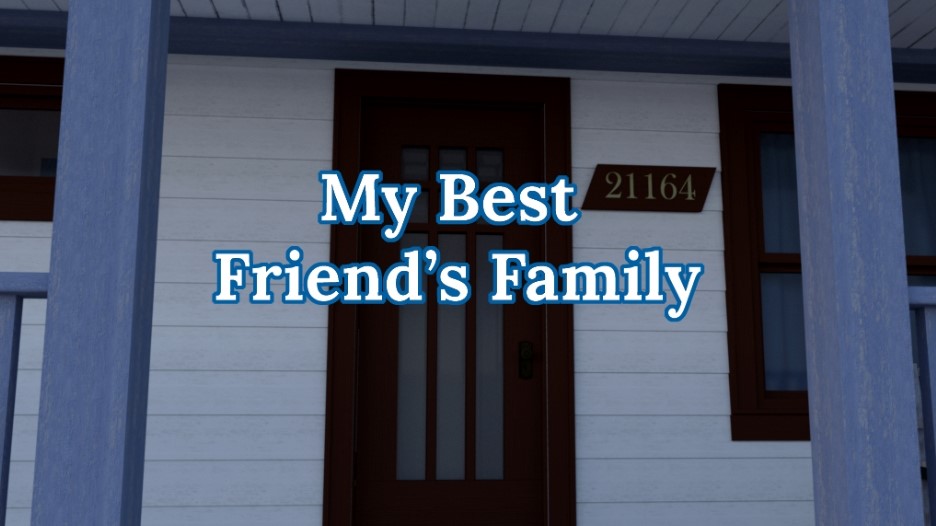
My Best Friend's Family
Finished v.1.01
- Developer
- Iceridlah Games
- Release Date
- 7 September, 2020
- Engine
- Ren'py
- Censorship
- Uncensored
- Size
- 652.5 MB
- Version
- 1.01
Genres
Game Description
Tom moved in next to the Petersson family three years ago and became best friends with their son. The Peterssons now consider him a part of their family. Certain tensions and feelings are near tipping points that could push them into new unexplored territories. There will be more to the overall story than I can elaborate on at the moment as it would spoil things.
Extract file to preferred location.
Run "My_Best_Friends_Family.exe".
For extras extract the content of the "Extras" folder in the zip file in the folder named "Game".
Run "My_Best_Friends_Family.exe".
For extras extract the content of the "Extras" folder in the zip file in the folder named "Game".
No patch notes available.
- Dual Core Pentium or equivalent Processor.
- Intel HD 2000 or equivalent Graphics.
- 652.5 MB of free disk space (Recommended to have twice as much free disk space).
My Best Friend's Family - Finished - v.1.01 Download Links
My Best Friend's Family is a porn game made on Ren'py game engine.
The current available version is v.1.01.
The contents of the game are Uncensored. My Best Friend's Family is developed by Iceridlah Games.
Please support the developer if you want continued development.
Download links are gathered from public sources. We do not host or modify contents.
Walkthrough and Guide
Gallery Save: FILEKNOT - ANONZIP
Guide: FILEKNOT - ANONZIP
Walkthrough Mod: FILEKNOT - ANONZIP
Walkthrough Mod Installation:
PC: Unzip the mod and put the folder named "game" from the mod in your "My_Best_Friends_Family-101" folder.
MAC: Unzip the mod -> Right-click your "My Best Friend's Family" app -> Click "Show Package Contents" -> Open the "Contents" then "Resources" folders -> Hold the Option key and drag the folder named "game" from the mod to the "autorun" folder -> Click merge
Walkthrough Mod Features: In-game walkthrough that highlighted dialogue that show to scenes or Routes with the green color.
Guide: FILEKNOT - ANONZIP
Walkthrough Mod: FILEKNOT - ANONZIP
Walkthrough Mod Installation:
PC: Unzip the mod and put the folder named "game" from the mod in your "My_Best_Friends_Family-101" folder.
MAC: Unzip the mod -> Right-click your "My Best Friend's Family" app -> Click "Show Package Contents" -> Open the "Contents" then "Resources" folders -> Hold the Option key and drag the folder named "game" from the mod to the "autorun" folder -> Click merge
Walkthrough Mod Features: In-game walkthrough that highlighted dialogue that show to scenes or Routes with the green color.