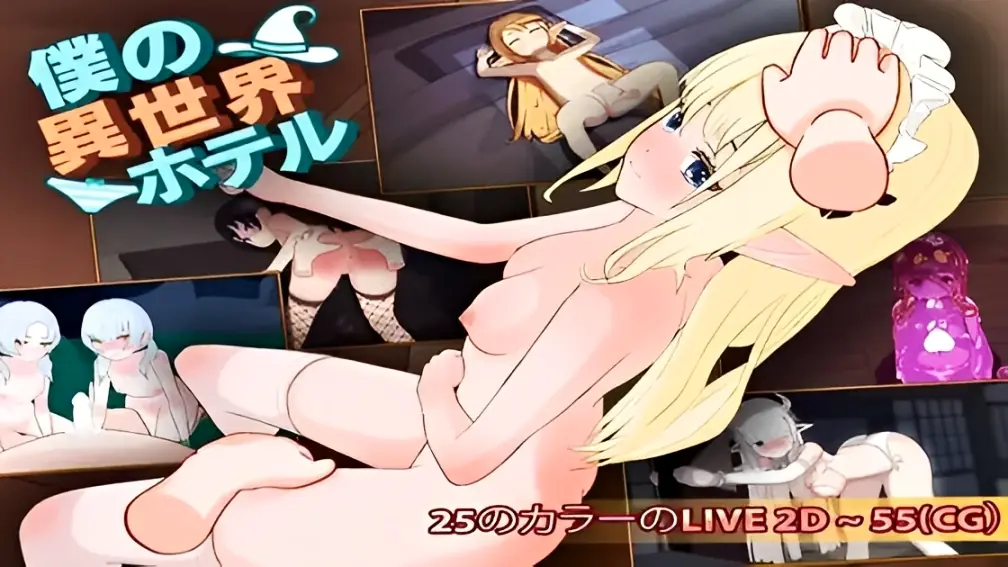
My Isekai Hotel ~ Build a Hotel and Create Your Own Harem
Finished v.3.0
- Developer
- Witch Pantsu
- Release Date
- 1st April, 2025
- Engine
- Unity
- Censorship
- Uncensored
- Size
- 445.3 MB
- Version
- 3.0
Genres
Game Description
- Build your own hotel in a different world and have fun with your guests.
Your goal is to seduce them and build a harem.
-My Otherworldly Hotel” is a simulation game. Reincarnate in another world,
While collecting resources and developing your hotel, you will meet guests and deepen your relationship with them through communication,
Enjoy the release of erotic scenes.
Extract and run.
No patch notes available.
- Dual Core Pentium or equivalent Processor.
- Intel HD 2000 or equivalent Graphics.
- 445.3 MB of free disk space (Recommended to have twice as much free disk space).
My Isekai Hotel ~ Build a Hotel and Create Your Own Harem - Finished - v.3.0 Download Links
My Isekai Hotel ~ Build a Hotel and Create Your Own Harem is a porn game made on Unity game engine.
The current available version is v.3.0.
The contents of the game are Uncensored. My Isekai Hotel ~ Build a Hotel and Create Your Own Harem is developed by Witch Pantsu.
Please support the developer if you want continued development.
Download links are gathered from public sources. We do not host or modify contents.
Walkthrough and Guide
Uncensor: FILEKNOT - ANONZIP
Uncensor Installation: Drop it on the main folder and replace
Save: FILEKNOT - ANONZIP
Save path C:\Users\[user]\AppData\LocalLow\Witch Pantsu\My Hotel In Other World
Decensor: FILEKNOT - ANONZIP
SW Decensor: FILEKNOT - ANONZIP
SW Decensor Installation: Uncensor with SW_Decensor config file
SW Decensor Files:
Installation:
It's a sort of plugin of BepInEx. You must install a BepInEx.
Installation of BepInEx is not described. please refer to BepInEx.
Copy right type of plugin file to "BepInEx\plugins" folder.
Copy all files to "BepInEx\plugins" folder ? That's one way, but I don't recommend it.
Usage:
if plugin is loaded, config file is created at "BepInEx\config" folder. There are some settings. You can edit it freely.
Some games are need to edit config(.ini) file.
Uncensor Installation: Drop it on the main folder and replace
Save: FILEKNOT - ANONZIP
Save path C:\Users\[user]\AppData\LocalLow\Witch Pantsu\My Hotel In Other World
Decensor: FILEKNOT - ANONZIP
SW Decensor: FILEKNOT - ANONZIP
SW Decensor Installation: Uncensor with SW_Decensor config file
SW Decensor Files:
-
- SW_Decensor_BE5.dll : for BepInEx 5 Mono type ( BepInEx )
- SW_Decensor_BE6.dll : for BepInEx 6 Mono type ( Bleeding Edge builds )
- SW_Decensor_il2cpp.dll : for BepInEx 6 IL2CPP type ( Bleeding Edge builds )
Installation:
It's a sort of plugin of BepInEx. You must install a BepInEx.
Installation of BepInEx is not described. please refer to BepInEx.
Copy right type of plugin file to "BepInEx\plugins" folder.
Copy all files to "BepInEx\plugins" folder ? That's one way, but I don't recommend it.
Usage:
if plugin is loaded, config file is created at "BepInEx\config" folder. There are some settings. You can edit it freely.
Some games are need to edit config(.ini) file.