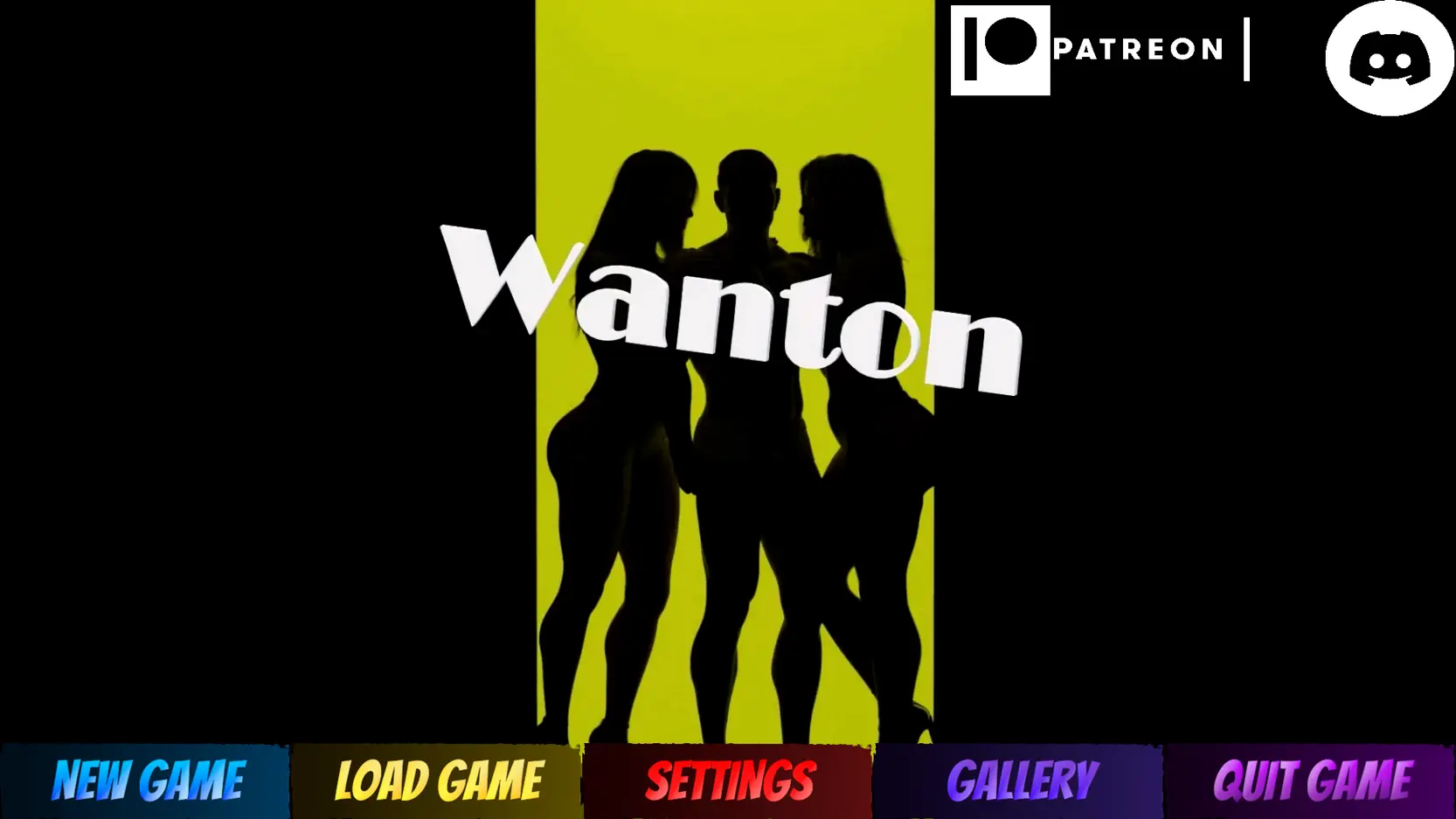
My Wanton MIL
Ongoing v.0.3.5
- Developer
- Another Vision Studios
- Release Date
- 3rd November, 2024
- Engine
- Unity
- Censorship
- Uncensored
- Size
- 1.60 GB
- Version
- 0.3.5
Genres
Game Description
This game tells the story of Jason, Alyssa, and Melody(The MIL).
Jason is an orphan who became successful and rich after overcoming many struggles.
But the one dream he had was to have a family of his own making, which would not be possible due to infertility.
Alyssa is Jason's wife and she loves him dearly.
Still, the struggles with fertility issues on both ends led her to start pushing him away, not because she didn't love him but because she blamed herself, and started believing Jason would be better off with another woman.
That's where Melody came in, Jason invited her into their home because he knew the only person who could reach Alyssa and stop her would be her stepmother.
Thus, he invited her to stay with them for an undefined amount of time.
Extract and run.
No patch notes available.
- Dual Core Pentium or equivalent Processor.
- Intel HD 2000 or equivalent Graphics.
- 1.60 GB of free disk space (Recommended to have twice as much free disk space).
My Wanton MIL - Ongoing - v.0.3.5 Download Links
My Wanton MIL is a porn game made on Unity game engine.
The current available version is v.0.3.5.
The contents of the game are Uncensored. My Wanton MIL is developed by Another Vision Studios.
Please support the developer if you want continued development.
Download links are gathered from public sources. We do not host or modify contents.
Walkthrough and Guide
Save File (MIL Route): FILEKNOT - ANONZIP
Save File (MIL Route) Installation:
Save file for where the MIL route starts.
if Windows:
C:\Users<user>\AppData\LocalLow\Another Vision Studios\My Wanton MIL
if Mac:
~/Library/Application Support/Another Vision Studios/My Wanton MIL
if Linux:
$XDG_CONFIG_HOME/unity3d/Another Vision Studios/My Wanton MIL OR $HOME/.config/unity3d/Another Vision Studios/My Wanton MIL
Instead of "extract to..." use the "extract here" option and it should work. Also, before extracting the save file, close the game, after extracting the save file into the designed location, open the game again and it should be there.
Save File (MIL Route) Installation:
Save file for where the MIL route starts.
if Windows:
C:\Users<user>\AppData\LocalLow\Another Vision Studios\My Wanton MIL
if Mac:
~/Library/Application Support/Another Vision Studios/My Wanton MIL
if Linux:
$XDG_CONFIG_HOME/unity3d/Another Vision Studios/My Wanton MIL OR $HOME/.config/unity3d/Another Vision Studios/My Wanton MIL
Instead of "extract to..." use the "extract here" option and it should work. Also, before extracting the save file, close the game, after extracting the save file into the designed location, open the game again and it should be there.