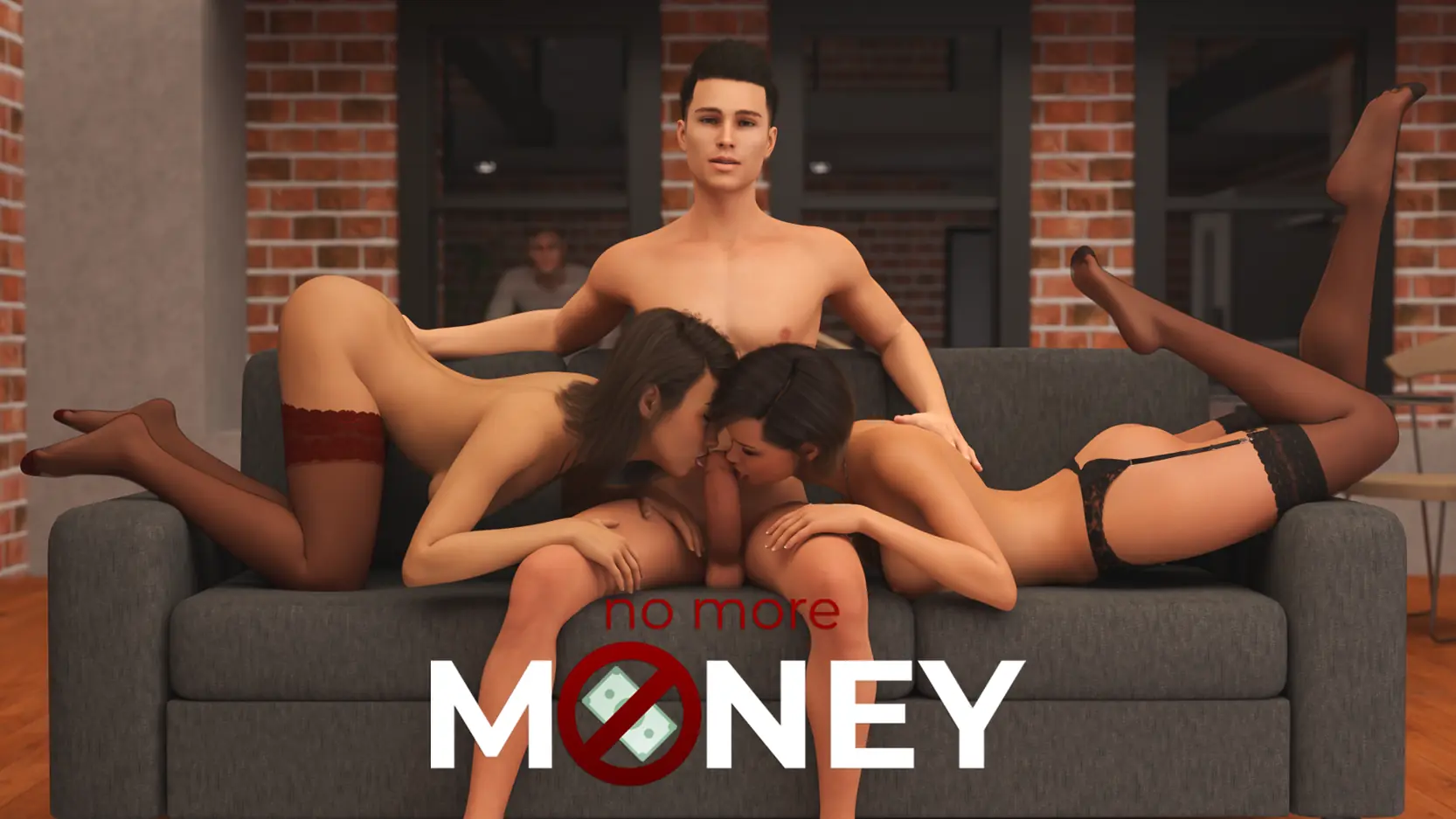
No More Money
Ongoing v.4.2.0 S4 Ep.2 GE
- Developer
- RoyalCandy
- Release Date
- 26 August, 2025
- Engine
- Ren'py
- Censorship
- Uncensored
- Size
- 6.31 GB
- Version
- 4.2.0 S4 Ep.2 GE
Screenshots
Genres
Game Description
Everything started when my dad lost his company and everybody is forced to move in a different city. Here we have to start from zero in a small apartment with only two bedrooms, so "unfortunately" you'll have to share a room with your younger sister.
Since you're already 20 years old, it's time for you to help the family however you can, so you'll be searching for a job.
Extract and run.
Incest Patch Installation:
Copy "relationships.rpy" in folder "/game" and replace old file
If the patch does not work, delete the file: relationships.rpyc
Incest Patch Installation:
Copy "relationships.rpy" in folder "/game" and replace old file
If the patch does not work, delete the file: relationships.rpyc
No patch notes available.
- Dual Core Pentium or equivalent Processor.
- Intel HD 2000 or equivalent Graphics.
- 6.31 GB of free disk space (Recommended to have twice as much free disk space).
No More Money - Ongoing - v.4.2.0 S4 Ep.2 GE Download Links
No More Money is a porn game made on Ren'py game engine.
The current available version is v.4.2.0 S4 Ep.2 GE.
The contents of the game are Uncensored. No More Money is developed by RoyalCandy.
Please support the developer if you want continued development.
Download links are gathered from public sources. We do not host or modify contents.
Walkthrough and Guide
Audio Restoration Patch: FILEKNOT - ANONZIP
Audio Restoration Patch Installation: Extract to ...\NoMoreMoney-3.5.1-pc and overwrite old files (As usual, modified files have their backups)
Webp Restoration Patch PC: FILEKNOT - ANONZIP
Webp Restauration Patch Installation: Extract to ...\NoMoreMoney-x.x.x-pc and overwrite old images files, if you have unren.
Walkthrough: FILEKNOT - ANONZIP
Walkthrough & Cheats Mod: FILEKNOT - ANONZIP
Walkthrough & Cheats Mod W/P: FILEKNOT - ANONZIP
Walkthrough & Cheats Mod Installation: Replace/Merge with the "game" folder.
Walkthrough & Cheats Mod Features:
Unlocks Achievements and Memories.
Cheats to Increase Points for each character.
The Walkthrough highlights the best choices that give points and leads to scenes.
Part 3 Save File: FILEKNOT - ANONZIP
Part 4-5 Save File: FILEKNOT - ANONZIP
About Save Files:
The third part of the saves also includes the previous two parts.
If you have already downloaded part 3 of the save files, there is no need to download part 3 of the save files again, download part 4,5 and merge and replace their files based on their packages.
If you haven't downloaded the save files yet, download both parts and merge and replace their files based on their packages.
Video Enhancements Mod v4.2.0: FILEKNOT - ANONZIP
Video Enhancements Mod Installation:
Just copy the "game" folder into the NoMoreMoney Directory, next to the .exe file
The new files you copied have now priority over the native animations
Enjoy
Video Enhancements Mod Features:
- All animations have been interpolated to 60 fps framerate
- All animations have been re-encoded with optimized parameters that provide additional minor enhancements such as : less compression artefacts due to VP9 encoding, and less video noise.
Gallery Unlocker: FILEKNOT - ANONZIP
Gallery Unlocker Installation:
Extract the zip inside the game folder.
Gallery Unlocker Features:
This script makes permanent changes to your persistent data.
Removing this script will not revert the changes that have been made.
Make a backup if you ever want to be able to revert back without completely removing your persistent data.
Save Mod: FILEKNOT - ANONZIP
Save Mod Installation:
1. Download rpaextract https://iwanplays.itch.io/rpaex
2. Place rpaextract.exe inside your game folder
3. Drag base.rpa on rpaextract.exe
4. Go look inside the scripts folder and replace screens.rpy with mine below.
Audio Restoration Patch Installation: Extract to ...\NoMoreMoney-3.5.1-pc and overwrite old files (As usual, modified files have their backups)
Webp Restoration Patch PC: FILEKNOT - ANONZIP
Webp Restauration Patch Installation: Extract to ...\NoMoreMoney-x.x.x-pc and overwrite old images files, if you have unren.
Walkthrough: FILEKNOT - ANONZIP
Walkthrough & Cheats Mod: FILEKNOT - ANONZIP
Walkthrough & Cheats Mod W/P: FILEKNOT - ANONZIP
Walkthrough & Cheats Mod Installation: Replace/Merge with the "game" folder.
Walkthrough & Cheats Mod Features:
Unlocks Achievements and Memories.
Cheats to Increase Points for each character.
The Walkthrough highlights the best choices that give points and leads to scenes.
Part 3 Save File: FILEKNOT - ANONZIP
Part 4-5 Save File: FILEKNOT - ANONZIP
About Save Files:
The third part of the saves also includes the previous two parts.
If you have already downloaded part 3 of the save files, there is no need to download part 3 of the save files again, download part 4,5 and merge and replace their files based on their packages.
If you haven't downloaded the save files yet, download both parts and merge and replace their files based on their packages.
Video Enhancements Mod v4.2.0: FILEKNOT - ANONZIP
Video Enhancements Mod Installation:
Just copy the "game" folder into the NoMoreMoney Directory, next to the .exe file
The new files you copied have now priority over the native animations
Enjoy
Video Enhancements Mod Features:
- All animations have been interpolated to 60 fps framerate
- All animations have been re-encoded with optimized parameters that provide additional minor enhancements such as : less compression artefacts due to VP9 encoding, and less video noise.
Gallery Unlocker: FILEKNOT - ANONZIP
Gallery Unlocker Installation:
Extract the zip inside the game folder.
Gallery Unlocker Features:
This script makes permanent changes to your persistent data.
Removing this script will not revert the changes that have been made.
Make a backup if you ever want to be able to revert back without completely removing your persistent data.
Save Mod: FILEKNOT - ANONZIP
Save Mod Installation:
1. Download rpaextract https://iwanplays.itch.io/rpaex
2. Place rpaextract.exe inside your game folder
3. Drag base.rpa on rpaextract.exe
4. Go look inside the scripts folder and replace screens.rpy with mine below.