Genres
Game Description
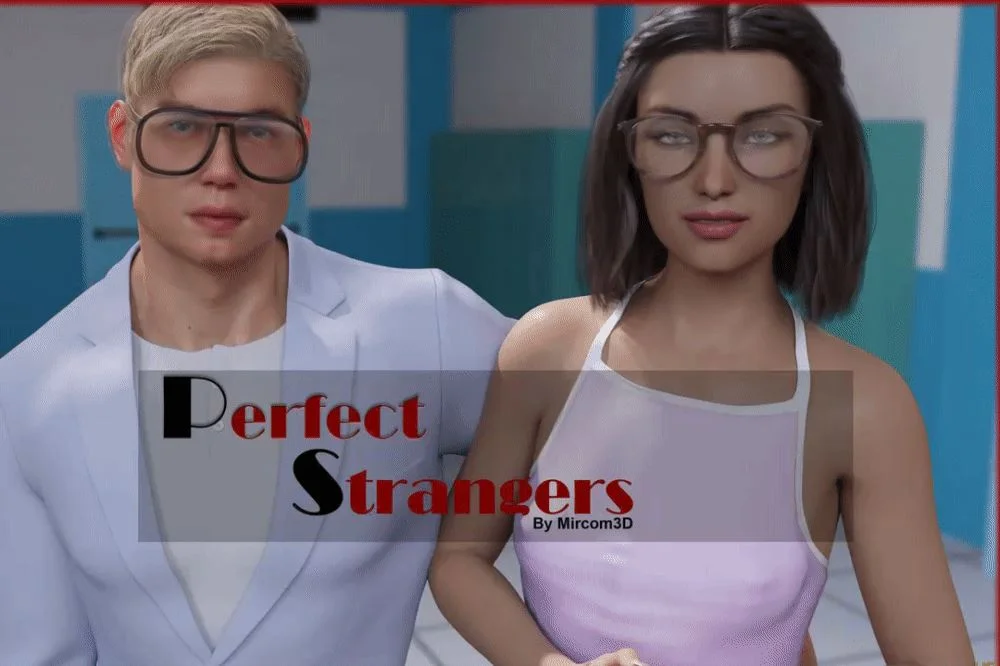
In this game you will be making choices for multiple characters! You will hear the thoughts of multiple characters and control the play from different angles! The main character is the 19 year old male that is coming home to his housemates from University after three years of being away! He comes home to new neighbors and perhaps new interests!
Someone may be lurking in the neighborhood and watching them.....
Extract and run.
No patch notes available.
- Dual Core Pentium or equivalent Processor.
- Intel HD 2000 or equivalent Graphics.
- 596 MB of free disk space (Recommended to have twice as much free disk space).
Perfect Stranger! - Abandoned - v.Ep. One Download Links
Perfect Stranger! is a porn game made on Ren'Py game engine.
The current available version is v.Ep. One.
The contents of the game are Uncensored. Perfect Stranger! is developed by Mircom3D.
Please support the developer if you want continued development.
Download links are gathered from public sources. We do not host or modify contents.
Walkthrough and Guide
Gallery and Walkthrough Mod: FILEKNOT - ANONZIP
Gallery and Walkthrough Mod Installation:
Extract the folder "game" to your Perfect Strangers! folder then overwrite if asked
Gallery and Walkthrough Mod Features:
- Highlights best choices.
-Adds an in-game replayable scene gallery.
Walkthrough Mod: FILEKNOT - ANONZIP
Walkthrough Mod Installation:
PC: Unzip the mod and put the folder named "game" from the mod in your "PerfectStrangers-1.0-pc" folder.
MAC: Unzip the mod -> Right-click your "PerfectStrangers-1.0" app -> Click "Show Package Contents" -> Open the "Contents" then "Resources" folders -> Hold the Option key and drag the folder named "game" from the mod to the "autorun" folder -> Click merge
Gallery and Walkthrough Mod Installation:
Extract the folder "game" to your Perfect Strangers! folder then overwrite if asked
Gallery and Walkthrough Mod Features:
- Highlights best choices.
-Adds an in-game replayable scene gallery.
Walkthrough Mod: FILEKNOT - ANONZIP
Walkthrough Mod Installation:
PC: Unzip the mod and put the folder named "game" from the mod in your "PerfectStrangers-1.0-pc" folder.
MAC: Unzip the mod -> Right-click your "PerfectStrangers-1.0" app -> Click "Show Package Contents" -> Open the "Contents" then "Resources" folders -> Hold the Option key and drag the folder named "game" from the mod to the "autorun" folder -> Click merge