Ren'Py Ongoing 3DCGAnal SexAnimatedBig AssBig TitsBlackmailCheatingCorruptionCosplayCreampieDrugsExhibitionismFemale DominationFootjobGropingHandjobHaremHumiliationHumorIncestInterracialLesbianMILFMale DominationMale ProtagonistMasturbationOral SexProstitutionRapeRomanceSandboxSchool SettingSex ToysSexual HarassmentSpankingStrippingSwingingTeasingTitfuckVaginal SexVirginVoyeurism LinuxMacWindows
Genres
3DCG Anal Sex Animated Big Ass Big Tits Blackmail Cheating Corruption Cosplay Creampie Drugs Exhibitionism Female Domination Footjob Groping Handjob Harem Humiliation Humor Incest Interracial Lesbian MILF Male Domination Male Protagonist Masturbation Oral Sex Prostitution Rape Romance Sandbox School Setting Sex Toys Sexual Harassment Spanking Stripping Swinging Teasing Titfuck Vaginal Sex Virgin Voyeurism
Game Description
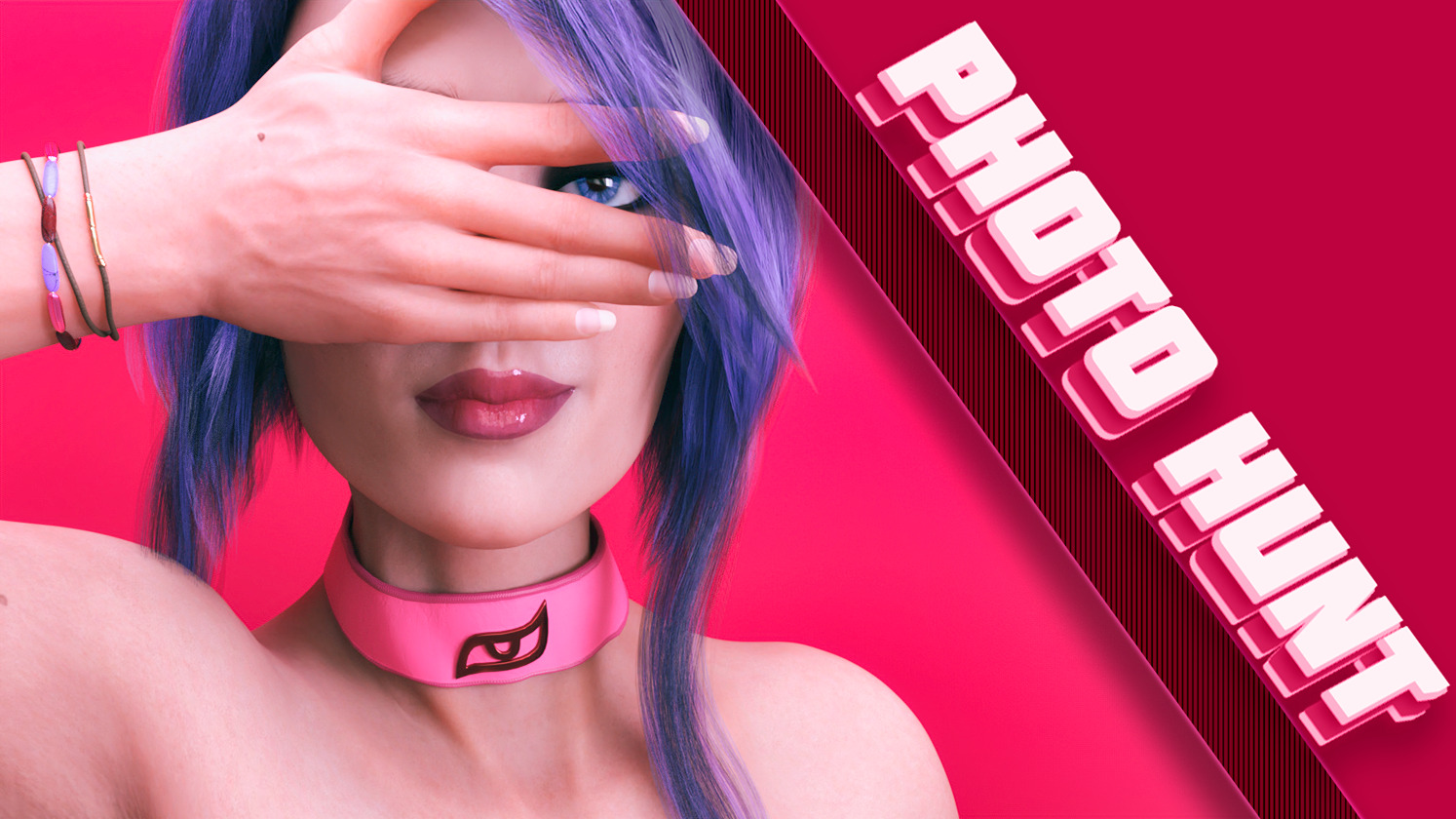
The story is happening around your character, who was unwilingly sent to his mother house. The city you have known before is now like different - so much has changed. Above all, after just one mistake you lost your siblings trust. No money, no love, only your new camera and desire to turn things upside down...
Extract and run.
No patch notes available.
- Dual Core Pentium or equivalent Processor.
- Intel HD 2000 or equivalent Graphics.
- 7.96 GB of free disk space (Recommended to have twice as much free disk space).
Photo Hunt - Ongoing - v.0.21.1 Extra Download Links
Photo Hunt is a porn game made on Ren'Py game engine.
The current available version is v.0.21.1 Extra.
The contents of the game are Uncensored. Photo Hunt is developed by Moochie.
Please support the developer if you want continued development.
Download links are gathered from public sources. We do not host or modify contents.
Walkthrough and Guide
Cheat Code = munchkin / Gallery Unlock Code = extra2pass
Cheat Code v0.19.1:
fiolock
helbeck
Cheat Mod: FILEKNOT - ANONZIP
Cheat Mod Installation:
Extract the file "0x52_cheats.rpa" into the "game" folder, and start the game
(No need to overwrite anything. No game files have been modified)
Cheat Mod Features:
Official Walkthrough: FILEKNOT
Gallery Unlock:
Gallery Unlock: go the game directory and you will see a file called "gallery_main.rpy" open that in notepad or other similar programs, look for this code. It's not far down and has 3 lines of russian above it, starts on line 48.
Change the "False" text into "True" next time you start up the game the gallery will be unlocked.
Multi Mod: FILEKNOT
Multi-Mod Installation:
PC:
Unzip the mod and put the folder named "game" and files from the mod into your "PhotoHunt" folder and click 'replace files'.
Mac:
Unzip the mod -> Right click your PhotoHunt app -> Click "Show Package Contents" -> Open the "Contents/Resources/autorun" folder -> Hold the Option key and drag the folder named "game" from the mod into the "autorun" folder -> Click 'merge & replace'
Cheat Code v0.19.1:
fiolock
helbeck
Cheat Mod: FILEKNOT - ANONZIP
Cheat Mod Installation:
Extract the file "0x52_cheats.rpa" into the "game" folder, and start the game
(No need to overwrite anything. No game files have been modified)
Cheat Mod Features:
- Scene gallery
- Unlock achievements
- Walkthrough
- This is based on the information that's already present in the game (through the PC in MC's room), but made easier to use and available at any time
- Teleporting
- Bypass time/day restrictions for some locations
- At school for example you can go directly to the morning, afternoon or evening menu
- Visit still locked places (not recommended)
- Only available during freeroam
- Bypass time/day restrictions for some locations
- Add money
- Show all messages, or lock/unlock them, or mark them as read/unread
- Change scores
- Change routes
- Enhanced achievement viewer (zoom slider and prev./next buttons) (live demo)
- Rename MC
Official Walkthrough: FILEKNOT
Gallery Unlock:
Gallery Unlock: go the game directory and you will see a file called "gallery_main.rpy" open that in notepad or other similar programs, look for this code. It's not far down and has 3 lines of russian above it, starts on line 48.
if char_id not in persistent.gallery:

            return False

        if ev_id not in persistent.gallery:

            return False

        return True
Change the "False" text into "True" next time you start up the game the gallery will be unlocked.
Multi Mod: FILEKNOT
Multi-Mod Installation:
PC:
Unzip the mod and put the folder named "game" and files from the mod into your "PhotoHunt" folder and click 'replace files'.
Mac:
Unzip the mod -> Right click your PhotoHunt app -> Click "Show Package Contents" -> Open the "Contents/Resources/autorun" folder -> Hold the Option key and drag the folder named "game" from the mod into the "autorun" folder -> Click 'merge & replace'