

Sexbot II: Recalibrated
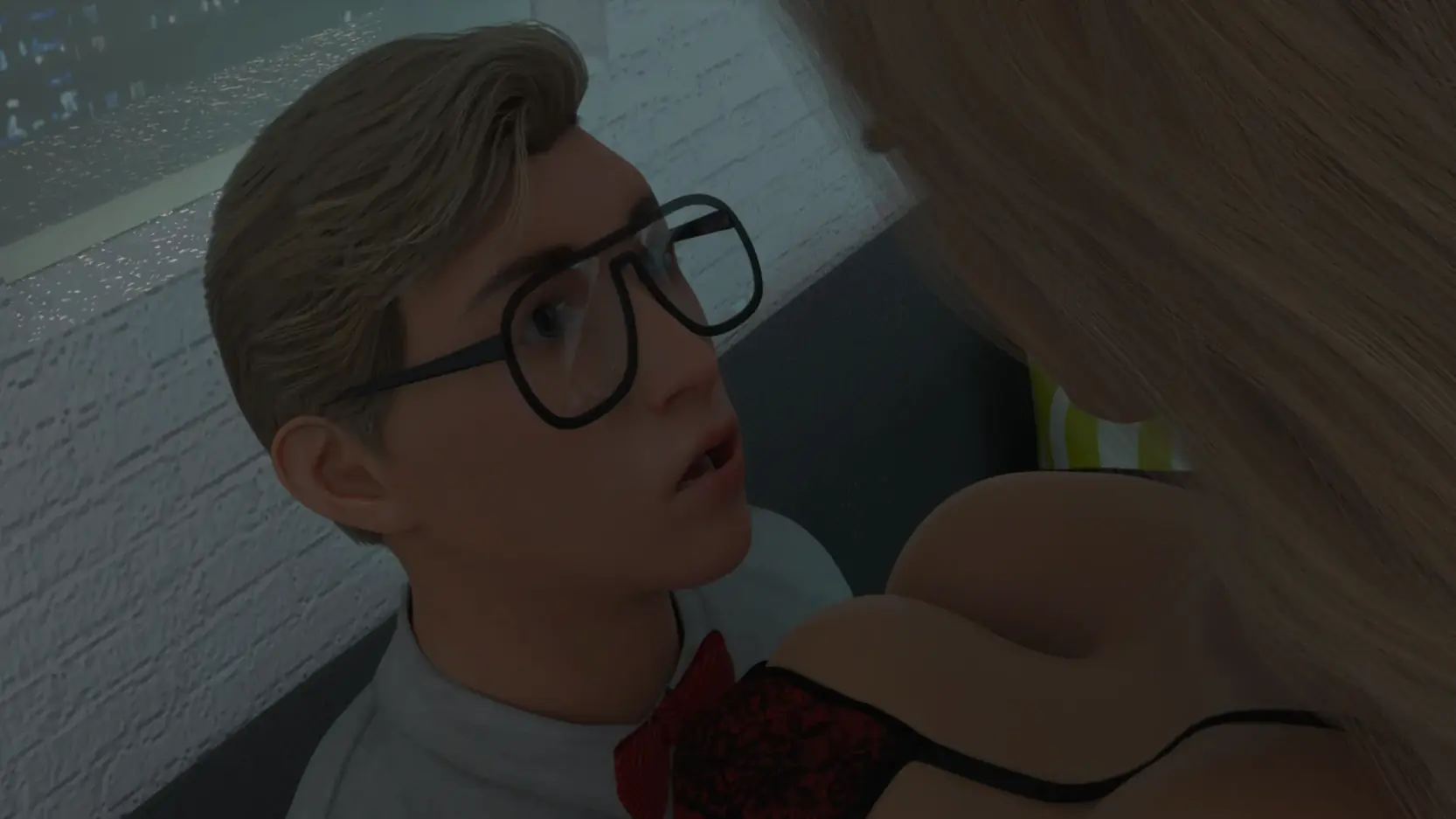
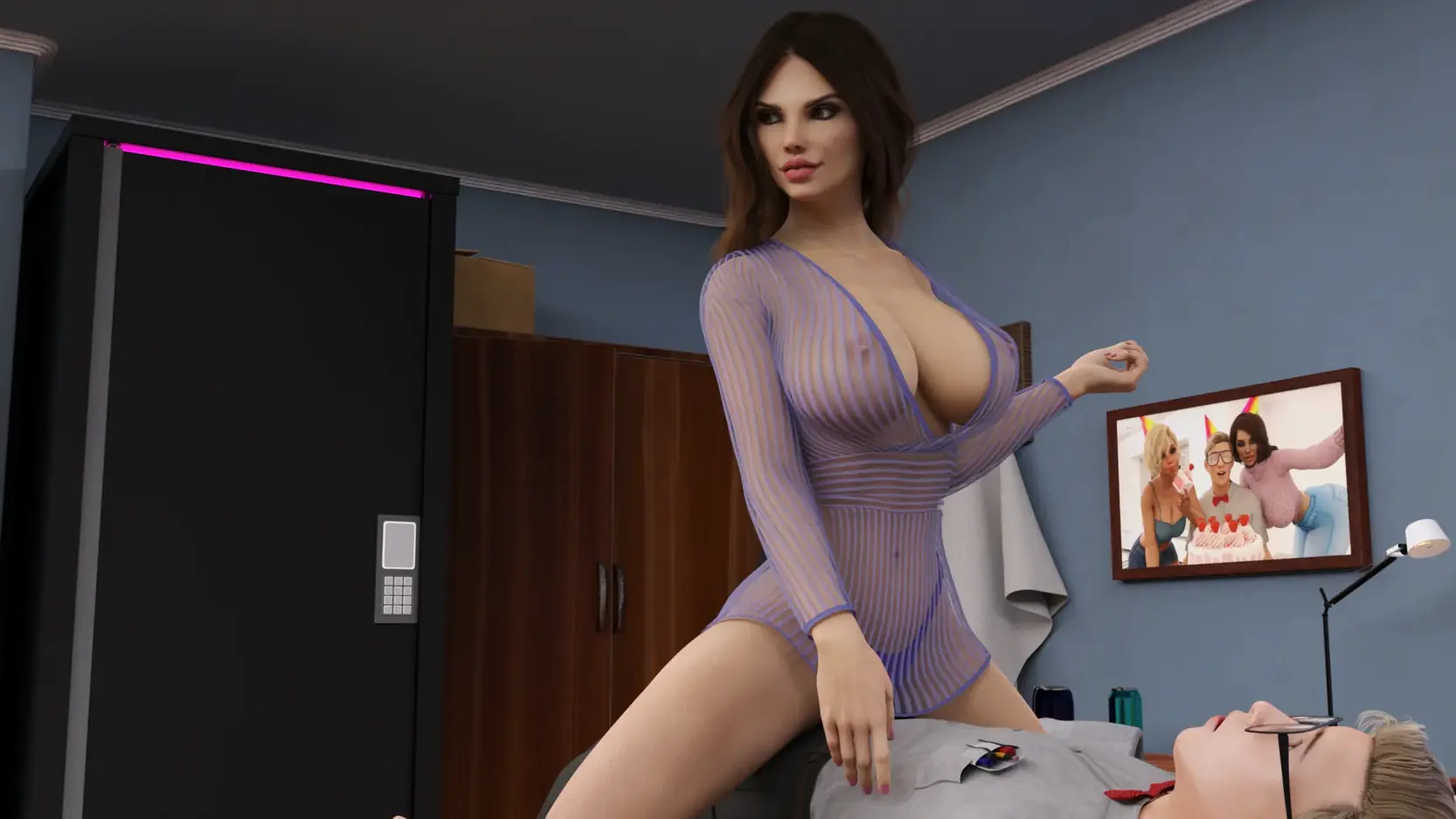
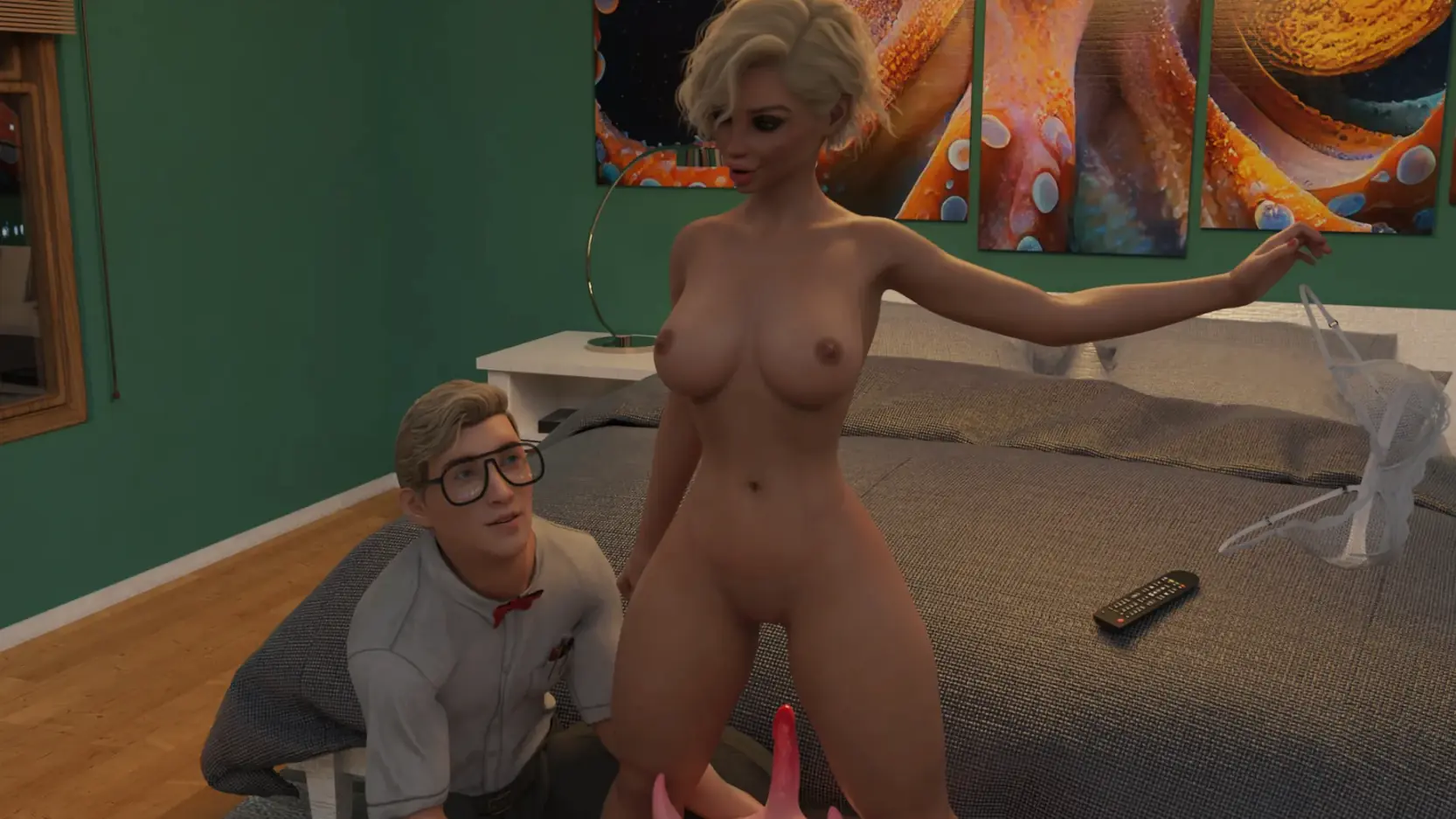
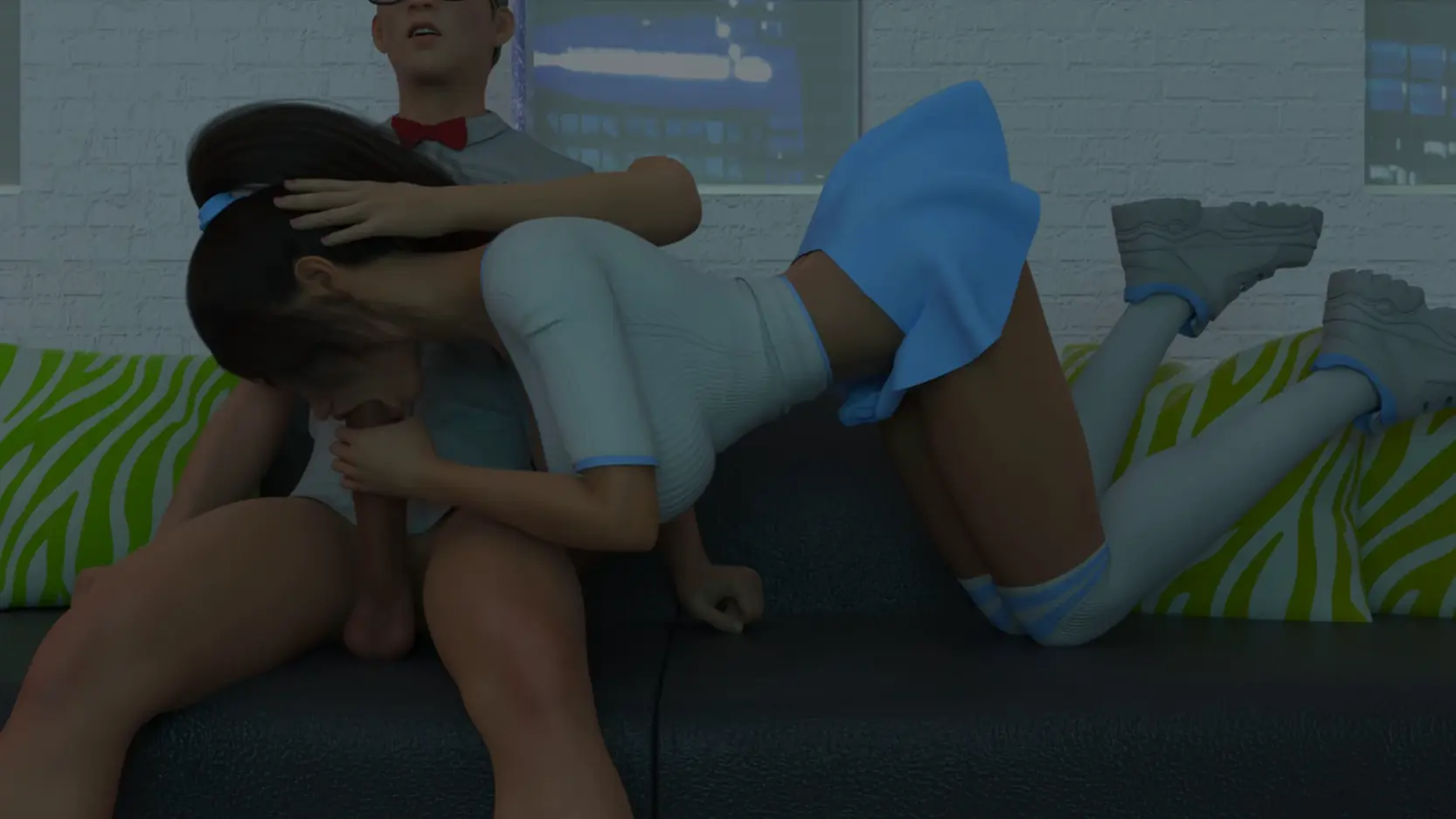
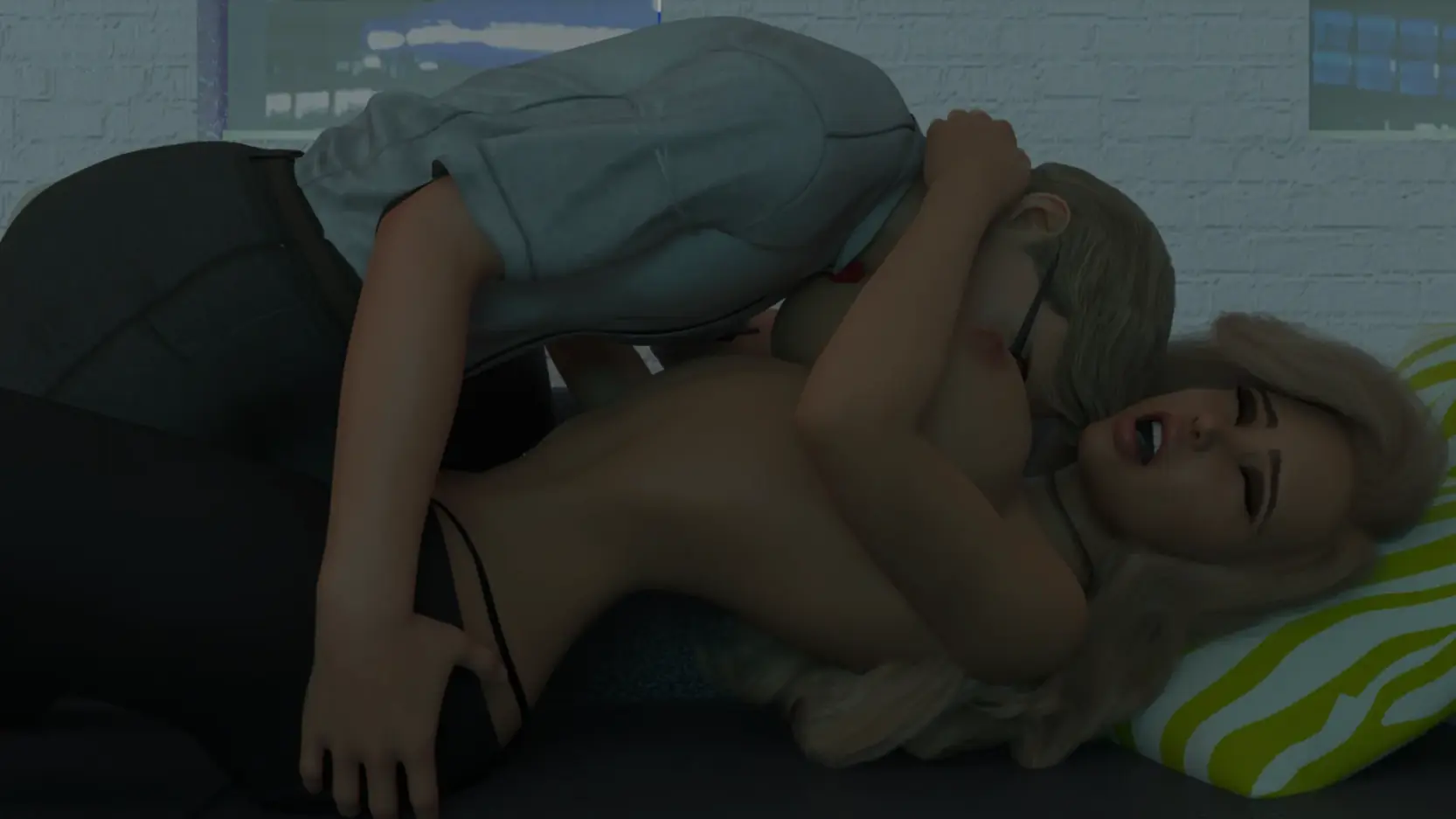
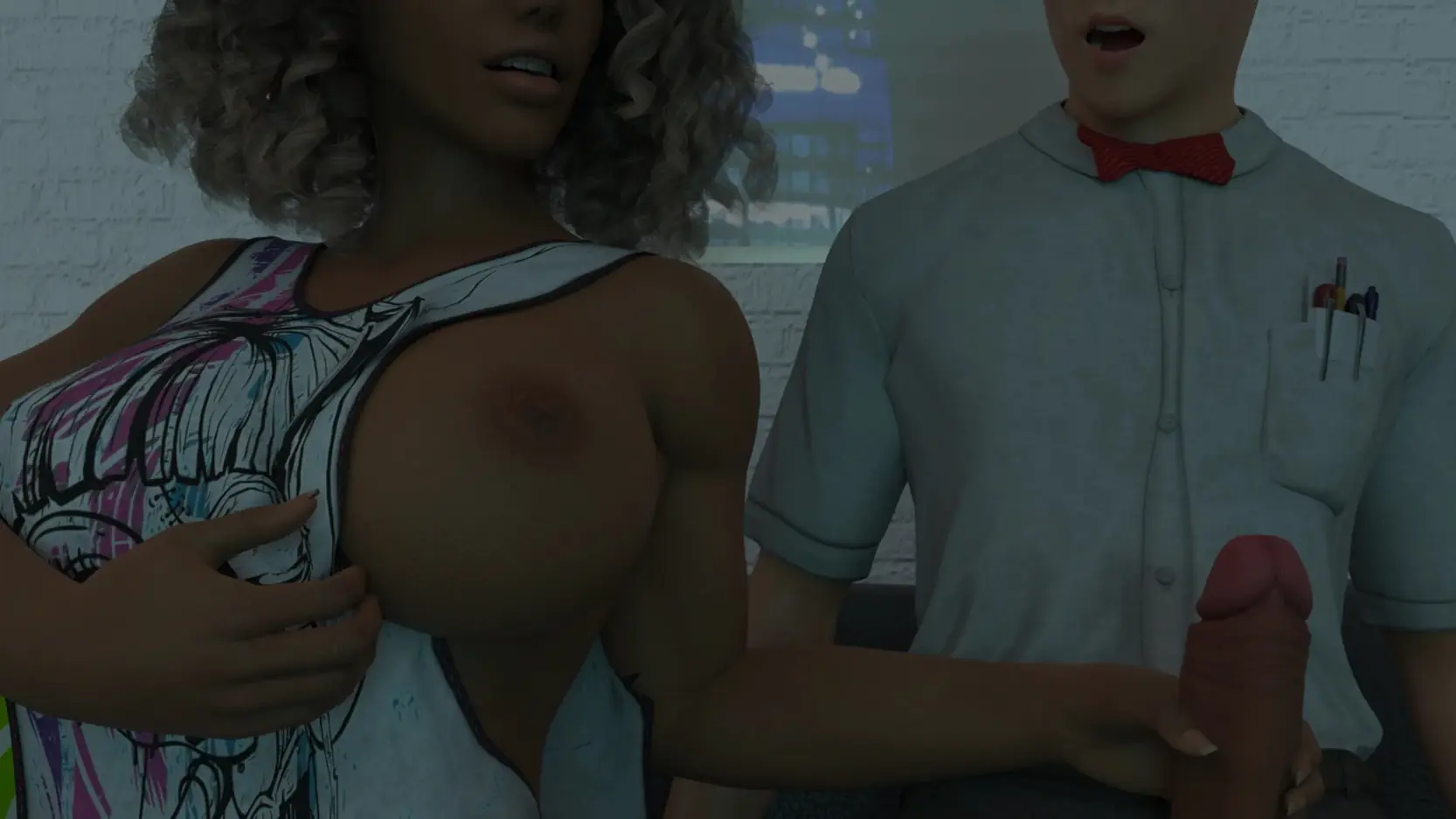
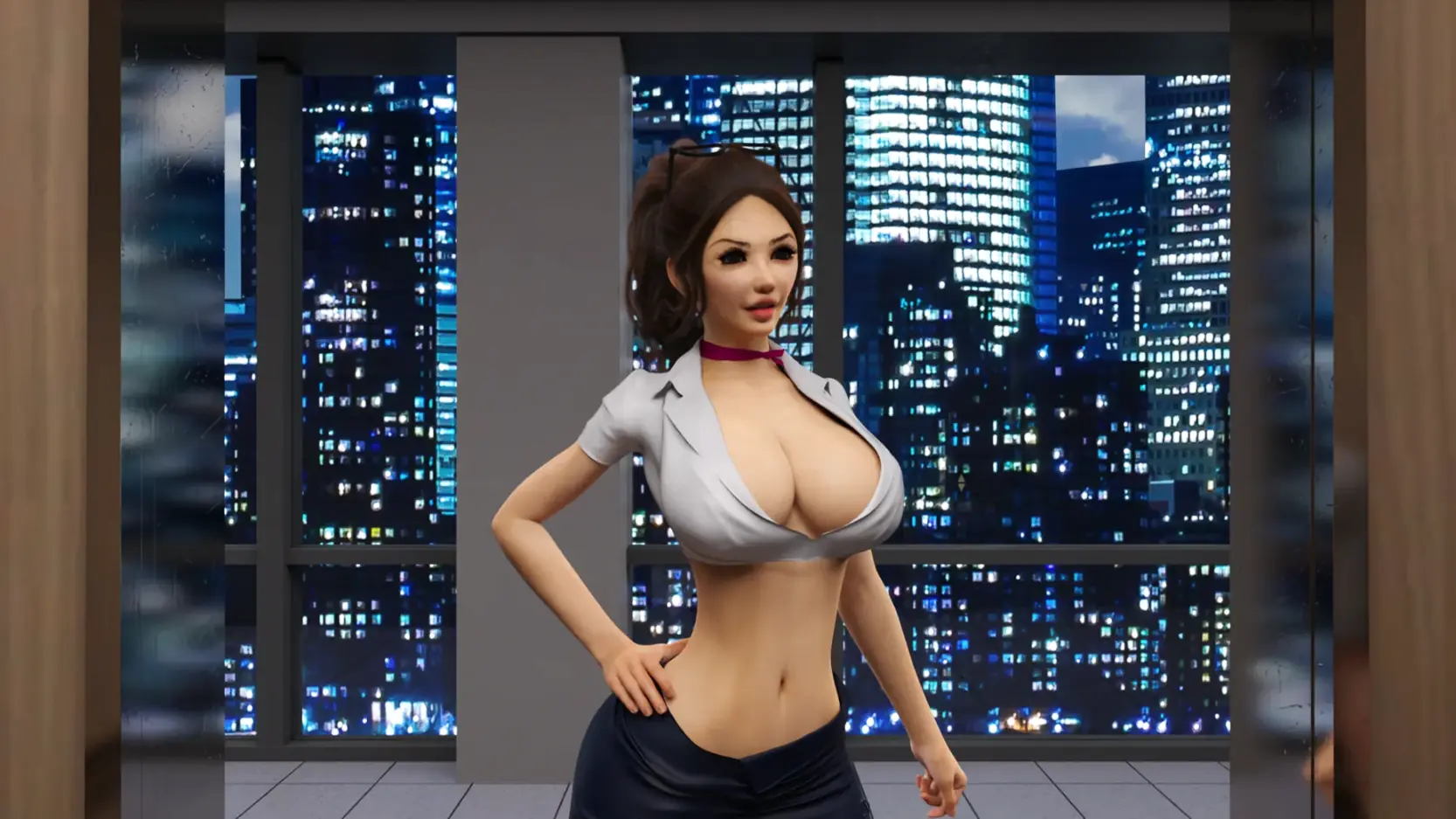
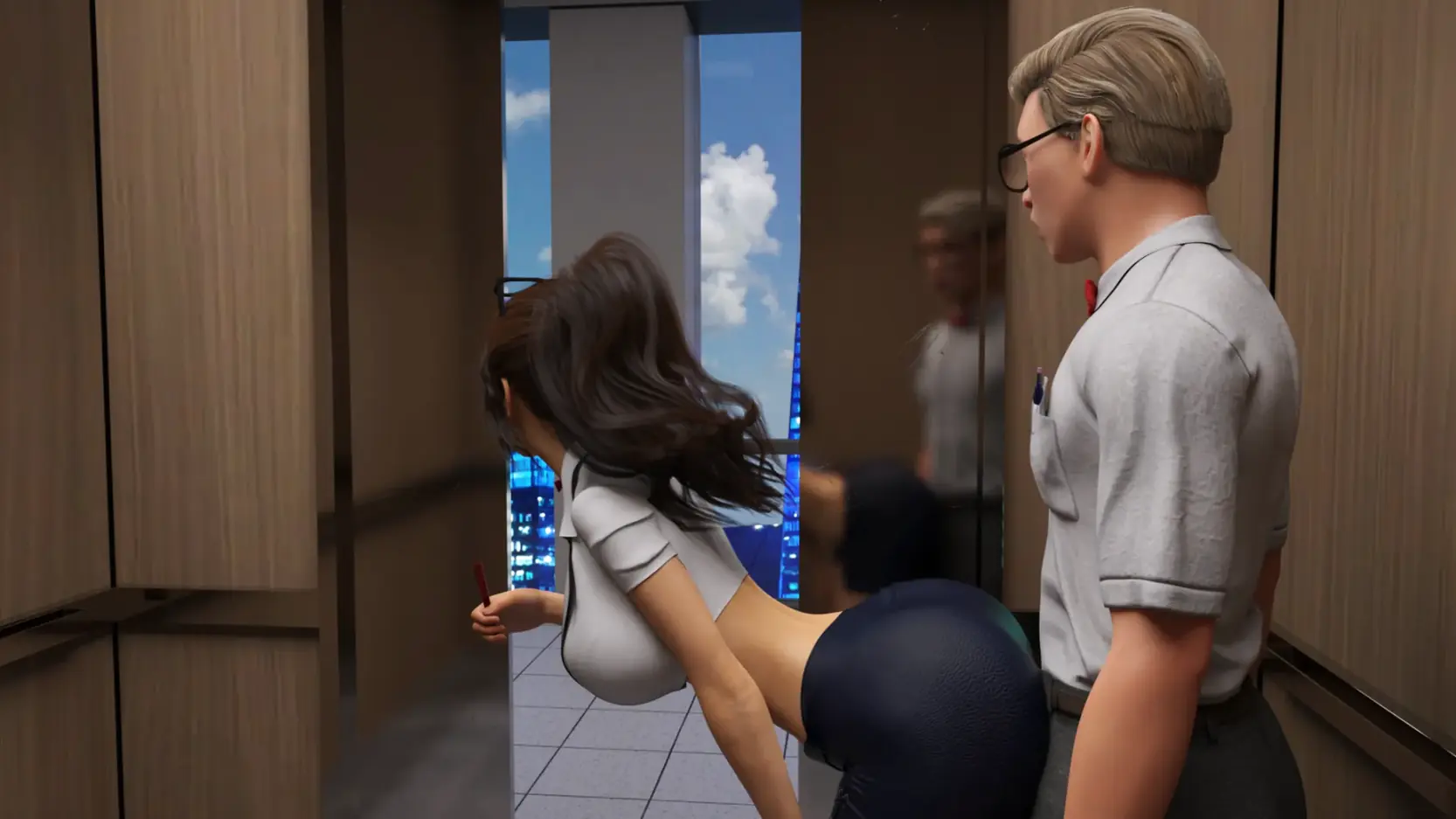
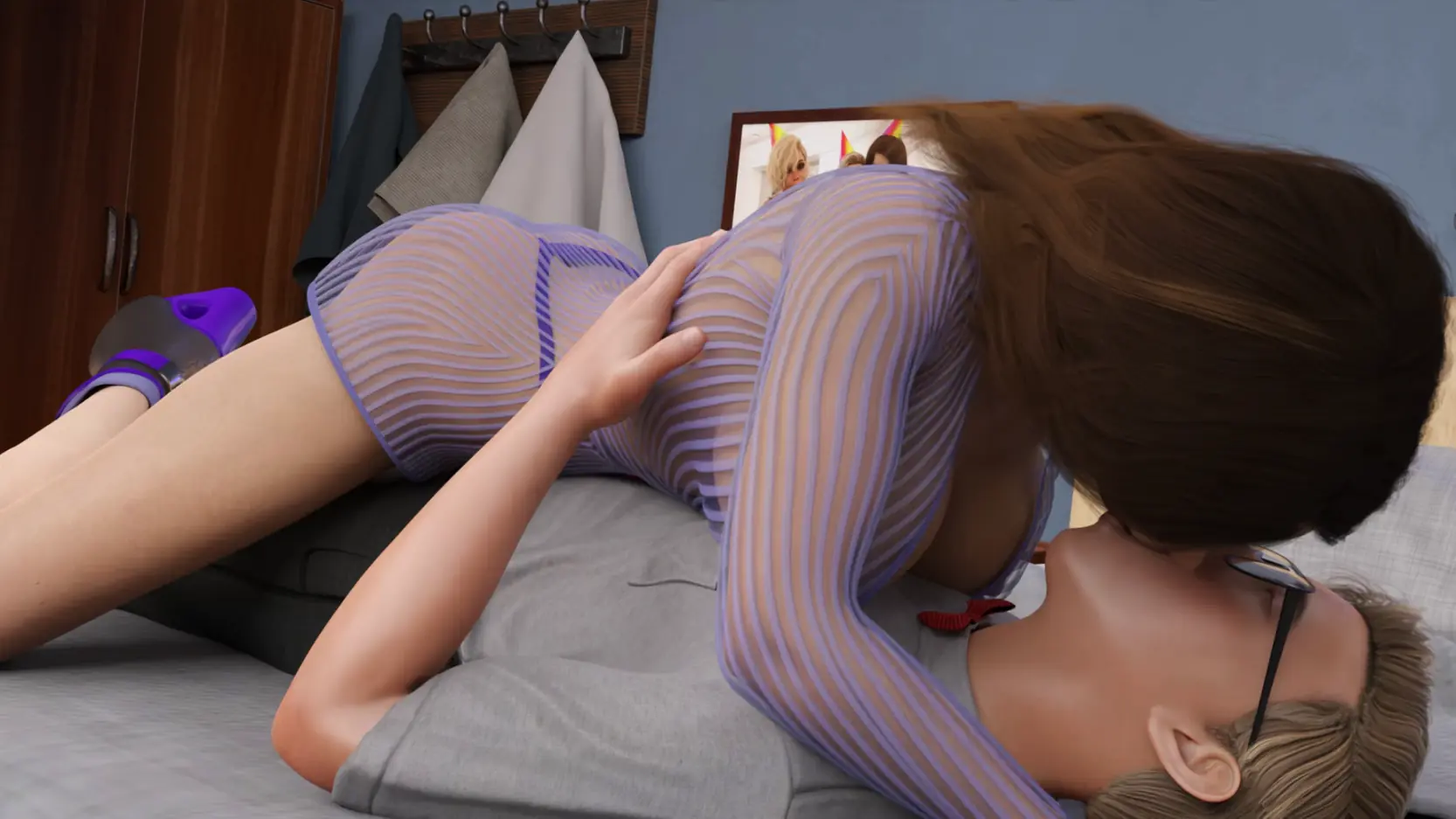
Game Description:
The continuation of SexBot.
- Extract and run.
QOL:
Day 3 calibration menu updated
Added Affinity and Zeta stat display to Day 6 choice menu
Made Alexa's default Zeta level 3 (which gets corrected after one time jump)
Added Alexa and Lexxx's Zetas to their stat pages
Updated Jessica's main menu image to her new default outfit, and sped up slideshow
Added infection visualizer to all the girl's gallery and stat pages, and the infection and corruption stats
Fixed an issue where if you were in a choice screen, and viewed the replay gallery, character images would remain in the main gallery and after exiting the replay galleryDone:
Day 3 - Sam and Lexxx Futa +image +idle
Day 3 - Mai gym +idle +image
Day 4 - Daphne lockers +idle +image
Day 4 - Emily post club +idle +image
Day 5 - Daphne pep rally +idle +image
Day 6 - Ask Ashley to the dance
Day 6 - Ask Daphne to the dance
Day 6 - Ashley Dance
Day 6 - Daphne Dance
Day 6 - Ashley NTR
Day 6 - Daphne NTR
Day 6 - Ashley post dance
Day 6 - Daphne post dance
Day 6 - Plot event
Day 6 - Flashback 4
- Dual Core Pentium or equivalent Processor.
- Intel HD 2000 or equivalent Graphics.
- 1.81 GB of free disk space (Recommended to have twice as much free disk space than this).
Sexbot II: Recalibrated - Ongoing - v.2.07 Beta Links And Mirrors
About The Game: Sexbot II: Recalibrated is a porn game made on Ren'Py game engine. This game is rated M and meant for adults with explicit contents and strong language. It is advised to read the tags to get an idea about the game. The current available version is v.Sexbot II: Recalibrated. THe contents of the game is Uncensored. Sexbot II: Recalibrated is developed and distributed by LlamaMann Games, Please support LlamaMann Games if want the development of Sexbot II: Recalibrated game going or want to see more new games from them in future. The download links are crawled and gathered from various public sites. We do not host/modify or alter the contents. The uploader is responsible for the DMCA.
Sexbot II: Recalibrated's latest build v.2.07 Beta is available in Windows, Linux, Mac platforms and currently Ongoing. We last updated this game in March 16, 2026.
Sexbot II: Recalibrated's latest build v.2.07 Beta is available in Windows, Linux, Mac platforms and currently Ongoing. We last updated this game in March 16, 2026.
Walkthrough and Guide
SB2 Patches: FILEKNOT - ANONZIP
Custom Wallpaper Mod: FILEKNOT - ANONZIP
Custom Wallpaper Mod v2.0.0: FILEKNOT - ANONZIP
Custom Wallpaper Mod v2.0.1: FILEKNOT - ANONZIP
Custom Wallpaper Mod Installation:
To install, simply unpack it into the Games directory. To add a custom wallpaper just put it into "game/images/wallpaper"
Gallery Mod: FILEKNOT - ANONZIP
Gallery Mod Installation:
1. Unzip file
2. Copy contents to /game folder in the game install directory
Gallery Mod Features:
Names and Relationships can be changed from defaults.
Toggle between gallery view types - Page or Scroll - by clicking on the ellipses button bottom of screen.
The chosen view type will be remembered for next game launch.
Filter gallery by multiple tags.
There is also an optional Unlock/Relock Unseen button. Due to Renpy limitation viewing a scene unlocked through the button will unlock it permanently.
During replay, right-click and choose "End Replay" to stop replay and return to gallery.
When viewing images can toggle between actual size or fit to screen if applicable. If actual size is larger than screen, image can be scrolled around.
The supplementary file unlocks the in-game gallery. Both files can be used independently of each other.
Keyboard Navigation:
G - From main menu, opens gallery
V - Change Page/Scroll View
Left/Right Arrow - In Page View, Prev/Next Page
Ctrl + Left/Right Arrow - In Page View, First/Last Page
#1-9: In Page View, Jump to 1st through 9th Page respectively
#0: In Page View, Jump to Last Page
Up/Down Arrow - In Scroll View, Scroll Up/Down the List
PgUp/PgDn - In Scroll View, Scroll Up/Down by 1 screen at a time
Home/End - In Scroll View, Jump to Top/Bottom of List
F - Open Filter screen
N - Open Rename screen
U - Unlock/Relock button
X - Exit filter screen, rename screen, image viewer or replay if applicable
Z - In image viewer - toggle actual size or fit to screen
H - In image viewer - hide buttons for UI free viewing
C - In Filter screen - Clear all filters
Unlocker File:
U - Displays mod is active message.
J - Increment jumps variable to unlock the secret V replay section.
NOTE:
The mod does not change any game files
Custom Wallpaper Mod: FILEKNOT - ANONZIP
Custom Wallpaper Mod v2.0.0: FILEKNOT - ANONZIP
Custom Wallpaper Mod v2.0.1: FILEKNOT - ANONZIP
Custom Wallpaper Mod Installation:
To install, simply unpack it into the Games directory. To add a custom wallpaper just put it into "game/images/wallpaper"
Gallery Mod: FILEKNOT - ANONZIP
Gallery Mod Installation:
1. Unzip file
2. Copy contents to /game folder in the game install directory
Gallery Mod Features:
Names and Relationships can be changed from defaults.
Toggle between gallery view types - Page or Scroll - by clicking on the ellipses button bottom of screen.
The chosen view type will be remembered for next game launch.
Filter gallery by multiple tags.
There is also an optional Unlock/Relock Unseen button. Due to Renpy limitation viewing a scene unlocked through the button will unlock it permanently.
During replay, right-click and choose "End Replay" to stop replay and return to gallery.
When viewing images can toggle between actual size or fit to screen if applicable. If actual size is larger than screen, image can be scrolled around.
The supplementary file unlocks the in-game gallery. Both files can be used independently of each other.
Keyboard Navigation:
G - From main menu, opens gallery
V - Change Page/Scroll View
Left/Right Arrow - In Page View, Prev/Next Page
Ctrl + Left/Right Arrow - In Page View, First/Last Page
#1-9: In Page View, Jump to 1st through 9th Page respectively
#0: In Page View, Jump to Last Page
Up/Down Arrow - In Scroll View, Scroll Up/Down the List
PgUp/PgDn - In Scroll View, Scroll Up/Down by 1 screen at a time
Home/End - In Scroll View, Jump to Top/Bottom of List
F - Open Filter screen
N - Open Rename screen
U - Unlock/Relock button
X - Exit filter screen, rename screen, image viewer or replay if applicable
Z - In image viewer - toggle actual size or fit to screen
H - In image viewer - hide buttons for UI free viewing
C - In Filter screen - Clear all filters
Unlocker File:
U - Displays mod is active message.
J - Increment jumps variable to unlock the secret V replay section.
NOTE:
The mod does not change any game files