Ren'py Ongoing 3DCGAnal SexAnimatedBig AssBig TitsCheatingCorruptionCreampieGroup SexHandjobHaremIncestLesbianMILFMale DominationMale ProtagonistMasturbationOral SexReligionRomanceSpankingUrinationVaginal SexVirginVisual NovelVoyeurism AndroidLinuxMacWindows
Screenshots
Genres
Game Description
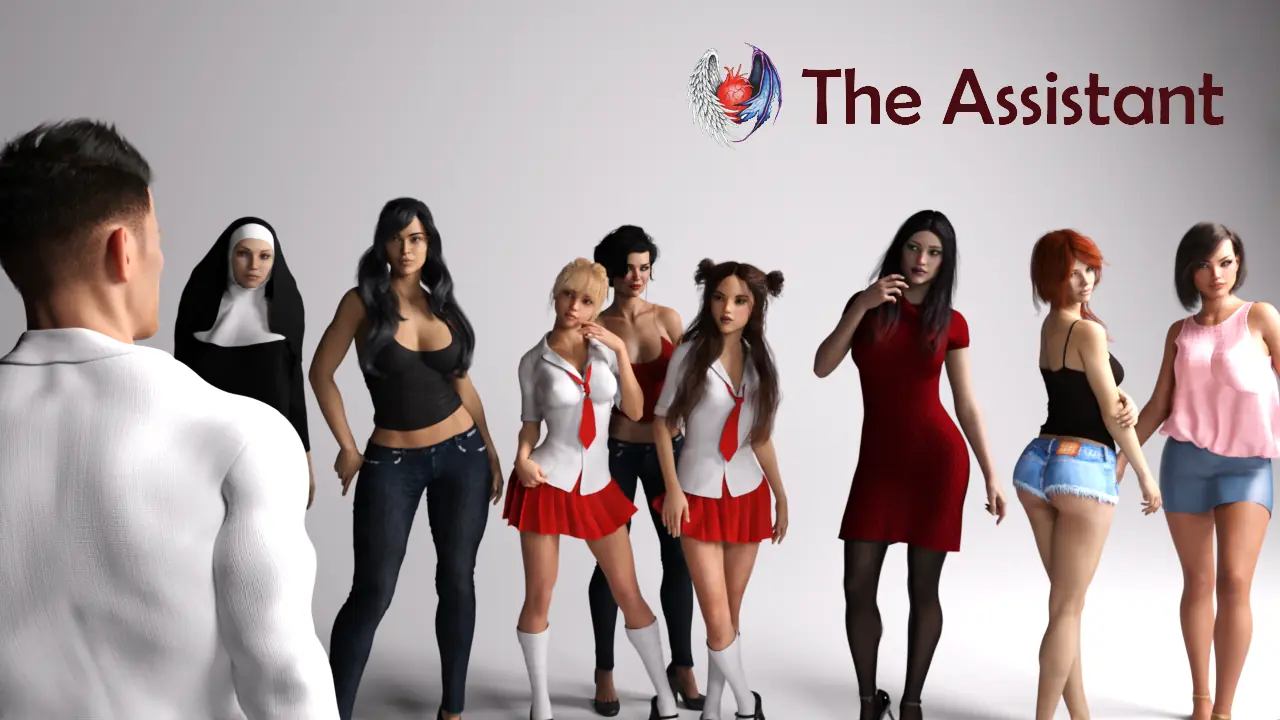
You play like a middle-aged guy who finds a new job as a personal assistant for a wealthy family. It all sounds great, but the family you work for and your personal life will bring you some surprises. Just play the game and find out.
Important:
- Start a new game
- If you experience language problems at the beginning of the game, such as playing in English and reading sentences in Spanish or vice versa, start a new game, once, and the problem will be solved
Extract and run.
Incest patch and WT Mod Installation:
Unrar the file
Copy the "game" folder and paste it in The Assistant main folder (not in the "game" subfolder). Replace files when prompted
Incest patch and WT Mod Installation:
Unrar the file
Copy the "game" folder and paste it in The Assistant main folder (not in the "game" subfolder). Replace files when prompted
No patch notes available.
- Dual Core Pentium or equivalent Processor.
- Intel HD 2000 or equivalent Graphics.
- 6.29 GB of free disk space (Recommended to have twice as much free disk space).
The Assistant - Ongoing - v.S3 Ep.3 Fix Download Links
FileknotTransfazeFileknotTransfazeFileknotTransfazeFileknotTransfazeFileknotTransfazeFileknotTransfazeFileknotTransfazeGofileDatanodesMegaPixeldrainVikingfileGofileDatanodesMegaPixeldrainVikingfileBuzzheavierDatanodesMegaPixeldrainVikingfileBuzzheavierGofileMegaMixdropVikingfileBuzzheavierGofileMegaMixdropVikingfile
The Assistant is a porn game made on Ren'py game engine.
The current available version is v.S3 Ep.3 Fix.
The contents of the game are Uncensored. The Assistant is developed by Backhole.
Please support the developer if you want continued development.
Download links are gathered from public sources. We do not host or modify contents.
Walkthrough and Guide
Walkthrough Mod: FILEKNOT - ANONZIP
Walkthrough Mod Installation for PC/MAC:
Replace/Merge with the "game" folder.
Unlock Gallery: FILEKNOT - ANONZIP
Unlock Gallery Installation:
Make sure the filename is gallery_unlocker.rpy and place in the /game/ folder.
High FrameRate Mod: FILEKNOT - ANONZIP
High FrameRate Mod Installation:
1.Copy the "game" folder into the game’s root directory (the same folder where "game.exe" is located).
2.The modded files will now take priority over the original animations.
3.Launch the game and enjoy smoother, enhanced visuals!
High FrameRate Mod Features:
1257 animations
All compatible animations have been converted to HFR, ensuring fluid and lifelike motion.
Beyond higher framerates, every animation has been re-encoded with optimized parameters to deliver subtle yet impactful visual improvements.
Walkthrough Mod Installation for PC/MAC:
Replace/Merge with the "game" folder.
Unlock Gallery: FILEKNOT - ANONZIP
Unlock Gallery Installation:
Make sure the filename is gallery_unlocker.rpy and place in the /game/ folder.
High FrameRate Mod: FILEKNOT - ANONZIP
High FrameRate Mod Installation:
1.Copy the "game" folder into the game’s root directory (the same folder where "game.exe" is located).
2.The modded files will now take priority over the original animations.
3.Launch the game and enjoy smoother, enhanced visuals!
High FrameRate Mod Features:
1257 animations
All compatible animations have been converted to HFR, ensuring fluid and lifelike motion.
Beyond higher framerates, every animation has been re-encoded with optimized parameters to deliver subtle yet impactful visual improvements.