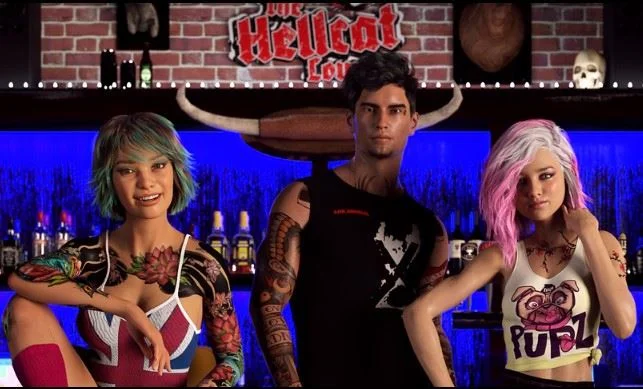
The Hellcat Lounge
Ongoing v.0.3.67
- Developer
- Wilson Wonka
- Release Date
- 16 September, 2024
- Engine
- Ren'Py
- Censorship
- Uncensored
- Size
- 2.7 GB
- Version
- 0.3.67
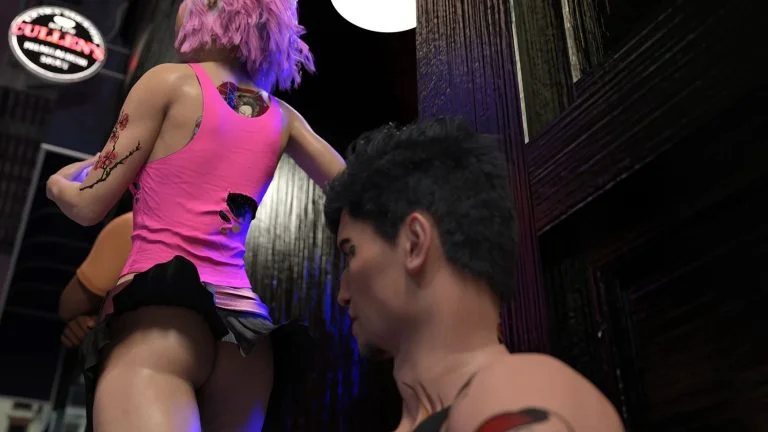
Screenshots
Genres
Game Description
Life has many roads, it's easy to get lost.
Noah was lucky though, he was happy with the road he was on.
Not many find their's at twenty three, but he was sure he had.
But as life tends to do, things change and he suddenly found himself pushed onto a road he'd never seen coming.
But sometimes an unexpected pivot can be a good thing.
Now he spends his nights tending bar and trying to get his fledgling band off the ground, bonding with his friends,
and exploring the world filled with alcohol, drugs, sex and Rock and Roll.
Will he find fame and fortune?
Or will he stay in obscurity?
Experience true love or indulge in hedonistic lust?
Whatever happens you can find it all behind the doors of The Hellcat Lounge.
Extract and run.
No patch notes available.
- Dual Core Pentium or equivalent Processor.
- Intel HD 2000 or equivalent Graphics.
- 2.7 GB of free disk space (Recommended to have twice as much free disk space).
The Hellcat Lounge - Ongoing - v.0.3.67 Download Links
The Hellcat Lounge is a porn game made on Ren'Py game engine.
The current available version is v.0.3.67.
The contents of the game are Uncensored. The Hellcat Lounge is developed by Wilson Wonka.
Please support the developer if you want continued development.
Download links are gathered from public sources. We do not host or modify contents.
Walkthrough and Guide
Multi Mod: FILEKNOT - ANONZIP
Animations 60fps: FILEKNOT - ANONZIP
Animations 60fps Installation:
PC: Unzip the mod and put the folder named "game" from the mod into your "TheHellcatLounge" folder.
MAC: Unzip the mod -> Right-click your "TheHellcatLounge" app -> Click "Show Package Contents" -> Open the "Contents" then "Resources" folders -> Hold the Option key and drag the folder named "game" from the mod to the "autorun" folder -> Click merge
Animations 60fps: FILEKNOT - ANONZIP
Animations 60fps Installation:
PC: Unzip the mod and put the folder named "game" from the mod into your "TheHellcatLounge" folder.
MAC: Unzip the mod -> Right-click your "TheHellcatLounge" app -> Click "Show Package Contents" -> Open the "Contents" then "Resources" folders -> Hold the Option key and drag the folder named "game" from the mod to the "autorun" folder -> Click merge