Genres
Game Description
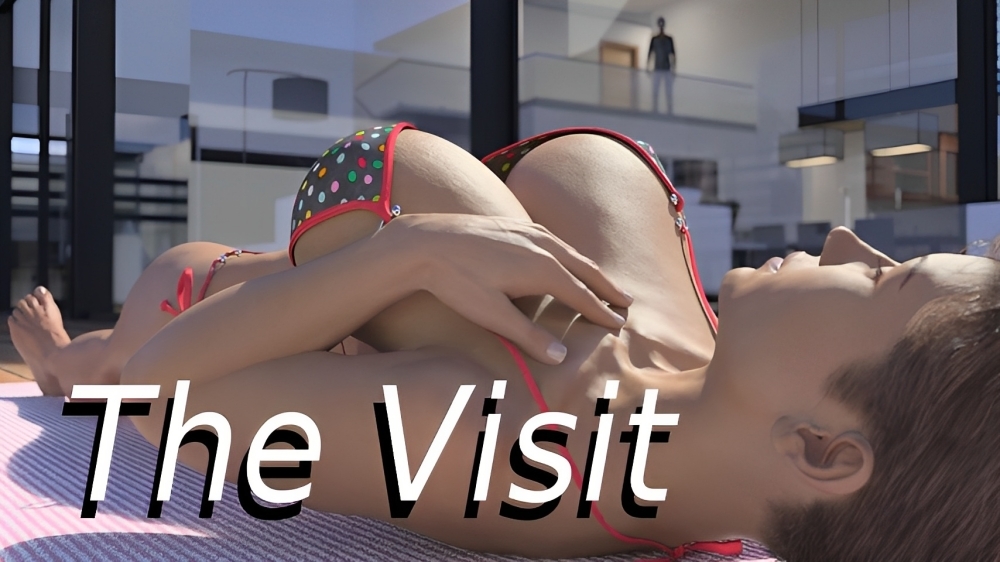
A story about a young man who returns to the home he grew up in after being away at college, only to find things are now very different. Follow the main character as he gets himself into many different sexual situations.
Extract to desired location.
Click on "TheVisit.exe" to start playing.
Compressed version has incest patch pre-applied.
Click on "TheVisit.exe" to start playing.
Compressed version has incest patch pre-applied.
No patch notes available.
- Dual Core Pentium or equivalent Processor.
- Intel HD 2000 or equivalent Graphics.
- 3.04 GB of free disk space (Recommended to have twice as much free disk space).
The Visit - Finished - v.1.0 Download Links
The Visit is a porn game made on Ren'py game engine.
The current available version is v.1.0.
The contents of the game are Uncensored. The Visit is developed by Stiglet.
Please support the developer if you want continued development.
Download links are gathered from public sources. We do not host or modify contents.
Walkthrough and Guide
HANDHOLDER 2.1: FILEKNOT - ANONZIP
SAVE: FILEKNOT - ANONZIP
NIKKI ENDING SAVE IN-GAME MOD: FILEKNOT - ANONZIP
IN-GAME MOD: FILEKNOT - ANONZIP
IN-GAME MOD INSTALLTION:
PC: Unzip the mod and put the folder named "game" from the mod in your "The Visit-1.0" folder.
MAC: Unzip the mod -> Right-click your "The Visit" app -> Click "Show Package Contents" -> Open the "Contents" then "Resources" folders -> Hold the Option key and drag the folder named "game" from the mod to the "autorun" folder -> Click merge
IN-GAME MOD FEATURES:
GALLERY MOD: FILEKNOT - ANONZIP
GALLERY MOD INSTALLTION:
GALLERY MOD FEATURES:
Gallery in the main menu allowing to replay scenes
IMPROVEMENTS & WALKTHROUGH MOD: FILEKNOT - ANONZIP
IMPROVEMENTS & WALKTHROUGH MOD INSTALLTION:
PC (Windows/Linux): Unzip the mod file and put the folder named "game" from the mod in your "TheVisit-1.0-pc" folder.
MAC: Unzip the mod -> Right-click your "TheVisit" app -> Click "Show Package Contents" -> Open the "Contents" then "Resources" folders -> Hold the Option key and drag the folder named "game" from the mod to the "autorun" folder -> Click merge.
If you get label errors, remove/backup the file scripts.rpa and put it out of the game folder (TheVisit-1.0-pc)!
IMPROVEMENTS & WALKTHROUGH MOD FEATURES:
-Adds the option to see the end of the routes at the start of the game
-Improvements
-Walkthrough in game to all routes
SAVE: FILEKNOT - ANONZIP
NIKKI ENDING SAVE IN-GAME MOD: FILEKNOT - ANONZIP
IN-GAME MOD: FILEKNOT - ANONZIP
IN-GAME MOD INSTALLTION:
PC: Unzip the mod and put the folder named "game" from the mod in your "The Visit-1.0" folder.
MAC: Unzip the mod -> Right-click your "The Visit" app -> Click "Show Package Contents" -> Open the "Contents" then "Resources" folders -> Hold the Option key and drag the folder named "game" from the mod to the "autorun" folder -> Click merge
IN-GAME MOD FEATURES:
- This mod adds an in-game walkthrough for the important choices in the game The Visit! - Credit: IAmAB
- I've added a scene replay gallery to the main menu with all gallery scenes unlocked and viewable. - Credit: ShaddyModda
- A cheat menu has also been added which has cheats that allow you to maximize your stats. - Credit: OscarSix
- I've currently made a few improvements to some of the events in the game so that you will be able to see several missable scenes. Read the full list of improvements below to see all of the changes.
GALLERY MOD: FILEKNOT - ANONZIP
GALLERY MOD INSTALLTION:
Place the file "1replay_scenes" into your The Visit/game folder
GALLERY MOD FEATURES:
Gallery in the main menu allowing to replay scenes
IMPROVEMENTS & WALKTHROUGH MOD: FILEKNOT - ANONZIP
IMPROVEMENTS & WALKTHROUGH MOD INSTALLTION:
PC (Windows/Linux): Unzip the mod file and put the folder named "game" from the mod in your "TheVisit-1.0-pc" folder.
MAC: Unzip the mod -> Right-click your "TheVisit" app -> Click "Show Package Contents" -> Open the "Contents" then "Resources" folders -> Hold the Option key and drag the folder named "game" from the mod to the "autorun" folder -> Click merge.
If you get label errors, remove/backup the file scripts.rpa and put it out of the game folder (TheVisit-1.0-pc)!
IMPROVEMENTS & WALKTHROUGH MOD FEATURES:
-Adds the option to see the end of the routes at the start of the game
-Improvements
-Walkthrough in game to all routes