Unity Finished 2DCG3D GameAnimatedBig AssBig TitsCensoredCreampieDILFExhibitionismGropingGroup SexHandjobHumiliationJapanese GameMale DominationMale ProtagonistOral SexPregnancyRapeSex ToysSexual HarassmentTeasingTitfuckVaginal SexVoiced Windows
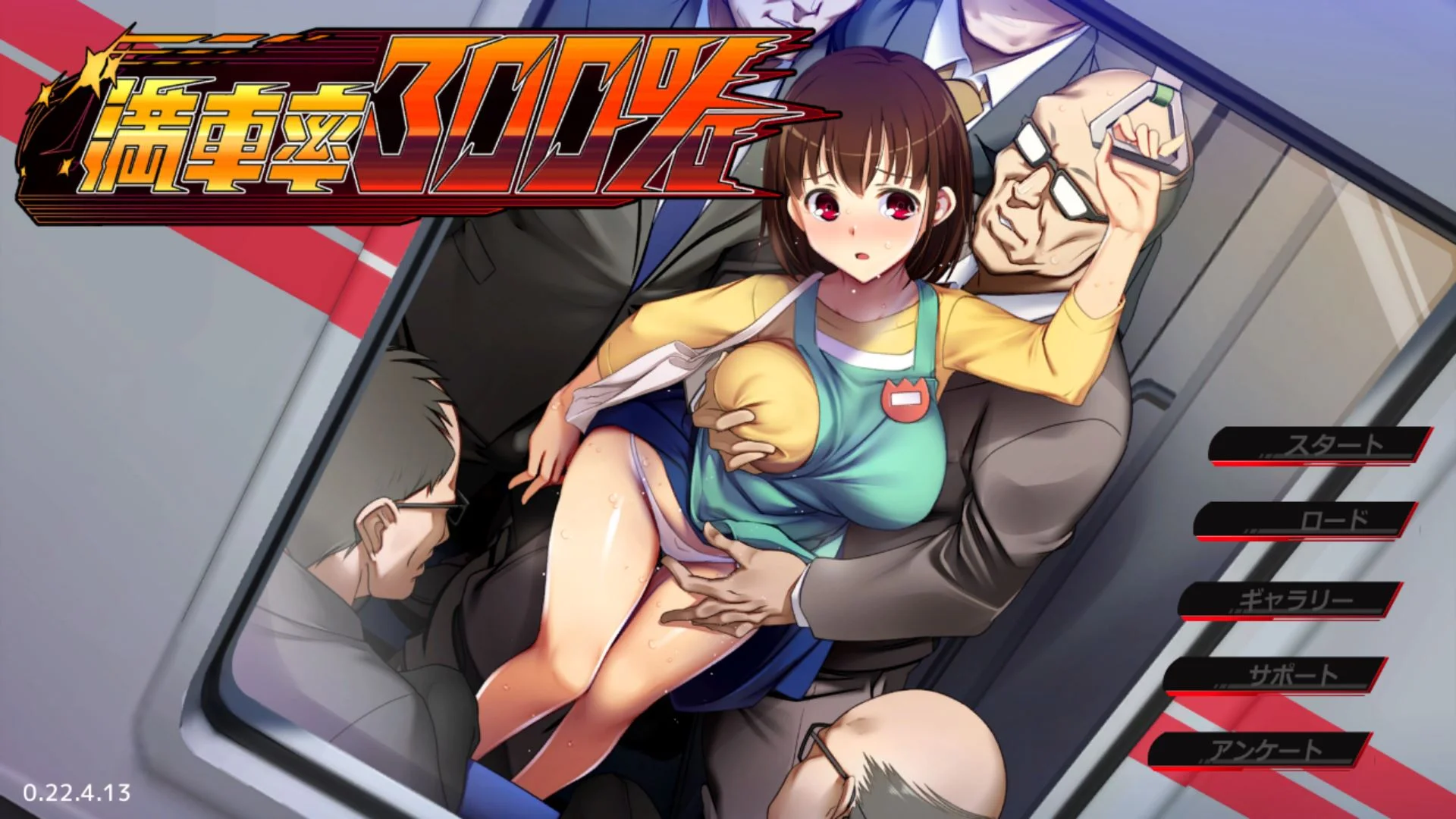
Train Capacity 300%
Finished v.2.24.3.4 Steam
- Developer
- Beel ze bub
- Release Date
- 26 June, 2024
- Engine
- Unity
- Censorship
- Censored
- Size
- 2.66 GB
- Version
- 2.24.3.4 Steam
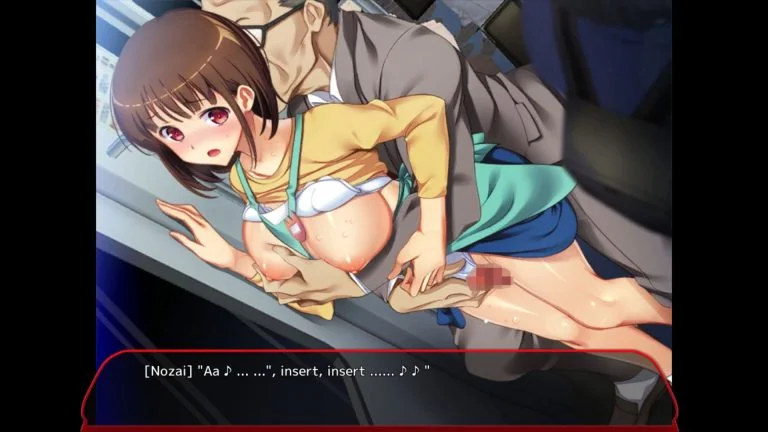
Screenshots
Genres
Game Description
I ask myself.
Where is the boundary between heaven and hell, good and evil?
crowded train.
A closed room that runs, filled with the emotions of many people and loses its place.
The heat in the basket, the mixed scent, and the breathing that was killed.
When a man and a woman meet, it turns into a hunting ground swirling with desires ...!
Train Capacity 300% - Finished - v.2.24.3.4 Steam Download Links
Train Capacity 300% is a porn game made on Unity game engine.
The current available version is v.2.24.3.4 Steam.
The contents of the game are Censored. Train Capacity 300% is developed by Beel ze bub.
Please support the developer if you want continued development.
Download links are gathered from public sources. We do not host or modify contents.
Walkthrough and Guide
Ending Guide: FILEKNOT - ANONZIP
Gallery: FILEKNOT - ANONZIP
Gallery Installation: unzip systemdata.zip in savedata
English Titles: FILEKNOT - ANONZIP
English Titles Installation: Put the resources.assets file in your "game folder"\Mansha300_Data folder and overwrite the already existing "resources.assets" file. After making a backup of it ofcourse.
English Translation: FILEKNOT - ANONZIP
English Translation Installation:
Make sure the game have BepInEx plugin (other might work, but not recommended)
Just paste it into "満車率300%220930\BepInEx\Translation\en\Text", you should also find _AutoGeneratedTranslations.txt if you have started the game at least one in that folder.
English Translation 2: FILEKNOT - ANONZIP
English Translation 2 Installation:
Make sure the game have BepInEx plugin (other might work, but not recommended)
Just paste it into "満車率300%220930\BepInEx\Translation\en\Text", you should also find _AutoGeneratedTranslations.txt if you have started the game at least one in that folder.
Ninja Girl Content:
go to C:/Users/用户名/AppData/Roaming/ベルゼブブ
copy (満車率300%.dat) and paste it in the same folder, rename it to (超速くノ一クロユリ.dat)
the hidden character will show up
Gallery: FILEKNOT - ANONZIP
Gallery Installation: unzip systemdata.zip in savedata
English Titles: FILEKNOT - ANONZIP
English Titles Installation: Put the resources.assets file in your "game folder"\Mansha300_Data folder and overwrite the already existing "resources.assets" file. After making a backup of it ofcourse.
English Translation: FILEKNOT - ANONZIP
English Translation Installation:
Make sure the game have BepInEx plugin (other might work, but not recommended)
Just paste it into "満車率300%220930\BepInEx\Translation\en\Text", you should also find _AutoGeneratedTranslations.txt if you have started the game at least one in that folder.
English Translation 2: FILEKNOT - ANONZIP
English Translation 2 Installation:
Make sure the game have BepInEx plugin (other might work, but not recommended)
Just paste it into "満車率300%220930\BepInEx\Translation\en\Text", you should also find _AutoGeneratedTranslations.txt if you have started the game at least one in that folder.
Ninja Girl Content:
go to C:/Users/用户名/AppData/Roaming/ベルゼブブ
copy (満車率300%.dat) and paste it in the same folder, rename it to (超速くノ一クロユリ.dat)
the hidden character will show up