Genres
Game Description
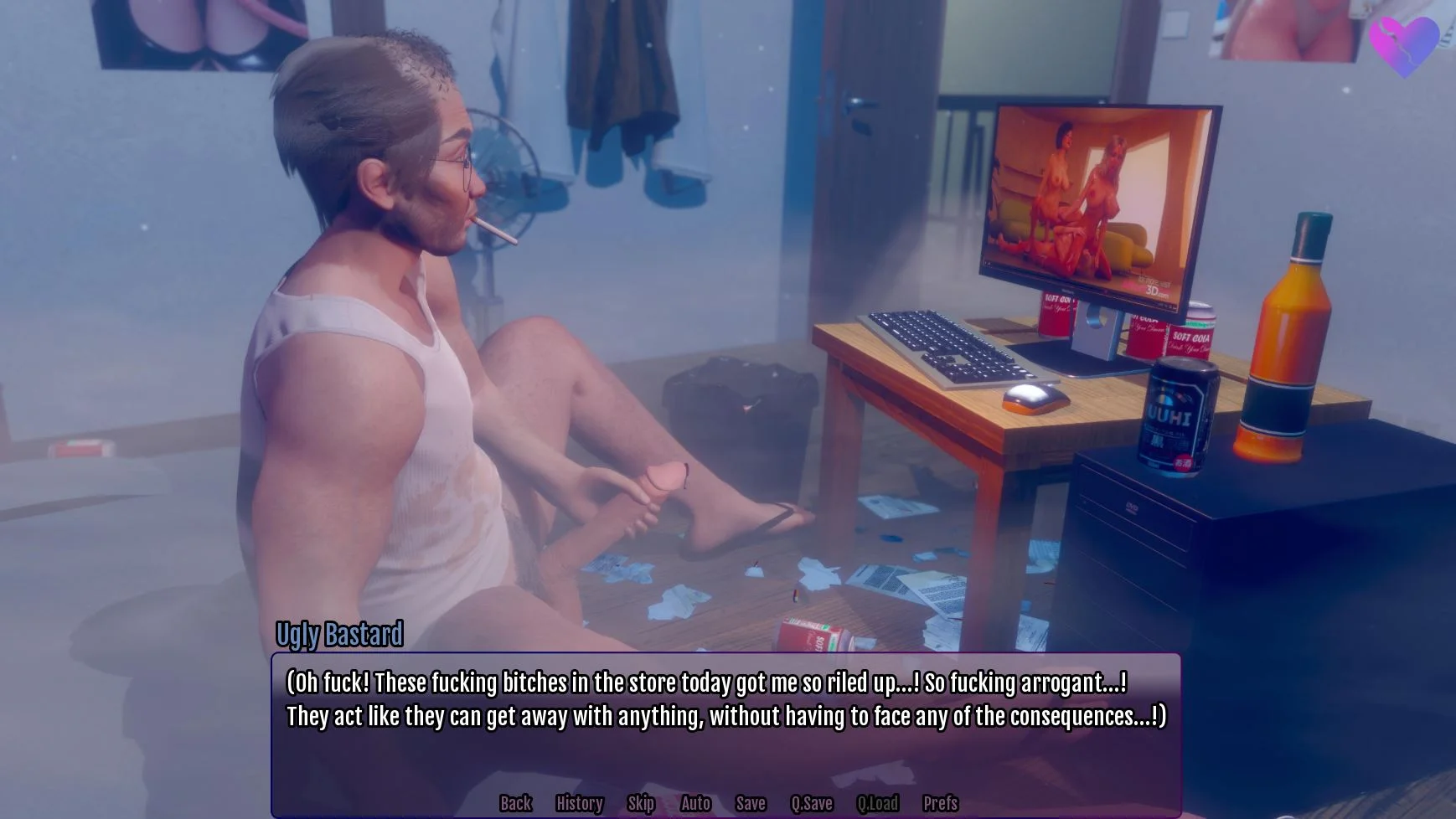
An ugly bastard turns back into a teenager and corrupts the women of his past
Extract and run.
No patch notes available.
- Dual Core Pentium or equivalent Processor.
- Intel HD 2000 or equivalent Graphics.
- 14.43 GB of free disk space (Recommended to have twice as much free disk space).
Twisted Memories - Ongoing - v.0.9 Download Links
FileknotTransfazeFileknotTransfazeFileknotTransfazeFileknotTransfazeFileknotTransfazeFileknotTransfazeFileknotTransfazeFilesGofilePixeldrainUploadhavenUploadnowGofileMixdropPixeldrainUploadhavenUploadnowGofileMixdropPixeldrainUploadhavenUploadnowGofileMixdropPixeldrainUploadhavenUploadnowGofileMixdropPixeldrainUploadhavenUploadnowGofileMegaMixdropPixeldrainUploadhavenGofileMegaMixdropPixeldrainUploadhaven
Twisted Memories is a porn game made on Ren'Py game engine.
The current available version is v.0.9.
The contents of the game are Uncensored. Twisted Memories is developed by BaiBai.
Please support the developer if you want continued development.
Download links are gathered from public sources. We do not host or modify contents.
Walkthrough and Guide
Gallery Mod: FILEKNOT - ANONZIP
Gallery Mod Installation:
drag n drop into `game/` folder; if you have trouble with getting it to work
Then click the file and that should open a new tab. In the new tab, right click to open a context menu and then choose "Save as ..." (wording may be different based on your browser) and then name the file as "galleryUnlock.rpy". After you've downloaded it, you have to move the file into the game/ folder - note that the folder is literally named "game" (sometimes people get confused and put it in the "TwistedMemories" folder instead of the folder named "game")
If the mod doesn't seem to be working then it might've accidentally been saved as a .txt even if you named it as galleryUnlock.rpy when saving. To fix that, you would:
1) right click the file in the folder navigation program
2) choose rename
3) delete the .txt suffix
4) relaunch game
WALKTHROUGH MOD: FILEKNOT - ANONZIP
WALKTHROUGH MOD Installation:
PC/MAC: Replace/Merge with the "game" folder.
WALKTHROUGH MOD Features:
Adds a Cheat Menu to change points. (Pic 4)
Adds an option to change the MC name. (Pic 4)
Walkthrough shows points in the choices. (Pic 2)
Walkthrough Highlights the best choice in green. (Pic 1)
Note: Will update the Mod on full releases, not on Bug Fixes.
Gallery Mod Installation:
drag n drop into `game/` folder; if you have trouble with getting it to work
Then click the file and that should open a new tab. In the new tab, right click to open a context menu and then choose "Save as ..." (wording may be different based on your browser) and then name the file as "galleryUnlock.rpy". After you've downloaded it, you have to move the file into the game/ folder - note that the folder is literally named "game" (sometimes people get confused and put it in the "TwistedMemories" folder instead of the folder named "game")
If the mod doesn't seem to be working then it might've accidentally been saved as a .txt even if you named it as galleryUnlock.rpy when saving. To fix that, you would:
1) right click the file in the folder navigation program
2) choose rename
3) delete the .txt suffix
4) relaunch game
WALKTHROUGH MOD: FILEKNOT - ANONZIP
WALKTHROUGH MOD Installation:
PC/MAC: Replace/Merge with the "game" folder.
WALKTHROUGH MOD Features:
Adds a Cheat Menu to change points. (Pic 4)
Adds an option to change the MC name. (Pic 4)
Walkthrough shows points in the choices. (Pic 2)
Walkthrough Highlights the best choice in green. (Pic 1)
Note: Will update the Mod on full releases, not on Bug Fixes.