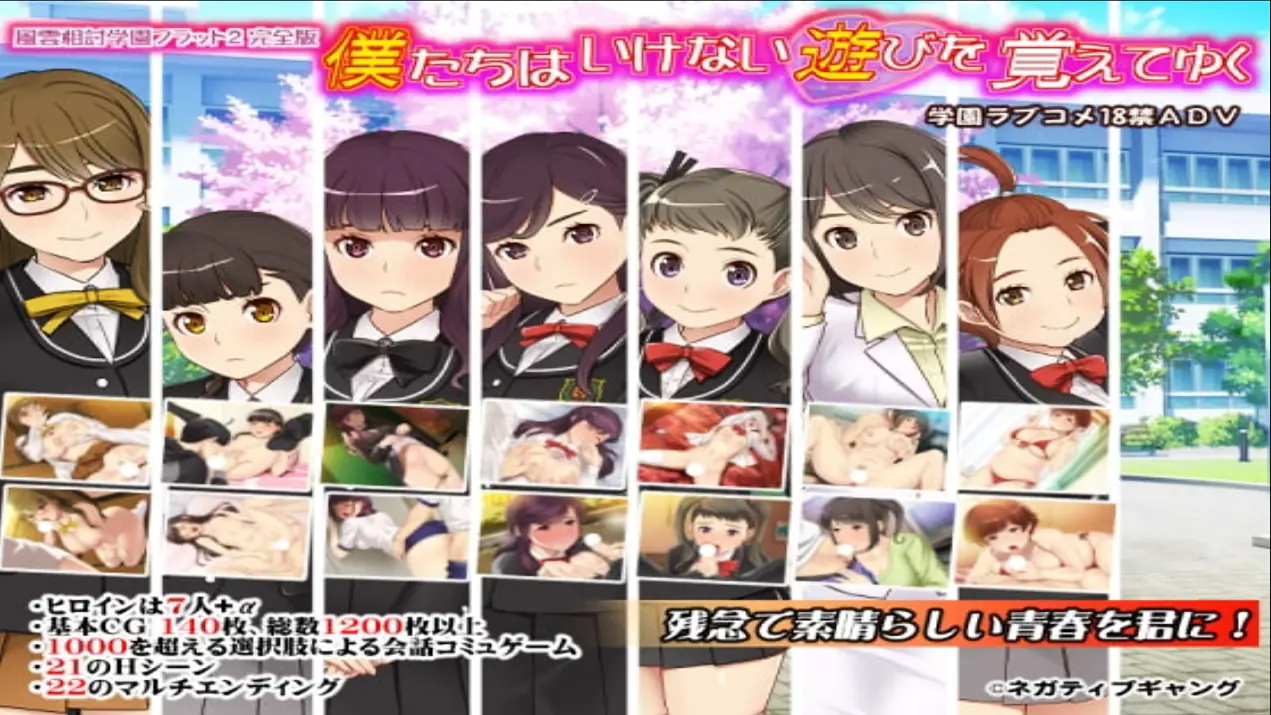
We learned to play naughty games -Fuun-Aiuchi Academy Flat 2 - Complete Edition
Finished v.Final
- Developer
- Negative Gang
- Release Date
- 9 August, 2020
- Engine
- Others
- Censorship
- Censored
- Size
- 1.41 GB
- Version
- Final
Genres
Game Description
Tomorrow is the long-awaited entrance ceremony.
But... my house burned down in a fire!
The story kicks off as I crash at my cousin's place.
Dive into a conversation-driven adventure with over 1,000 choices!
It’s mostly a rom-com, so don’t expect anything too intense.
Extract and run.
No patch notes available.
- Dual Core Pentium or equivalent Processor.
- Intel HD 2000 or equivalent Graphics.
- 1.41 GB of free disk space (Recommended to have twice as much free disk space).
We learned to play naughty games -Fuun-Aiuchi Academy Flat 2 - Complete Edition - Finished - v.Final Download Links
We learned to play naughty games -Fuun-Aiuchi Academy Flat 2 - Complete Edition is a porn game made on Others game engine.
The current available version is v.Final.
The contents of the game are Censored. We learned to play naughty games -Fuun-Aiuchi Academy Flat 2 - Complete Edition is developed by Negative Gang.
Please support the developer if you want continued development.
Download links are gathered from public sources. We do not host or modify contents.
Walkthrough and Guide
0.txt Hotfix: FILEKNOT - ANONZIP
Walkthrough: FILEKNOT - ANONZIP
Translator Notes:
Note: About the music... you have to turn up the BGM volume in the setting section, once you start the game, so there's no need to delete any file.
Also the translation was made with the UD デジタル or GrasiaCustom font(Mirror) in mind (this depends on the operating system you have, though). You can change the type of font by clicking in フォント in the top menu
And to fullscreen from the SET (setting) once you start the game or by clicking in 画面 in the main menu
Walkthrough: FILEKNOT - ANONZIP
Translator Notes:
Note: About the music... you have to turn up the BGM volume in the setting section, once you start the game, so there's no need to delete any file.
Also the translation was made with the UD デジタル or GrasiaCustom font(Mirror) in mind (this depends on the operating system you have, though). You can change the type of font by clicking in フォント in the top menu
And to fullscreen from the SET (setting) once you start the game or by clicking in 画面 in the main menu