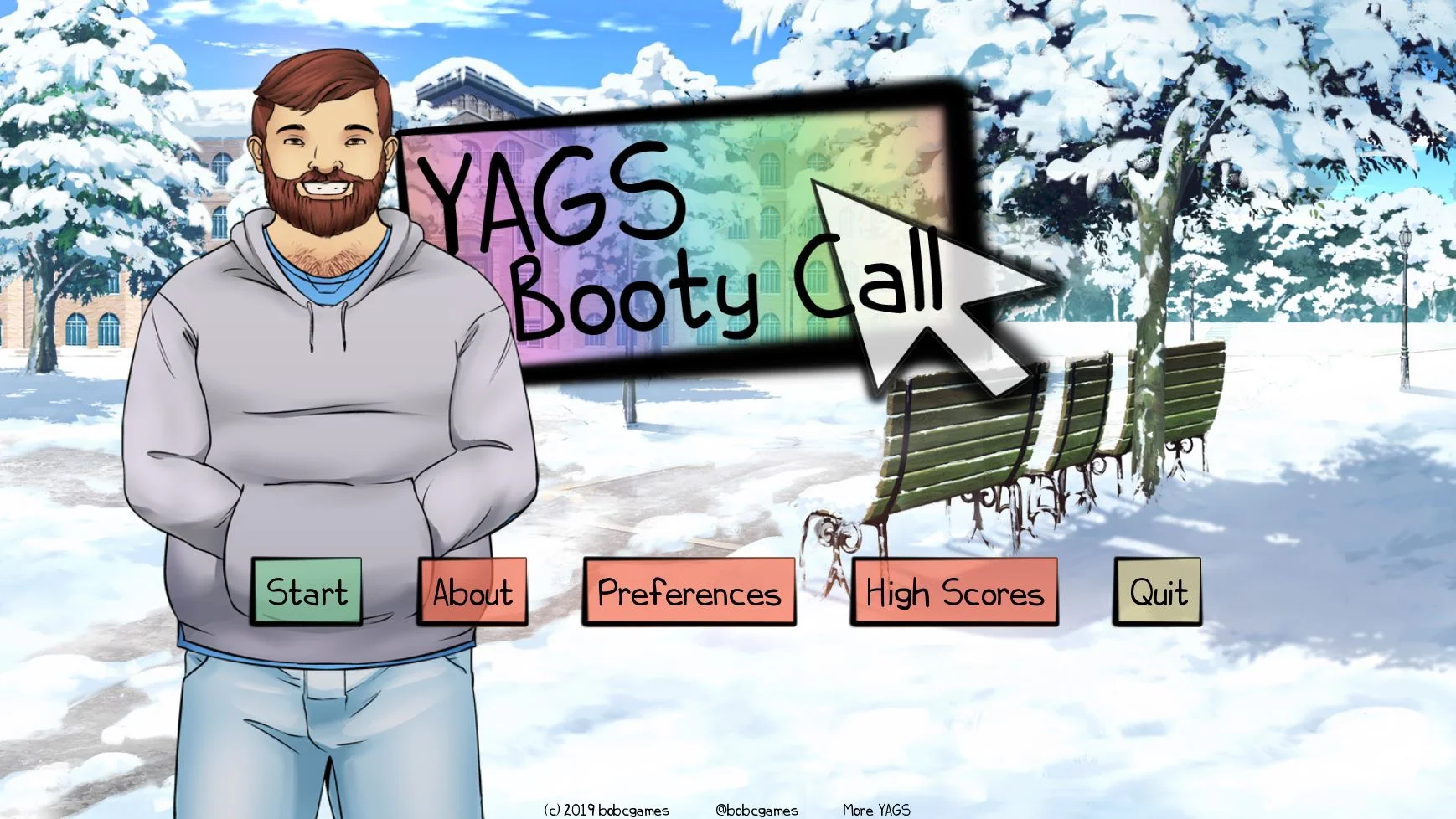
YAGS: Booty Call
Finished v.Final
- Developer
- Bob C Games
- Release Date
- 22 November, 2019
- Engine
- Ren'Py
- Censorship
- Uncensored
- Size
- 40.35 MB
- Version
- Final
Genres
Game Description
YAGS: Booty Call is a collection of short clicking (and dragging) minigames, based in the world of YAGS (Yearning: A Gay Story, if you really didn't know, you silly!). This game contains mild spoilers for YAGS, and it is recommended that you do not play this game until you have completed YAGS.
Note that this is not a visual novel.
Extract and run.
No patch notes available.
- Dual Core Pentium or equivalent Processor.
- Intel HD 2000 or equivalent Graphics.
- 40.35 MB of free disk space (Recommended to have twice as much free disk space).
YAGS: Booty Call - Finished - v.Final Download Links
YAGS: Booty Call is a porn game made on Ren'Py game engine.
The current available version is v.Final.
The contents of the game are Uncensored. YAGS: Booty Call is developed by Bob C Games.
Please support the developer if you want continued development.
Download links are gathered from public sources. We do not host or modify contents.
Walkthrough and Guide
Uncensor Patch Installation:
First, you'll need to download the game from links above.
Extract the archive.
Next, find the location where you extracted the game and navigate into the game directory. You should see something like this:
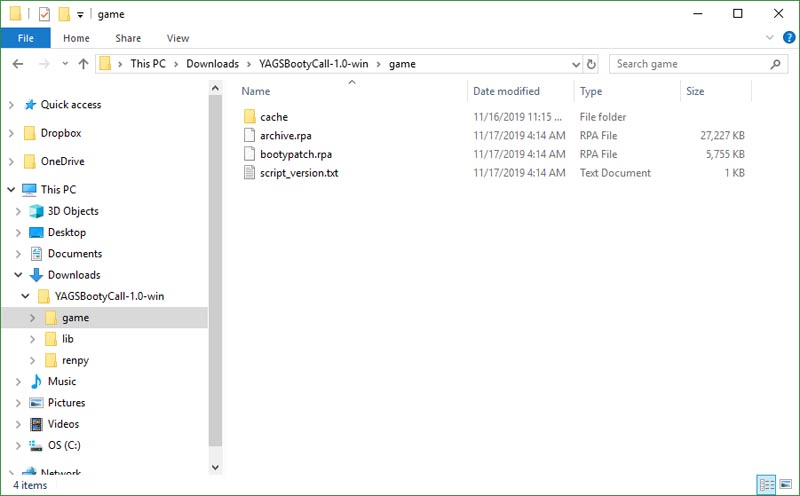
(On mac, right-click on the app and choose "Show Package Contents", then navigate into Contents\Resources\autorun\game.)
Download the uncensored bootypatch.rpa from links above.
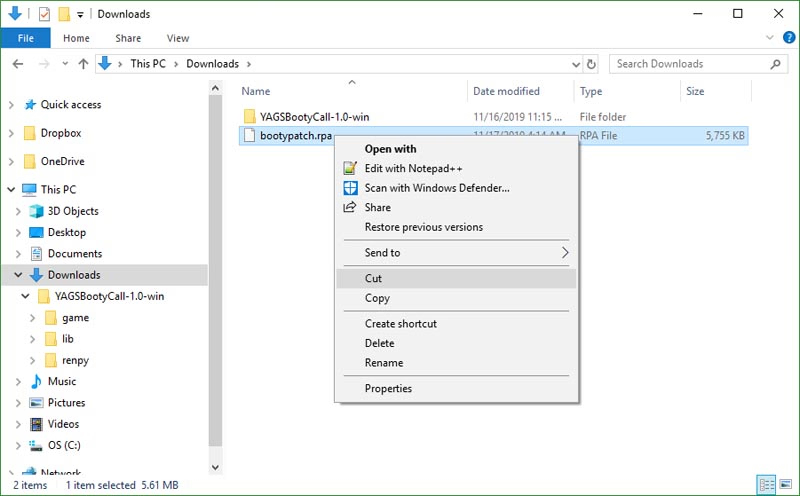
Find the downloaded file, and cut it. (Either right-click on it and choose "Cut", or highlight the file and hit Ctrl-X, or Command-X on a mac.)
Navigate back to the game directory, and paste the file. (Either right-click in the folder and choose "Paste" or hit Ctrl-V, or Command-V on a mac.)
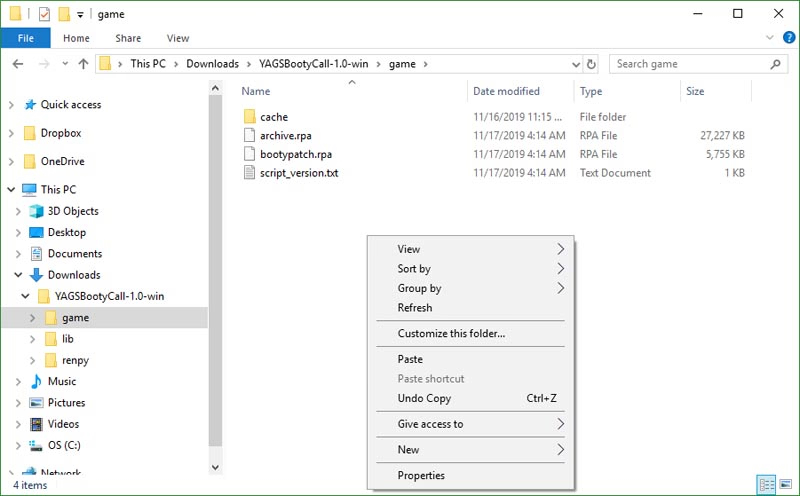
You should be prompted to replace the file like this:
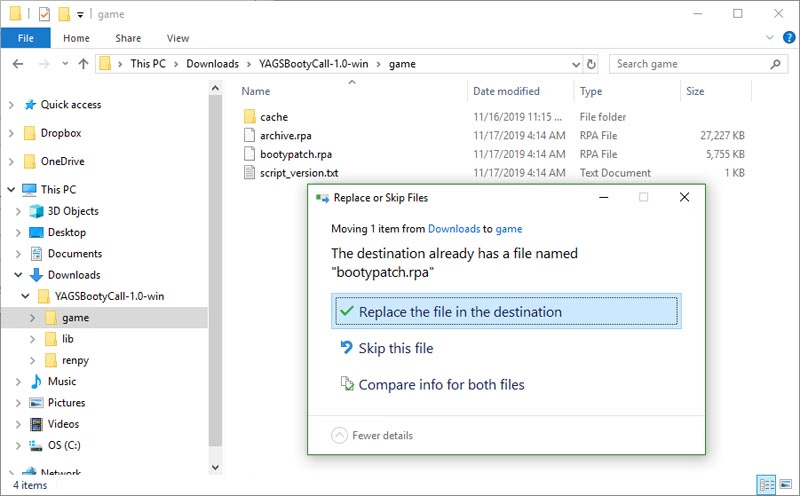
Replace the file and launch the game. You should now be able to play the game without censoring.
First, you'll need to download the game from links above.
Extract the archive.
Next, find the location where you extracted the game and navigate into the game directory. You should see something like this:
(On mac, right-click on the app and choose "Show Package Contents", then navigate into Contents\Resources\autorun\game.)
Download the uncensored bootypatch.rpa from links above.
Find the downloaded file, and cut it. (Either right-click on it and choose "Cut", or highlight the file and hit Ctrl-X, or Command-X on a mac.)
Navigate back to the game directory, and paste the file. (Either right-click in the folder and choose "Paste" or hit Ctrl-V, or Command-V on a mac.)
You should be prompted to replace the file like this:
Replace the file and launch the game. You should now be able to play the game without censoring.